All resources

Present your work

Mockups

Clean device, packaging, print, apparel and branding mockups designed to present work without visual clutter.

PSDFIG

Curated catalog

32 mockups entries

Mockups

Minimal Brand Stationery

PSD

A polished presentation mockup with organised smart-object placement and natural lighting.

Mockups

Phone Screen Mockup

FIG

A polished presentation mockup with organised smart-object placement and natural lighting.

Mockups

Desktop Website Mockup

PSD

A polished presentation mockup with organised smart-object placement and natural lighting.

Mockups

Poster Wall Mockup

FIG

A polished presentation mockup with organised smart-object placement and natural lighting.

Mockups

Album Cover Mockup

PSD

A polished presentation mockup with organised smart-object placement and natural lighting.

Mockups

Business Card Mockup

FIG

A polished presentation mockup with organised smart-object placement and natural lighting.

Mockups

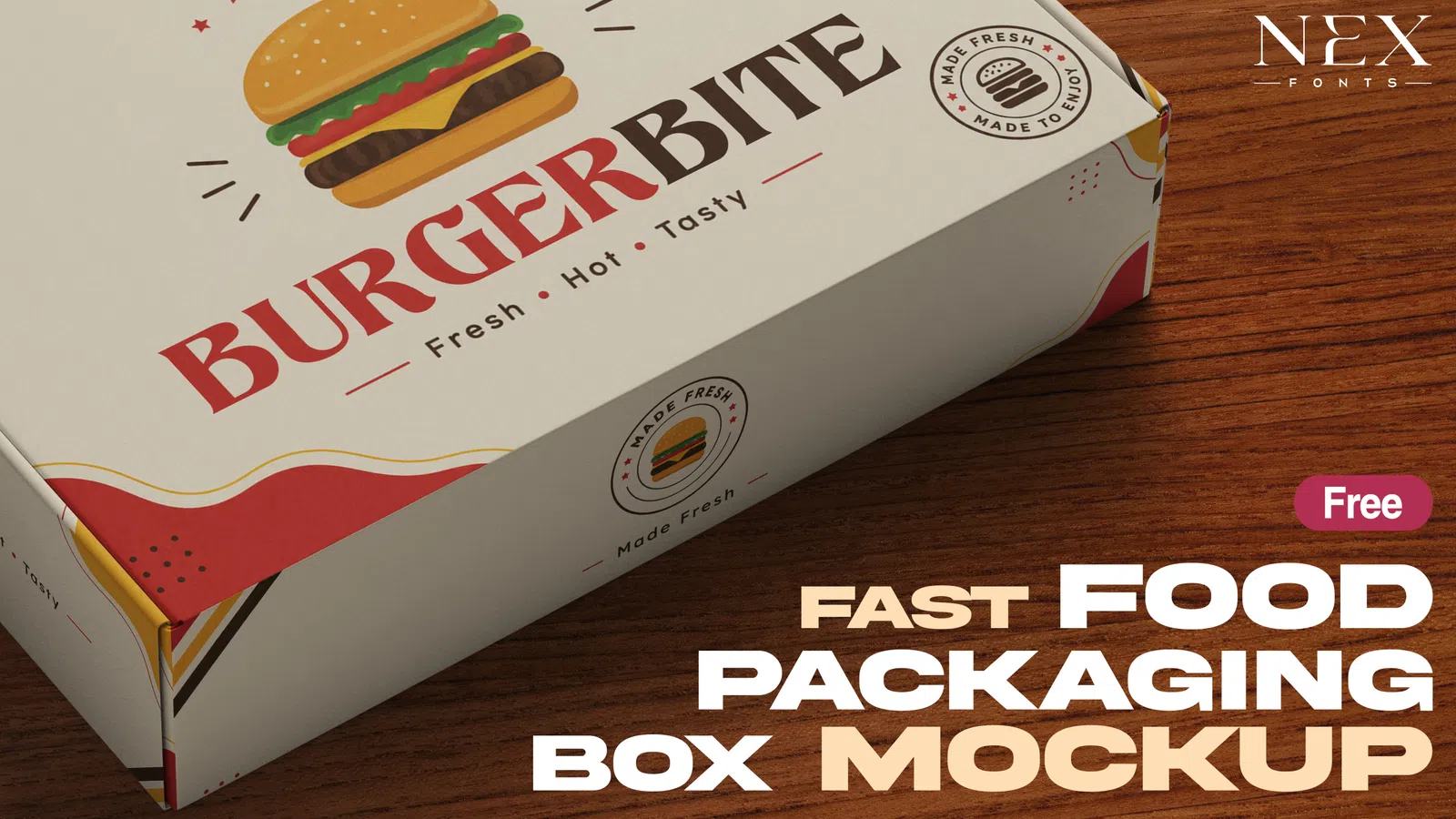
Packaging Box Mockup

PSD

A polished presentation mockup with organised smart-object placement and natural lighting.

Mockups

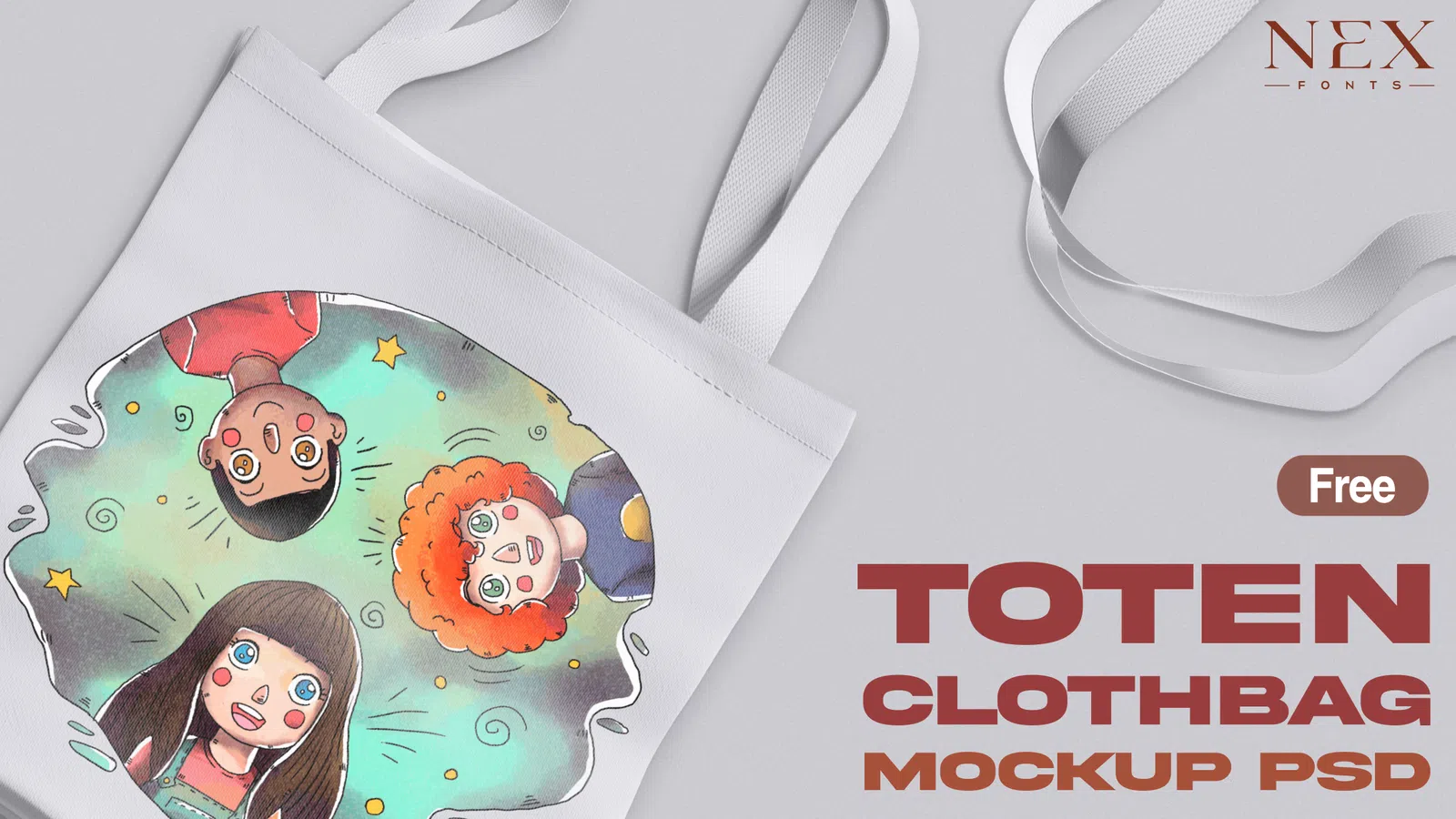
Tote Bag Mockup

FIG

A polished presentation mockup with organised smart-object placement and natural lighting.

Mockups

T-Shirt Front Mockup

PSD

A polished presentation mockup with organised smart-object placement and natural lighting.

Mockups

Magazine Spread Mockup

FIG

A polished presentation mockup with organised smart-object placement and natural lighting.

Mockups

Book Cover Mockup

PSD

A polished presentation mockup with organised smart-object placement and natural lighting.

Mockups

Coffee Cup Mockup

FIG

A polished presentation mockup with organised smart-object placement and natural lighting.

Mockups

Billboard Mockup

PSD

A polished presentation mockup with organised smart-object placement and natural lighting.

Mockups

Cosmetic Bottle Mockup

FIG

A polished presentation mockup with organised smart-object placement and natural lighting.

Mockups

Laptop Screen Mockup

PSD

A polished presentation mockup with organised smart-object placement and natural lighting.

Mockups

Social Post Mockup

FIG

A polished presentation mockup with organised smart-object placement and natural lighting.

Resource guide

Mockups that present design work without hiding it

Mockups help clients and audiences understand how a flat design could look on a device, package, poster, garment or printed object. A strong mockup supports the work with believable perspective, lighting and material detail while keeping the actual logo, interface or artwork easy to evaluate.

For portfolio and client presentation, use mockups selectively. Replace the Smart Object at full quality, match the scene to the project, and avoid adding so much dramatic lighting or depth-of-field that the design itself becomes difficult to judge. Clean, realistic presentation remains useful across branding, UI and packaging work.

Brand presentationsDevice mockupsPackaging previewsPoster mockupsApp screensPortfolio case studies

Practical workflow

  1. 1Open the PSD or supported source file and locate the replacement Smart Object or frame.
  2. 2Paste or place the design at full resolution and save the linked content.
  3. 3Check perspective, reflections, shadows and crop after the mockup updates.
  4. 4Export a presentation image while keeping the editable mockup source separate from client deliverables.

Guides for mockups

Use these practical guides before downloading, editing or using a resource in client and commercial work.

FAQ

Questions about mockups

How do Photoshop mockups usually work?

Most PSD mockups use Smart Objects. You open the labelled Smart Object, insert your design, save it and return to the main document where perspective, shadows and other scene effects update automatically.

Can I change the background of a mockup?

Many mockups include editable background, shadow or colour layers, but not all do. Check the layer structure before assuming every scene element is separate.

Why does my design look blurry in a mockup?

The inserted artwork may be too small or the Smart Object may be scaled beyond its intended resolution. Use a larger source design and avoid unnecessary rasterisation before placement.

Should a portfolio use many mockups?

Use enough to explain context, not enough to hide the actual work. Pair realistic mockups with clean flat views so viewers can judge both presentation and design detail.

Can I deliver the editable mockup PSD to a client?

Only when the mockup licence allows source-file redistribution. In many cases you can deliver exported presentation images but not the original editable mockup.

How do I choose the right mockup for a branding project?

Choose a scene that matches the real product or customer context and keeps the design easy to judge. A simple, believable mockup is usually more useful than a dramatic scene unrelated to the brand.

Should I show a flat design as well as a mockup?

Yes. Mockups add context, while flat artwork lets clients and portfolio viewers inspect typography, spacing and colour without perspective or lighting effects.

Check the individual file details and licence before starting client or commercial work.