Textures
Soft Paper Grain
A clean, high-resolution texture and overlay set prepared for layered design workflows.
Surface and atmosphere
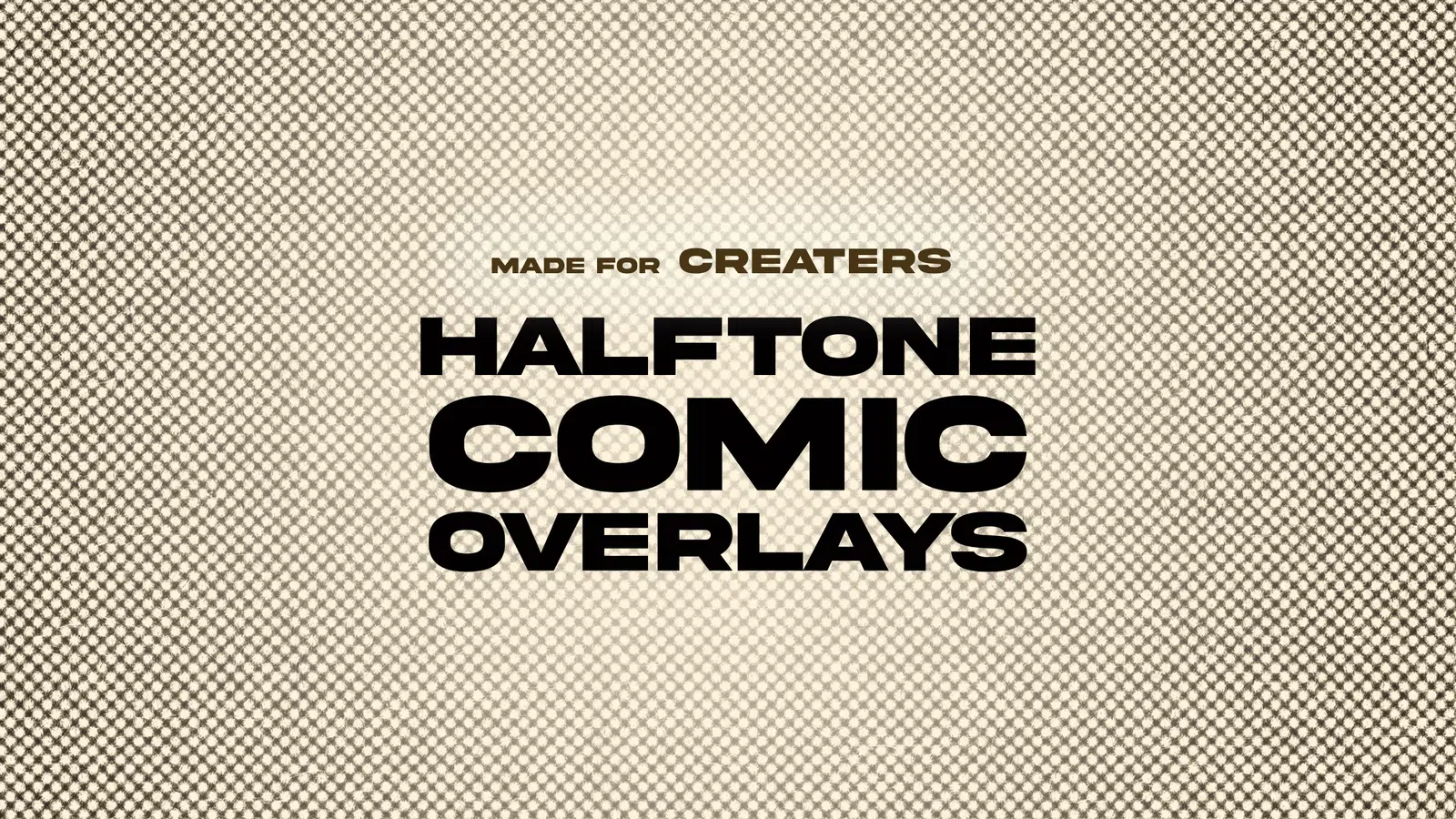
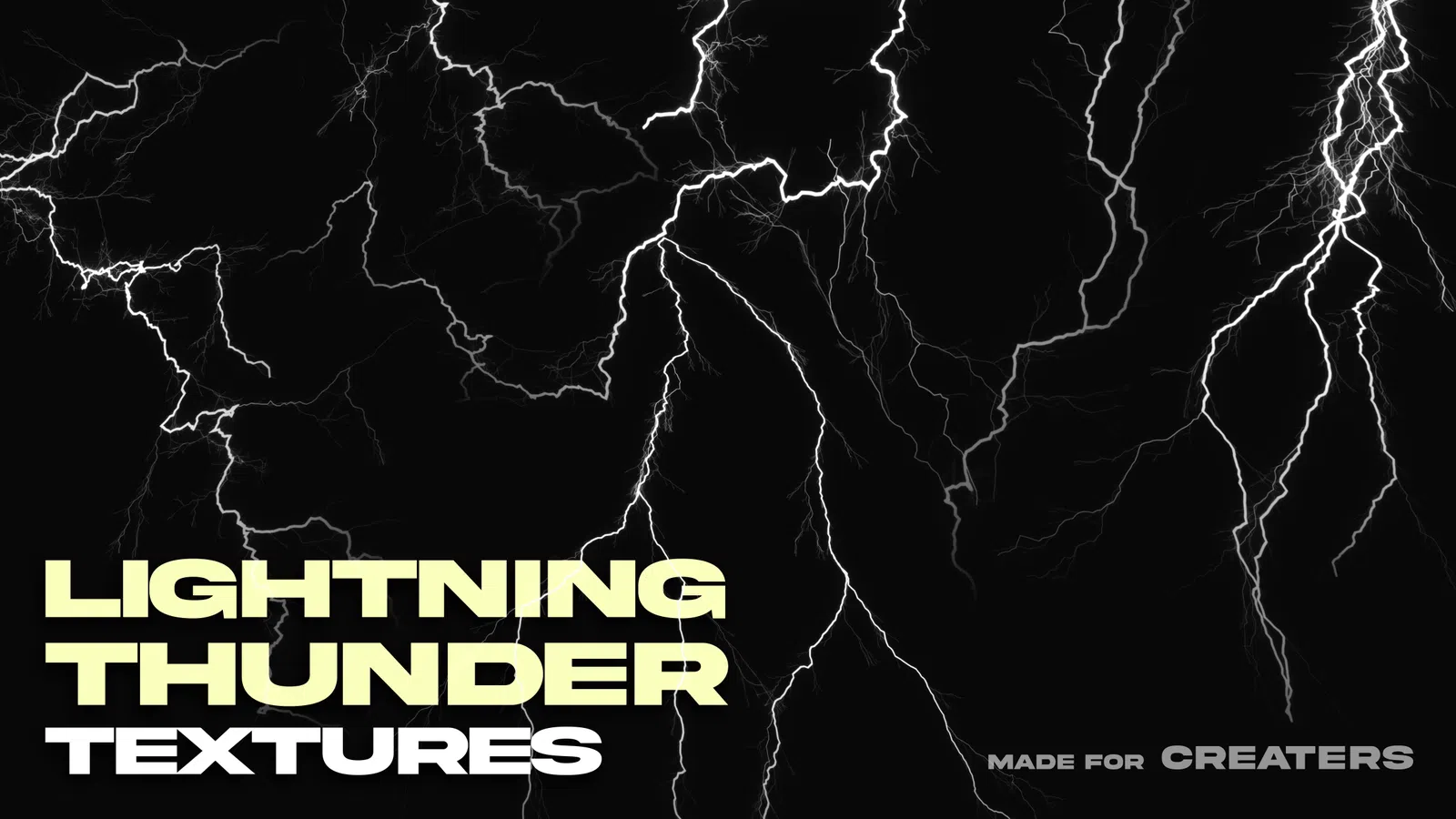
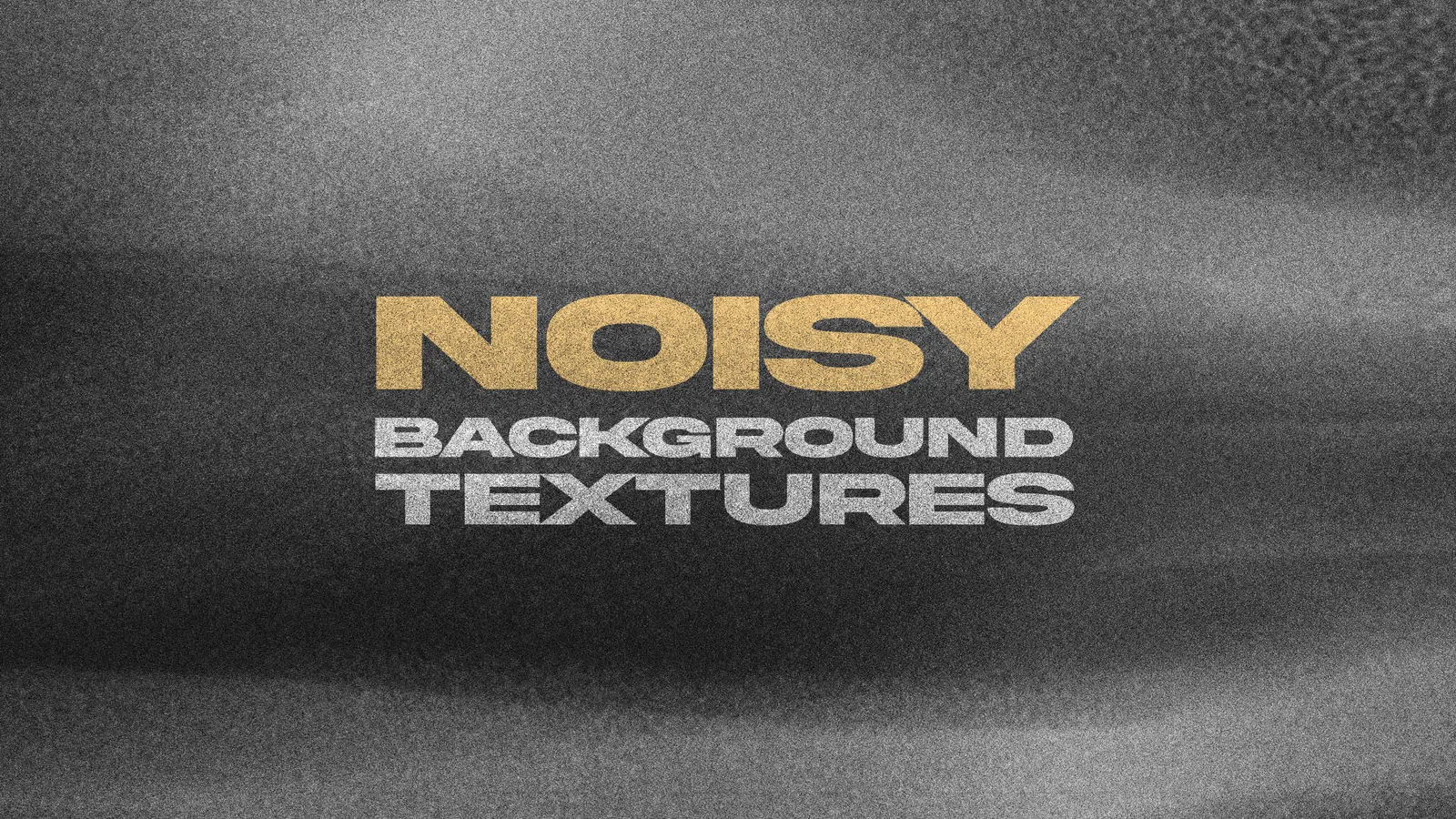
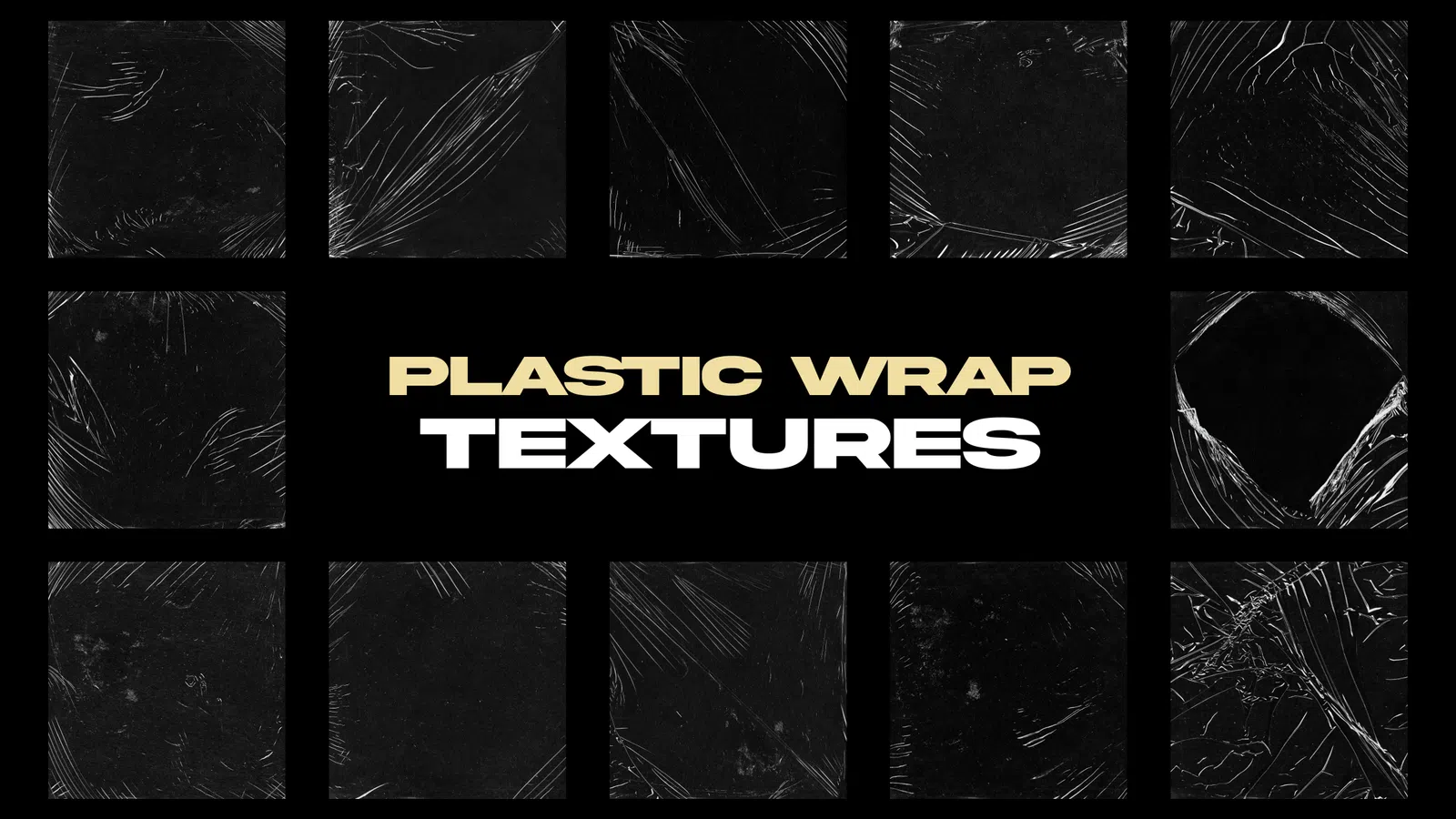
Layered paper, grain, dust, light, film and organic overlays for posters, covers, social artwork and photo compositing.
Curated catalog
Textures
A clean, high-resolution texture and overlay set prepared for layered design workflows.
Textures
A clean, high-resolution texture and overlay set prepared for layered design workflows.
Textures
A clean, high-resolution texture and overlay set prepared for layered design workflows.
Textures
A clean, high-resolution texture and overlay set prepared for layered design workflows.
Textures
A clean, high-resolution texture and overlay set prepared for layered design workflows.
Textures
A clean, high-resolution texture and overlay set prepared for layered design workflows.
Textures
A clean, high-resolution texture and overlay set prepared for layered design workflows.
Textures
A clean, high-resolution texture and overlay set prepared for layered design workflows.
Textures
A clean, high-resolution texture and overlay set prepared for layered design workflows.
Textures
A clean, high-resolution texture and overlay set prepared for layered design workflows.
Textures
A clean, high-resolution texture and overlay set prepared for layered design workflows.
Textures
A clean, high-resolution texture and overlay set prepared for layered design workflows.
Textures
A clean, high-resolution texture and overlay set prepared for layered design workflows.
Textures
A clean, high-resolution texture and overlay set prepared for layered design workflows.
Textures
A clean, high-resolution texture and overlay set prepared for layered design workflows.
Textures
A clean, high-resolution texture and overlay set prepared for layered design workflows.
Resource guide
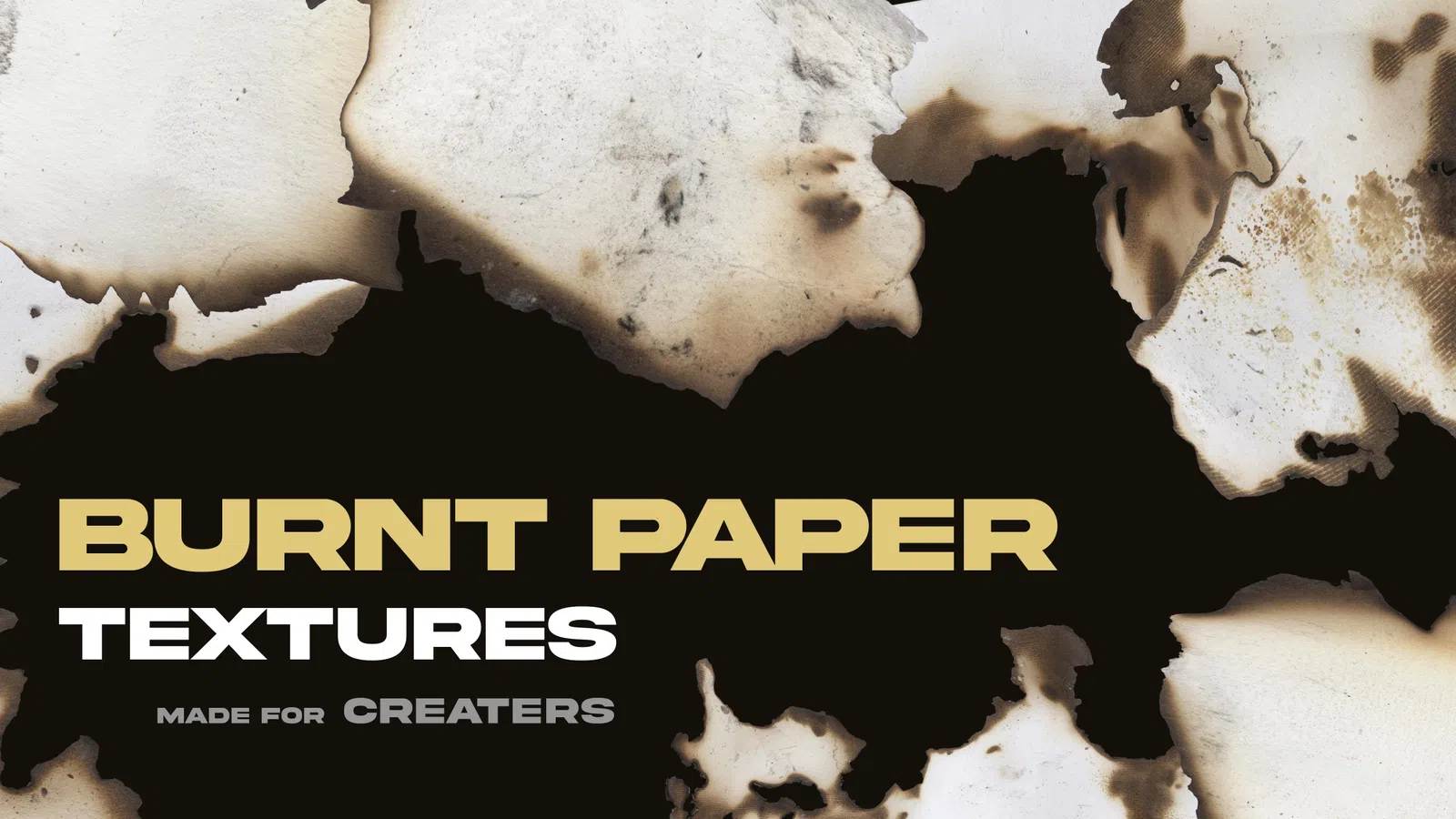
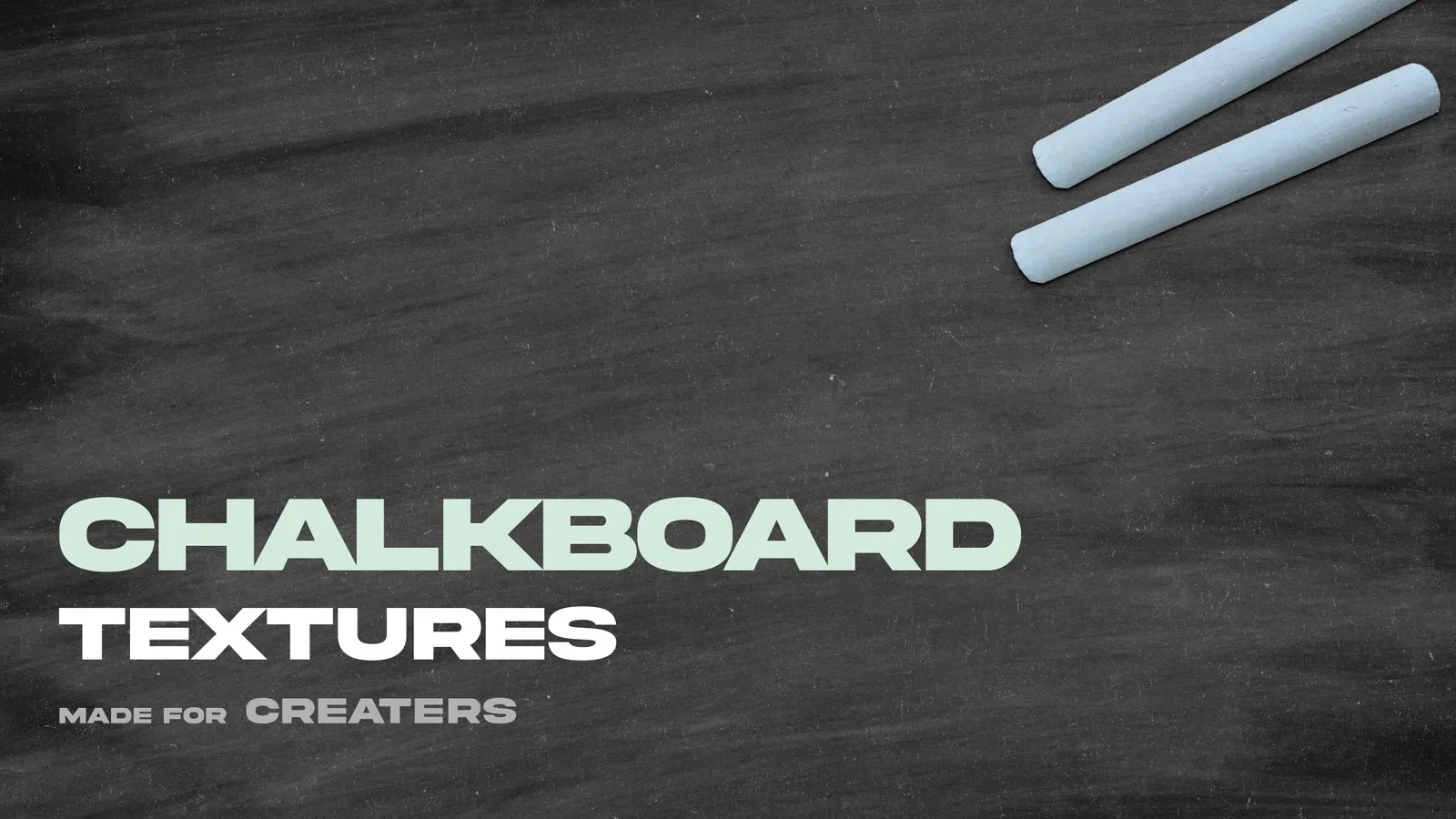
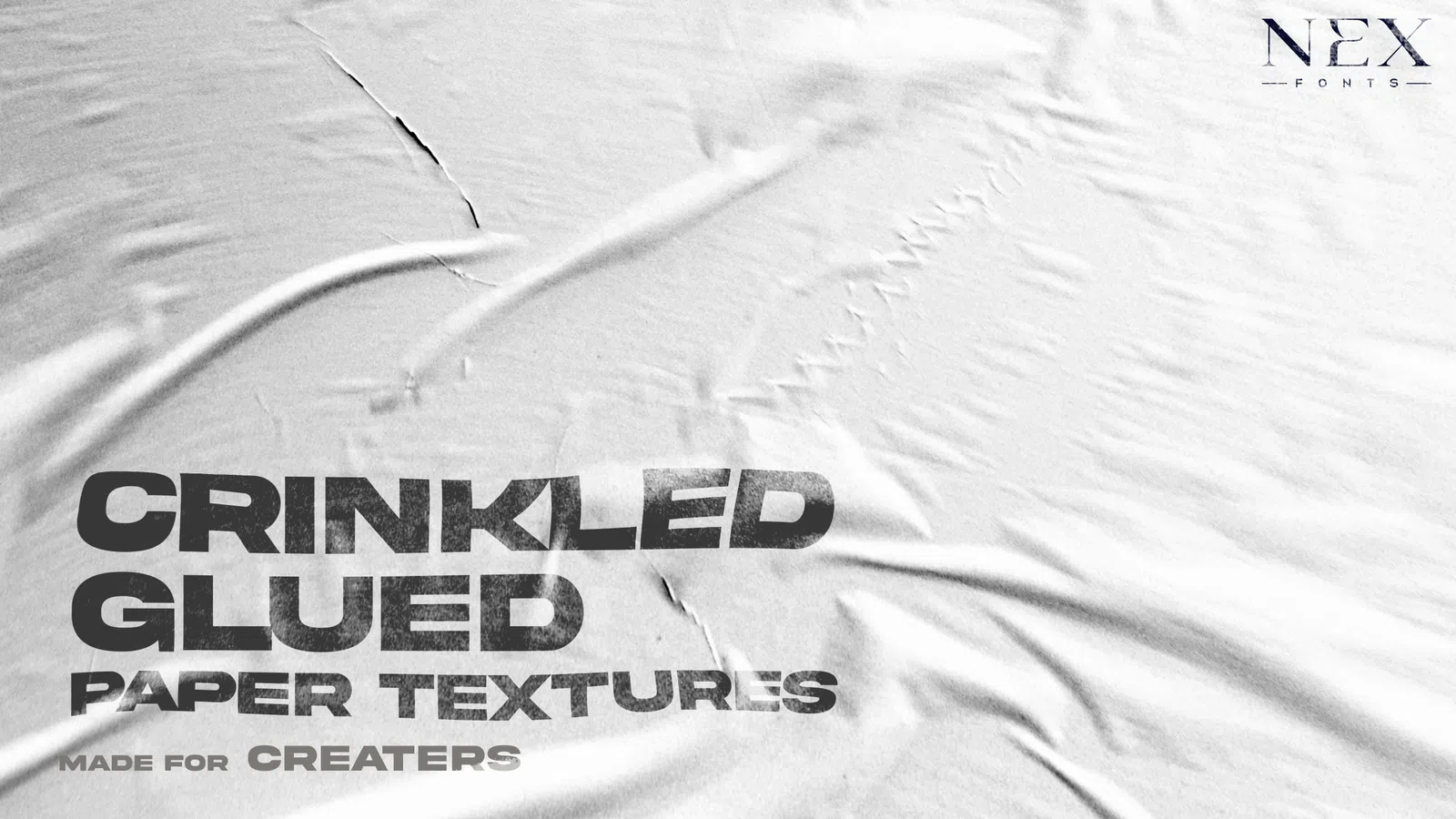
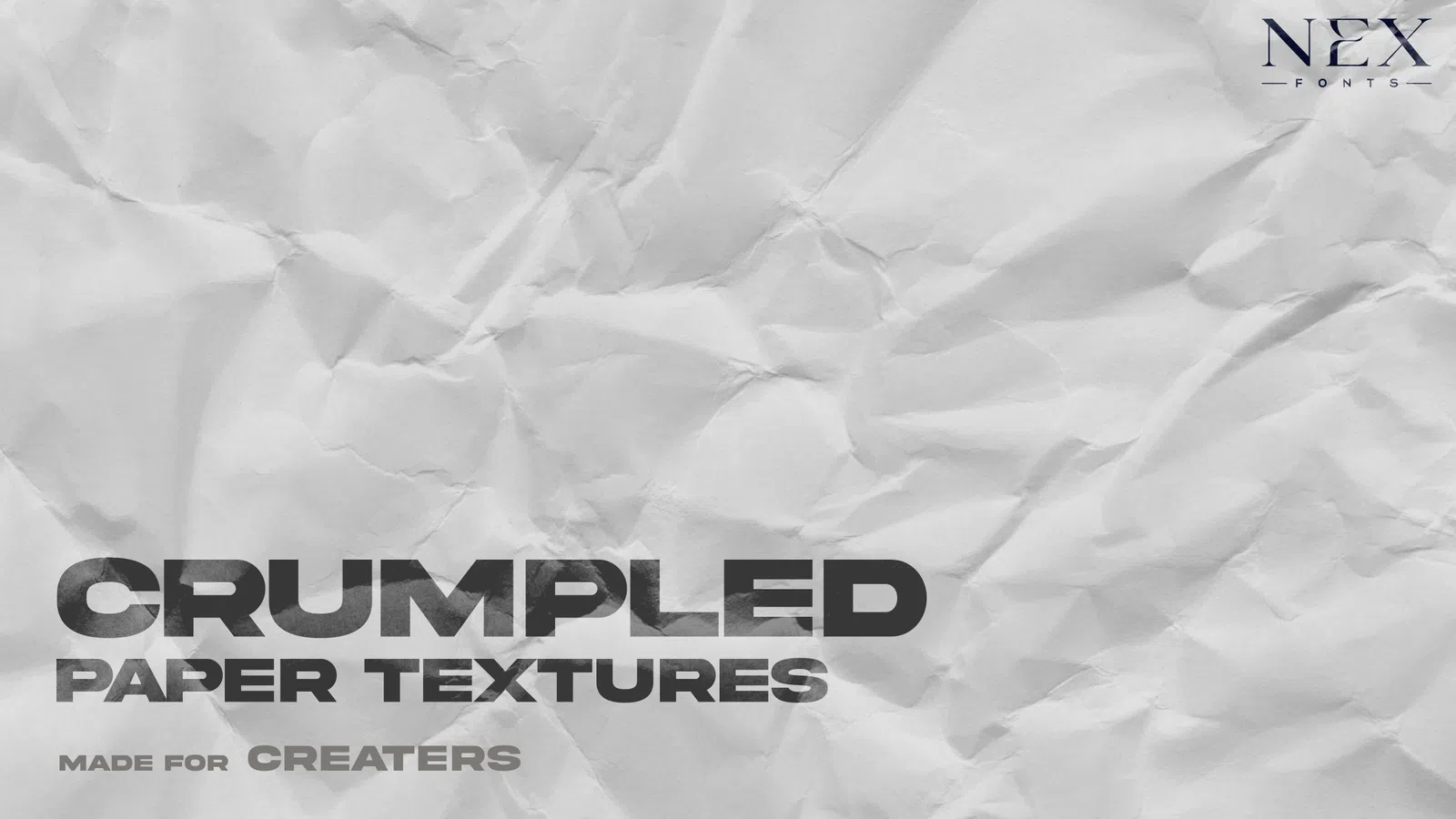
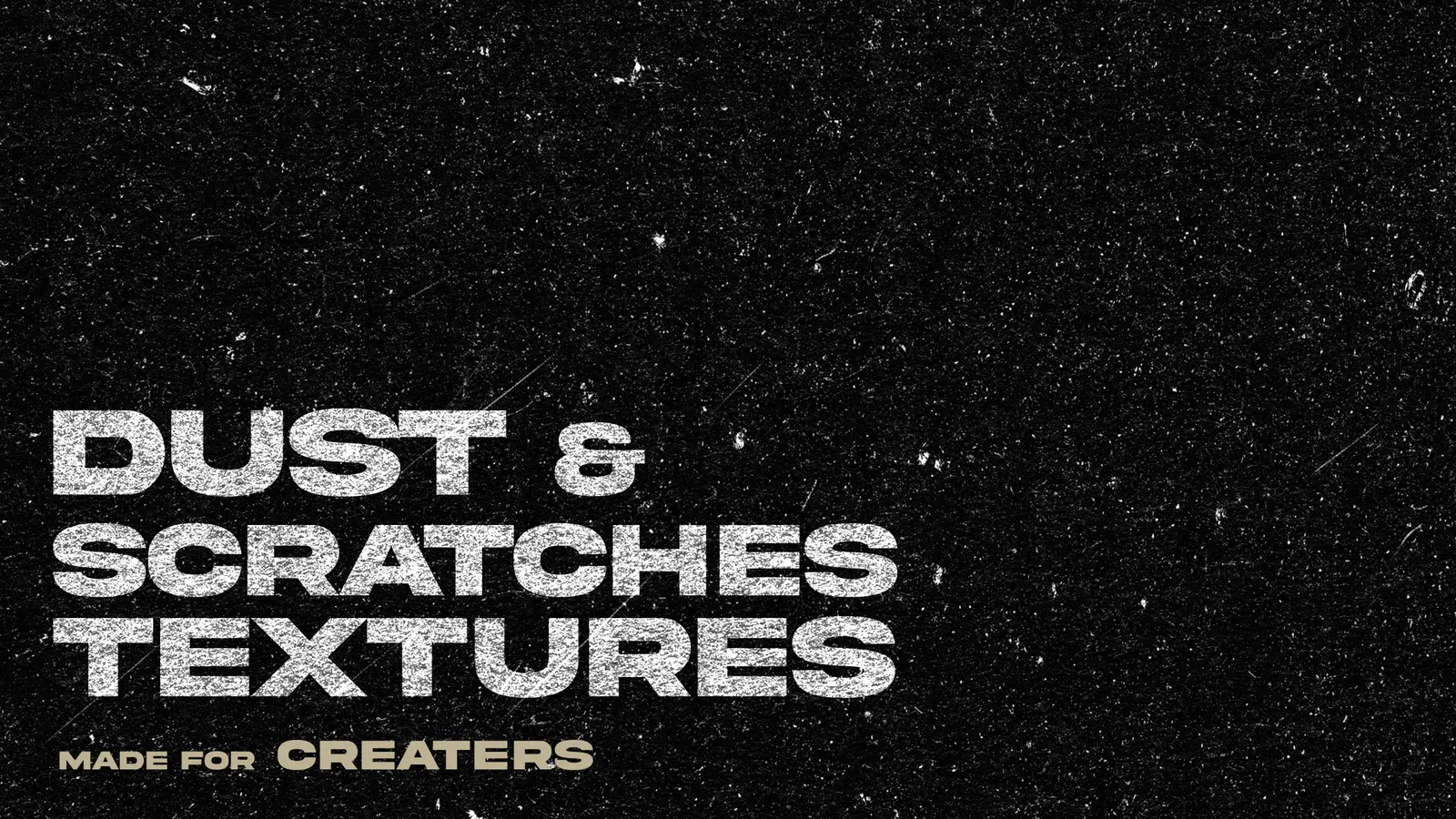
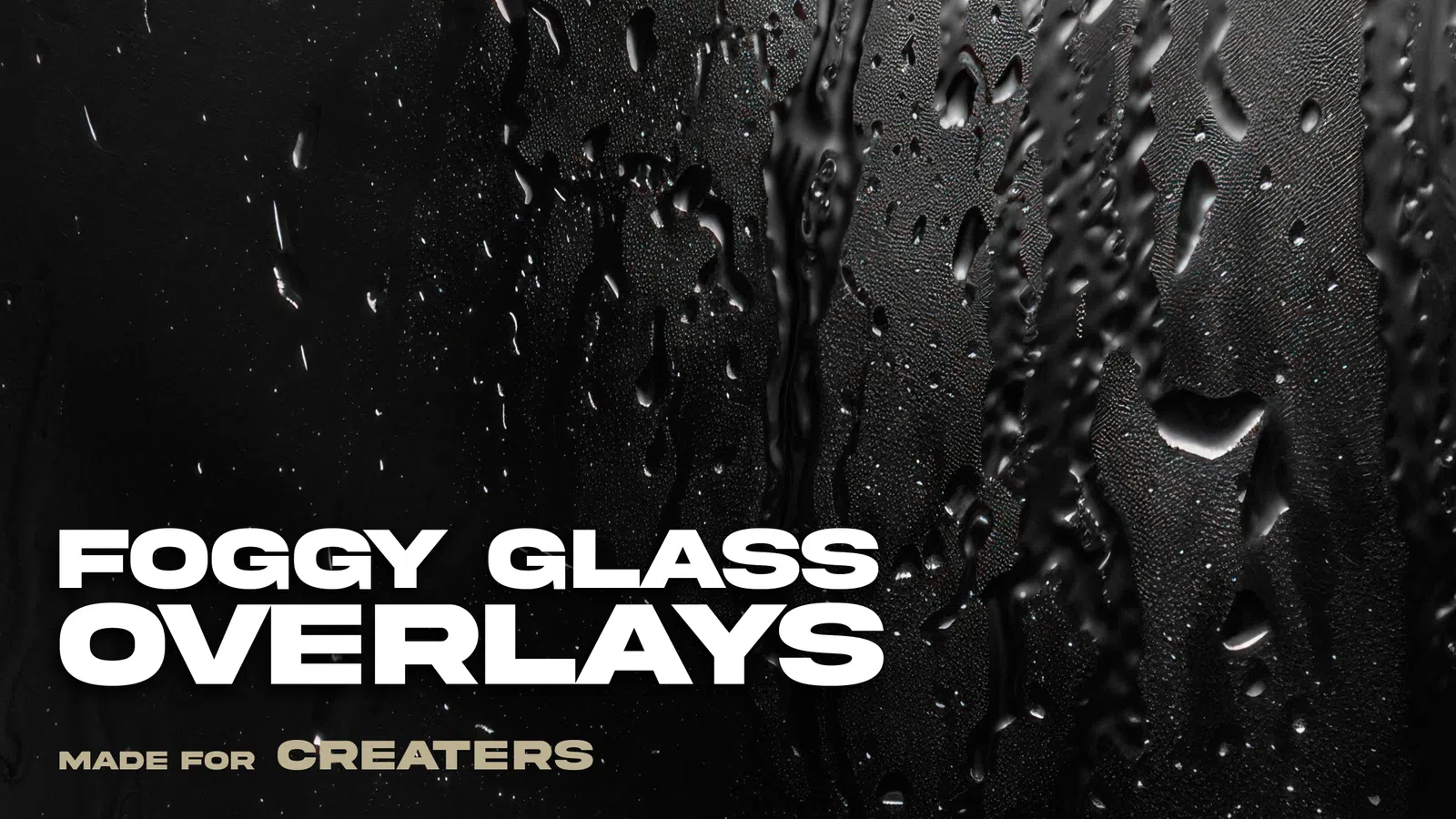
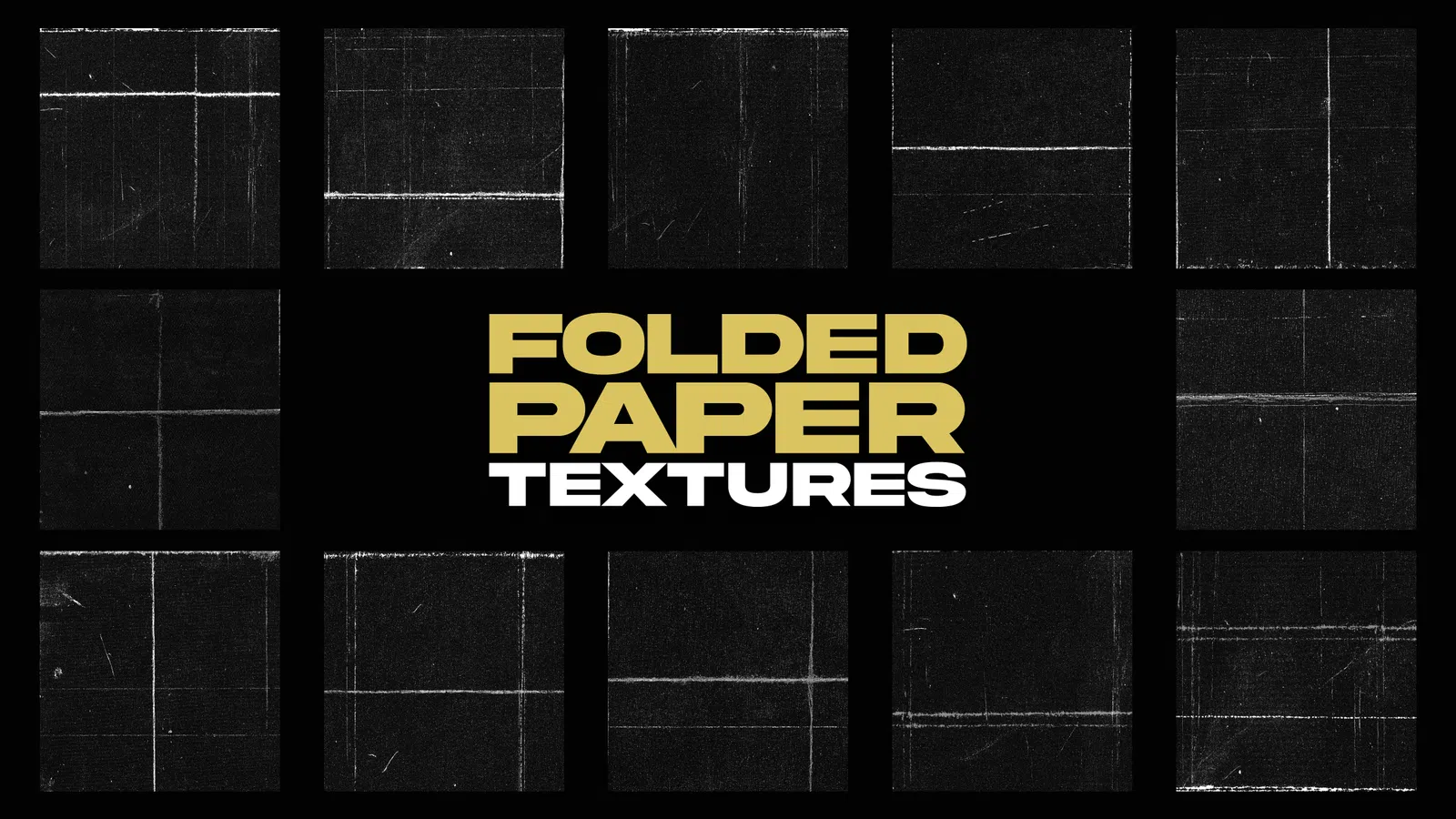
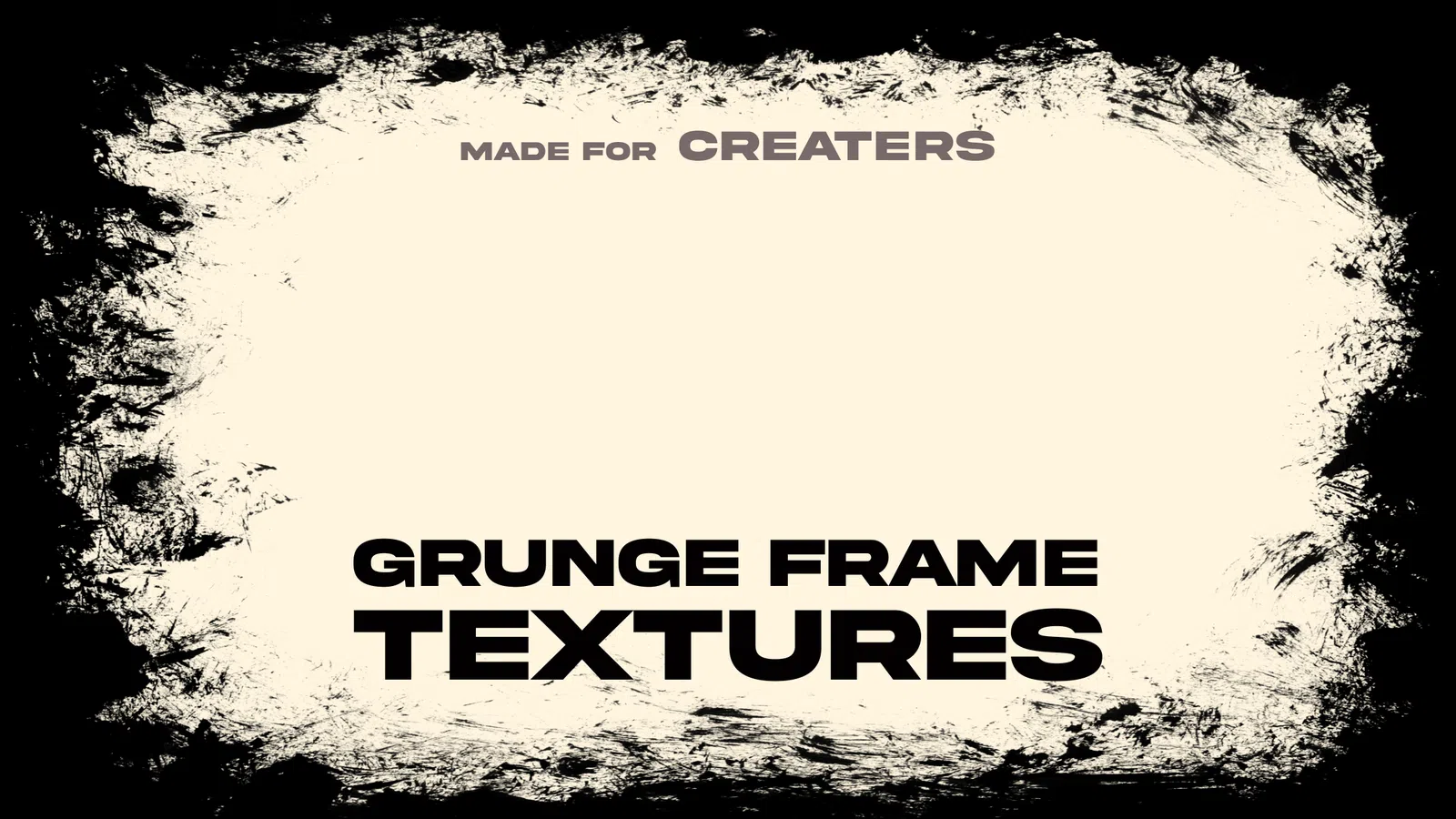
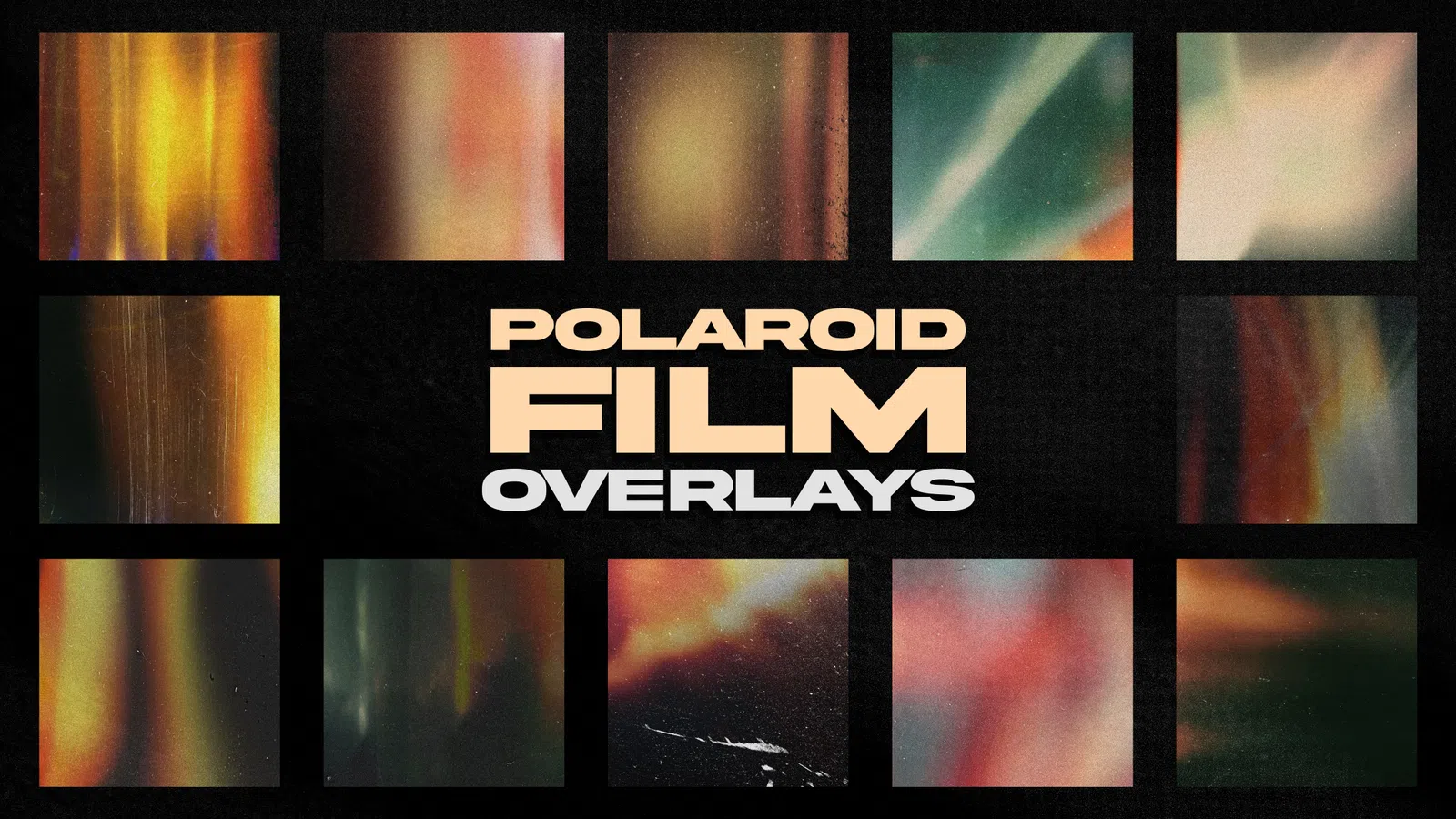
Texture overlays add believable surface detail to clean digital artwork without forcing you to rebuild the design. Paper grain, film dust, scratches, folds, photocopy noise and subtle light leaks can make posters, album covers, social graphics and brand visuals feel more physical and intentional.
For a modern workflow, start with one high-resolution texture, choose a blend mode that fits the source image, then lower opacity until the detail supports the composition. The strongest results usually preserve clean faces, small type and logos while letting texture live in backgrounds, shadows and larger display lettering.
Practical workflow
Use these practical guides before downloading, editing or using a resource in client and commercial work.
FAQ
Multiply is a useful starting point for dark paper, grain and print textures; Screen is useful for light leaks, dust and bright overlays; Overlay and Soft Light can add contrast more gently. The best mode depends on the texture and the artwork underneath.
Yes. Full-frame grain, paper and film textures are often supplied as JPG files and combined with blend modes. PNG is more useful when the overlay needs transparent edges or isolated dust, scratches or light shapes.
Use a file large enough to cover the final print canvas at the intended output resolution without obvious upscaling. Check pixel dimensions before committing to a large poster, packaging or high-resolution export.
Yes, but keep the hierarchy controlled. Two complementary layers with deliberate masking usually look cleaner than many strong overlays competing with the subject and typography.
Only when the licence for the specific resource permits the intended commercial use. Keep the licence or readme with the project and do not redistribute the original source files unless that is explicitly allowed.
Rotate, scale and mask the texture to fit the composition, then adjust contrast and opacity. Combining one subtle texture with project-specific colour and typography usually feels more intentional than stacking several strong effects.
Usually keep important small text and logos cleaner. Mask heavy grain away from critical details, or place the texture below type when legibility matters more than a distressed finish.
Check the individual file details and licence before starting client or commercial work.