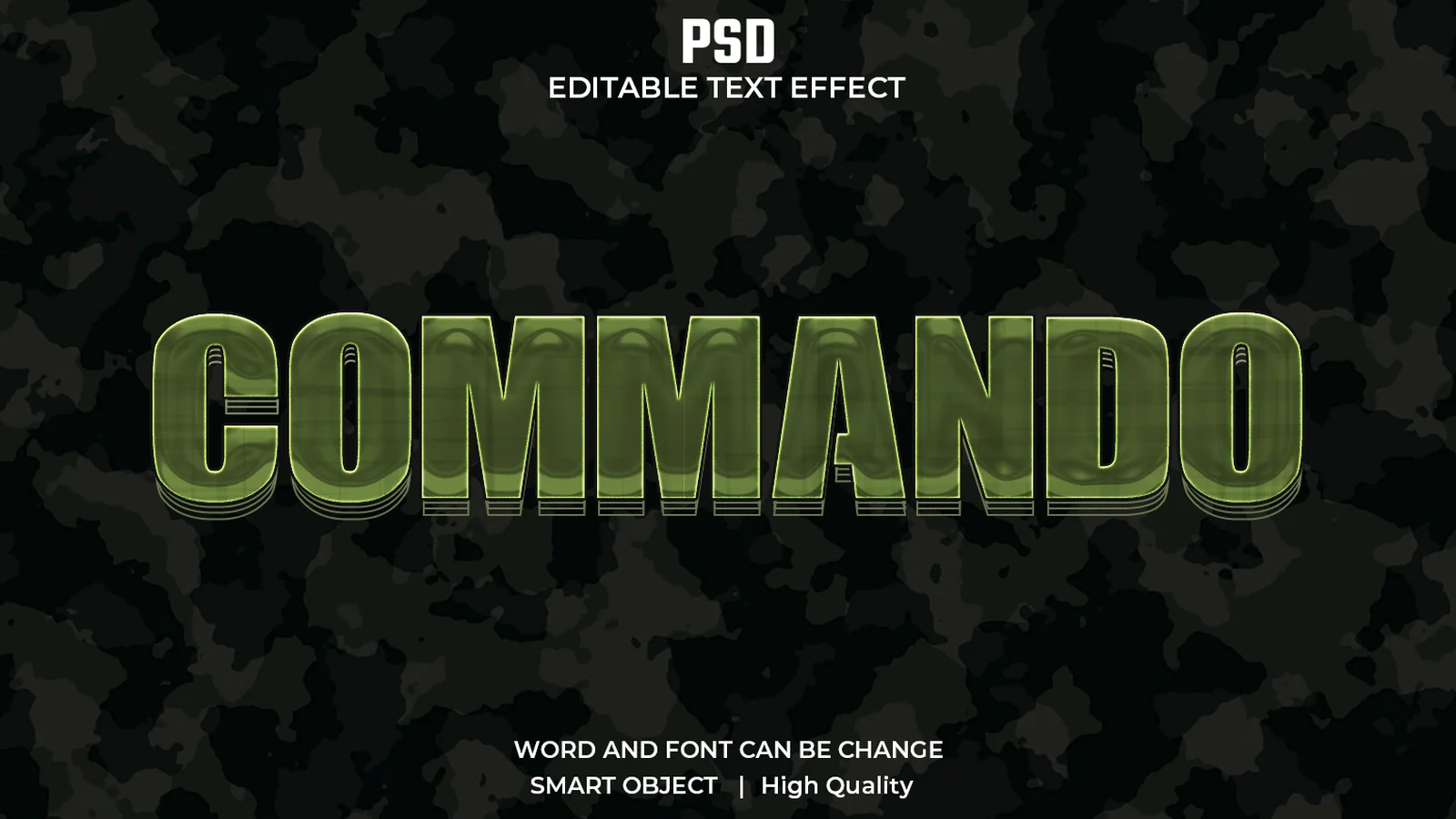
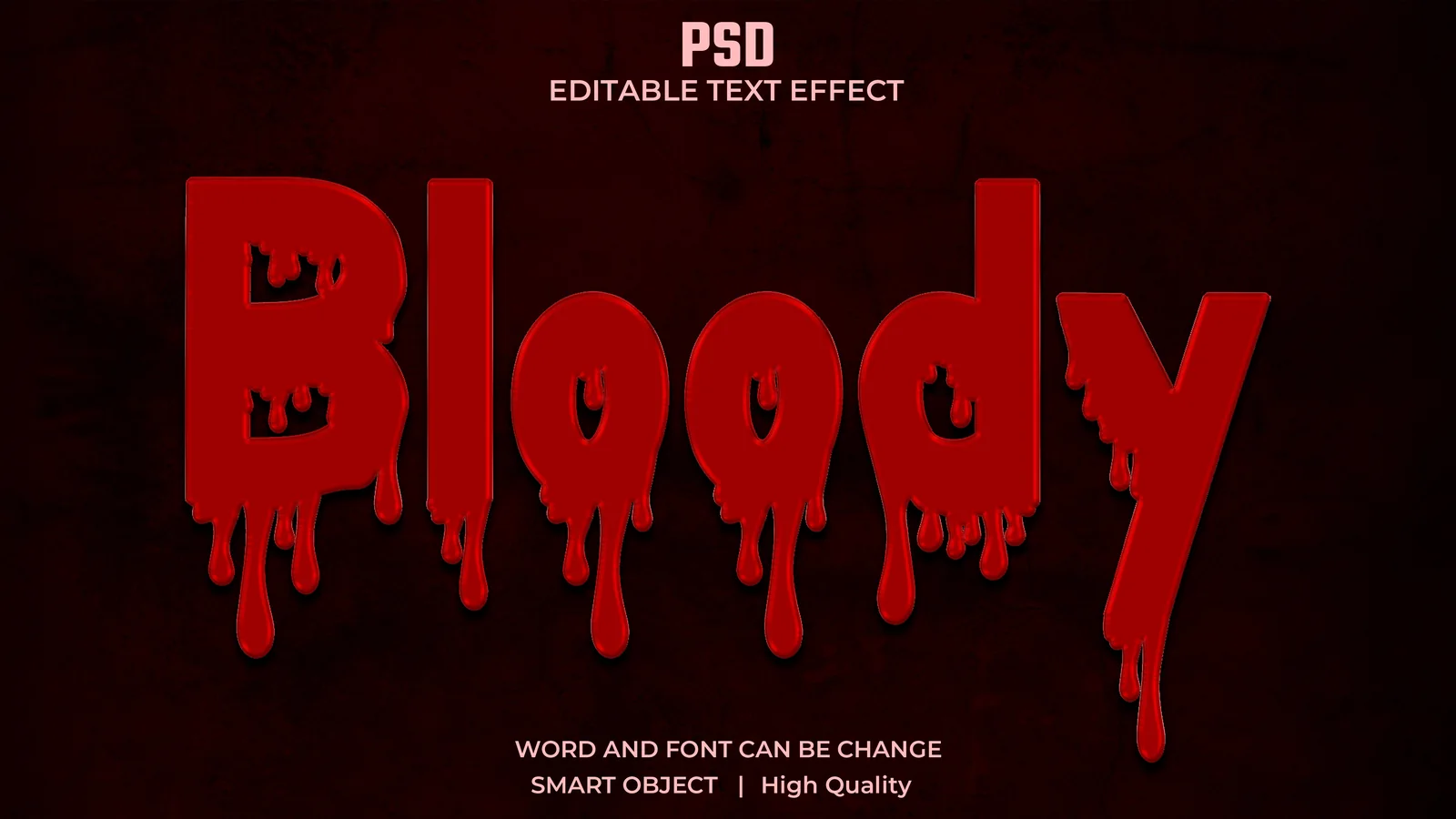
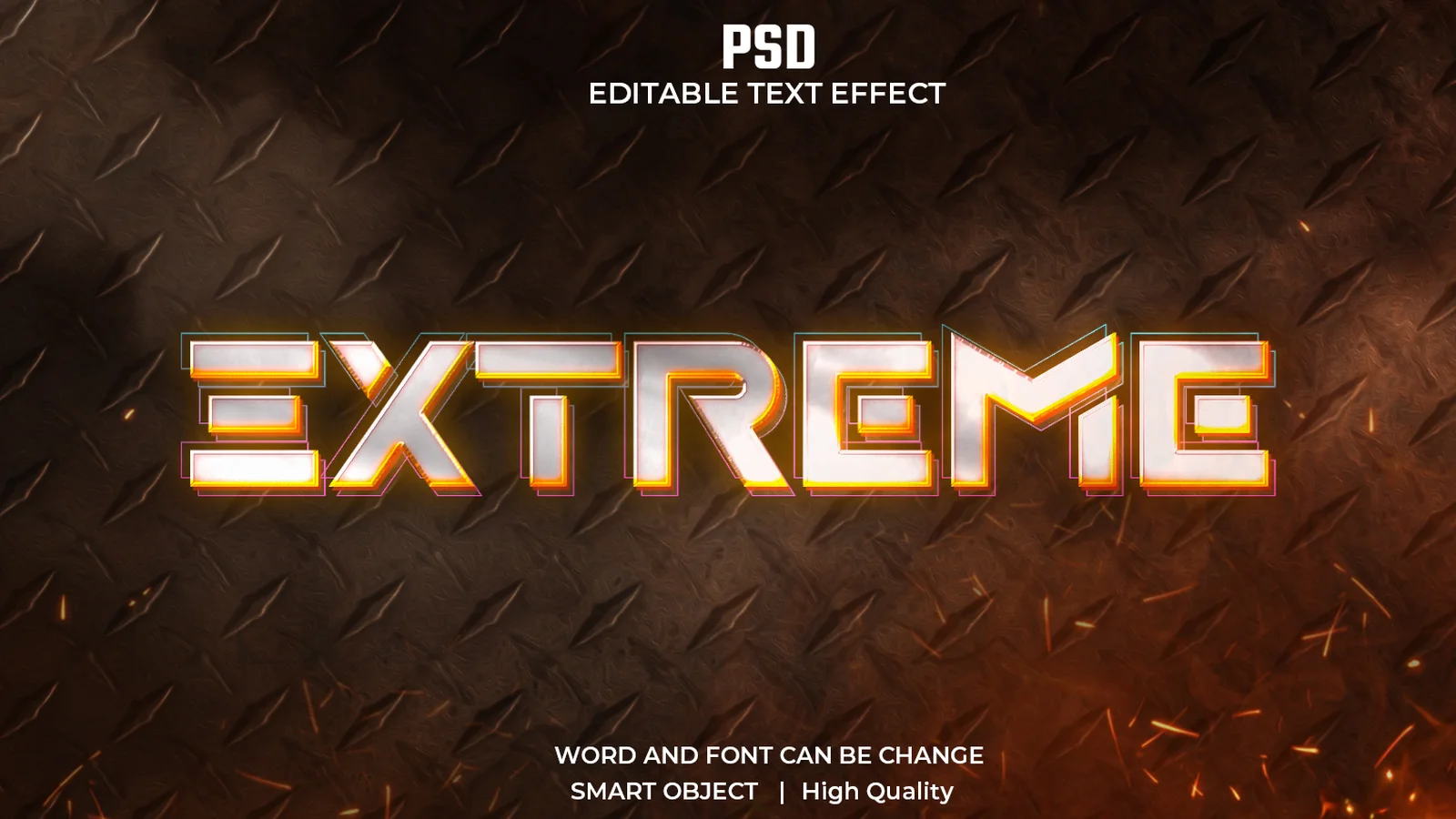
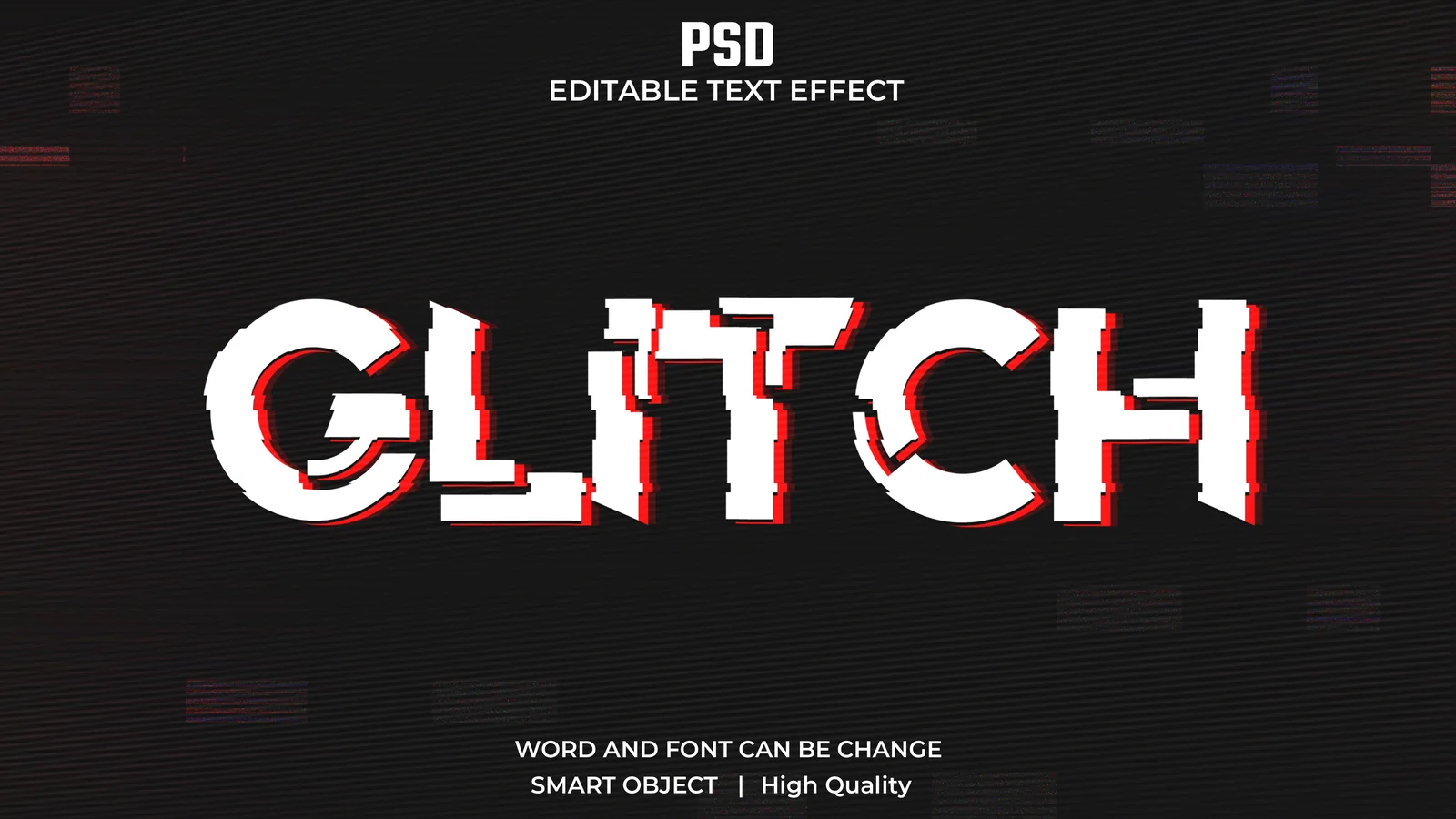
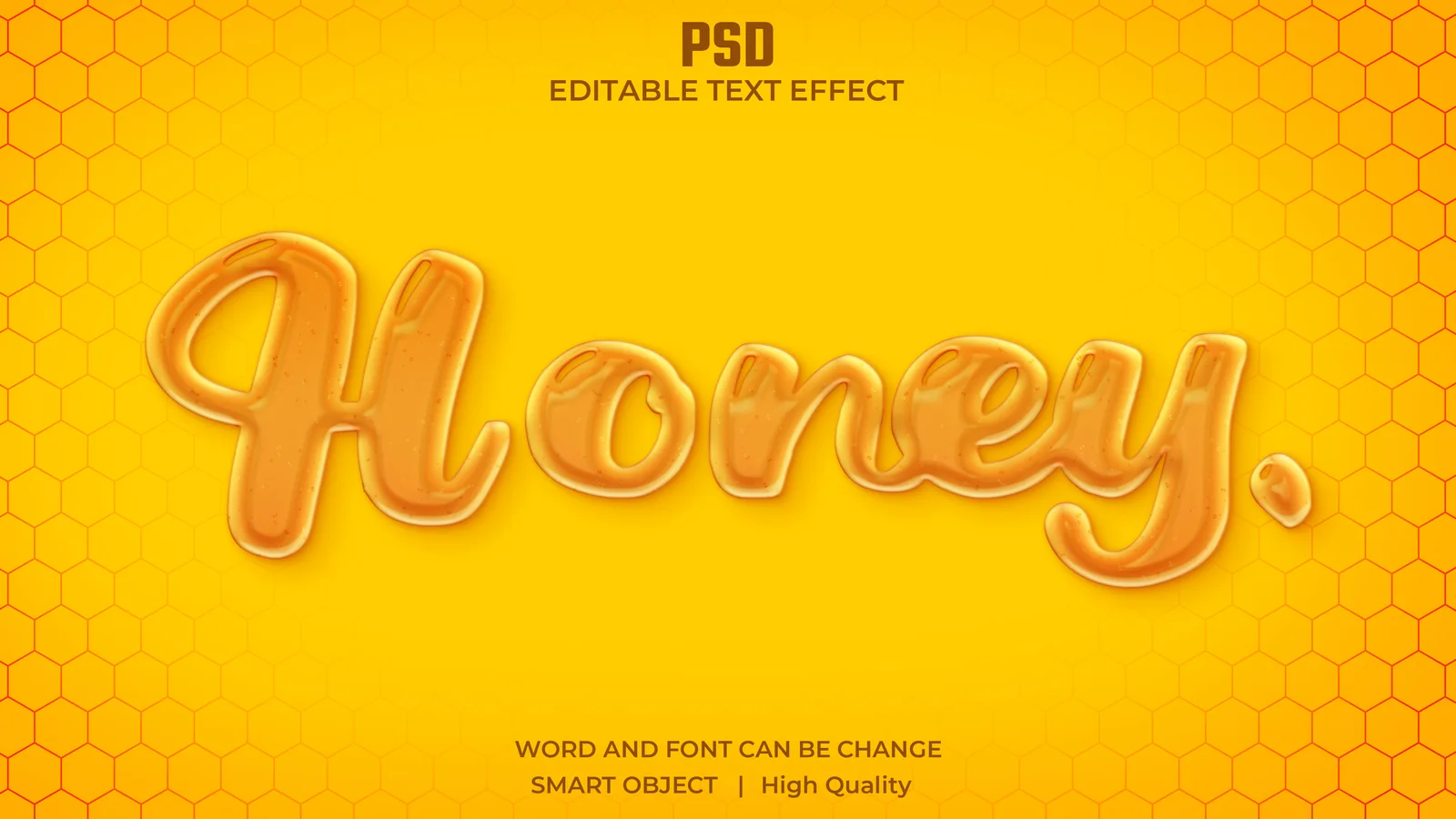
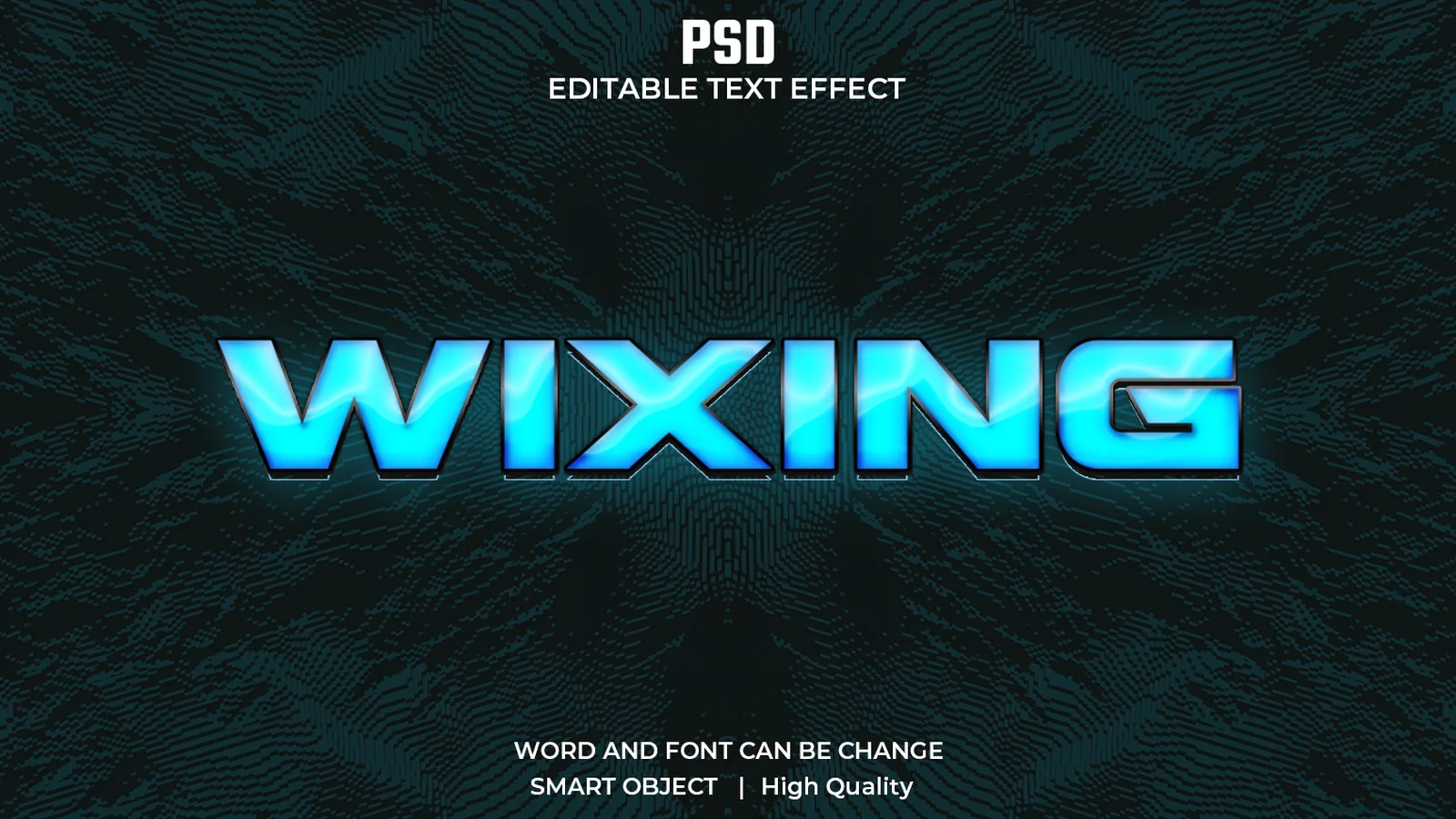
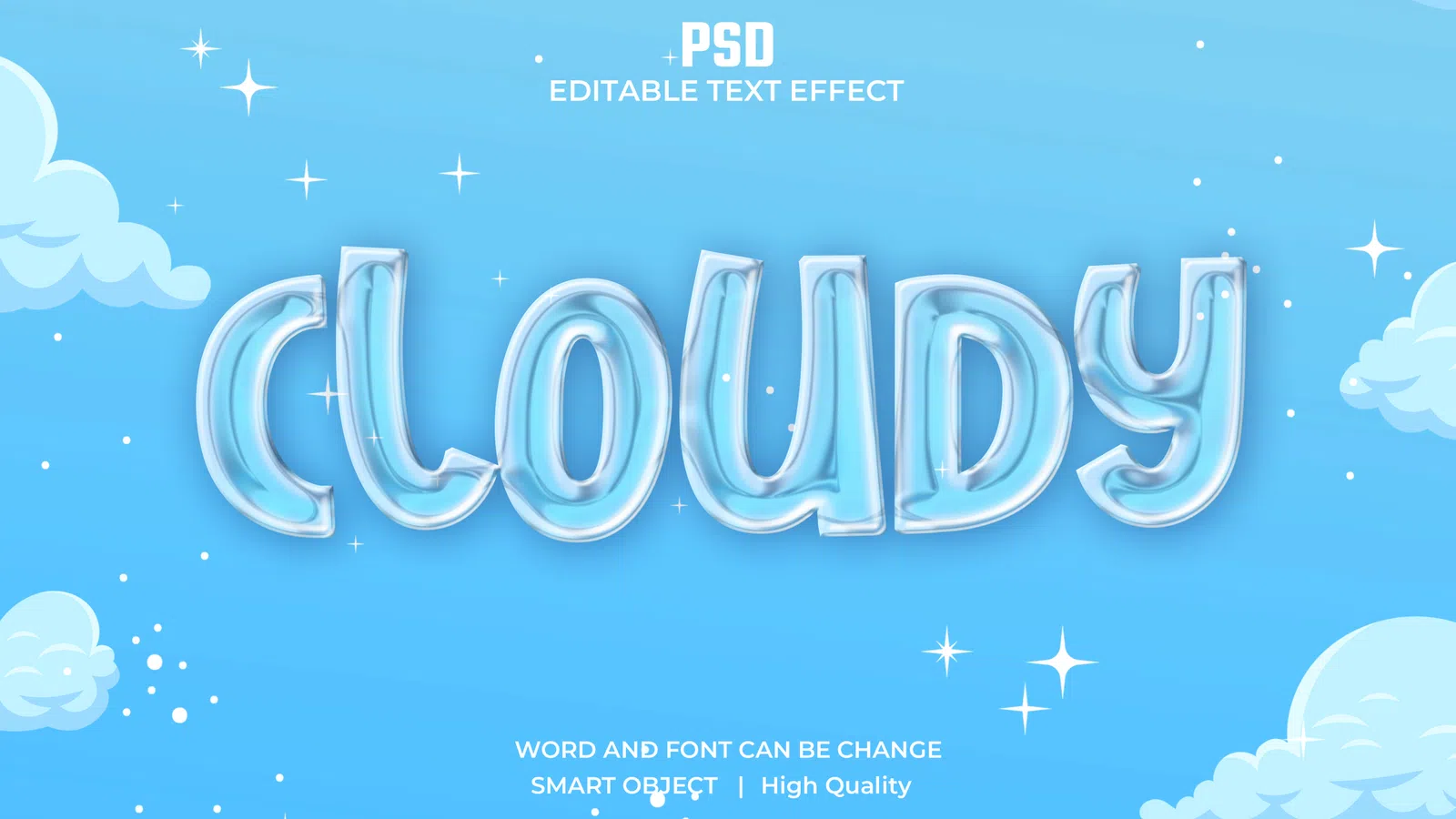
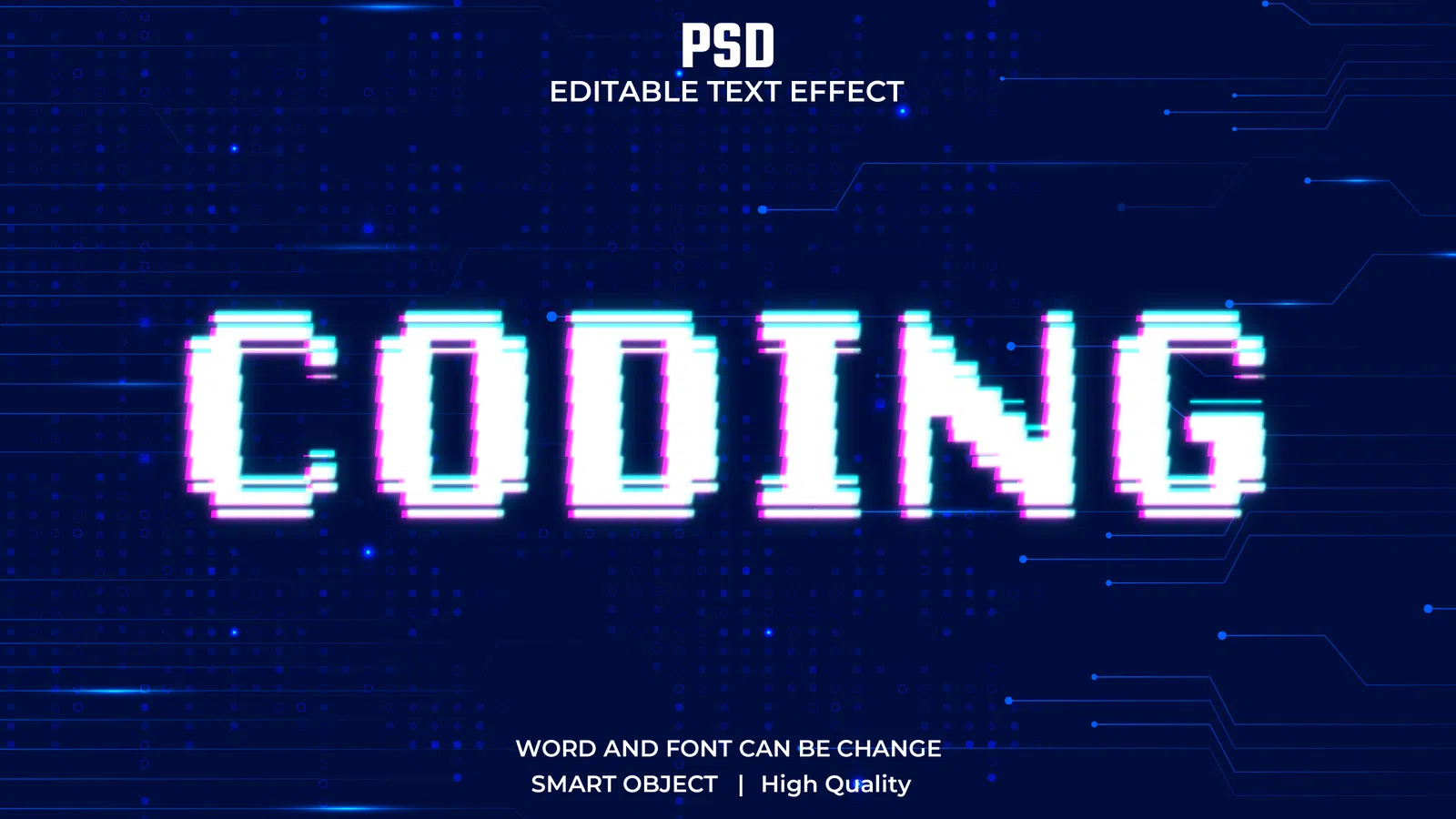
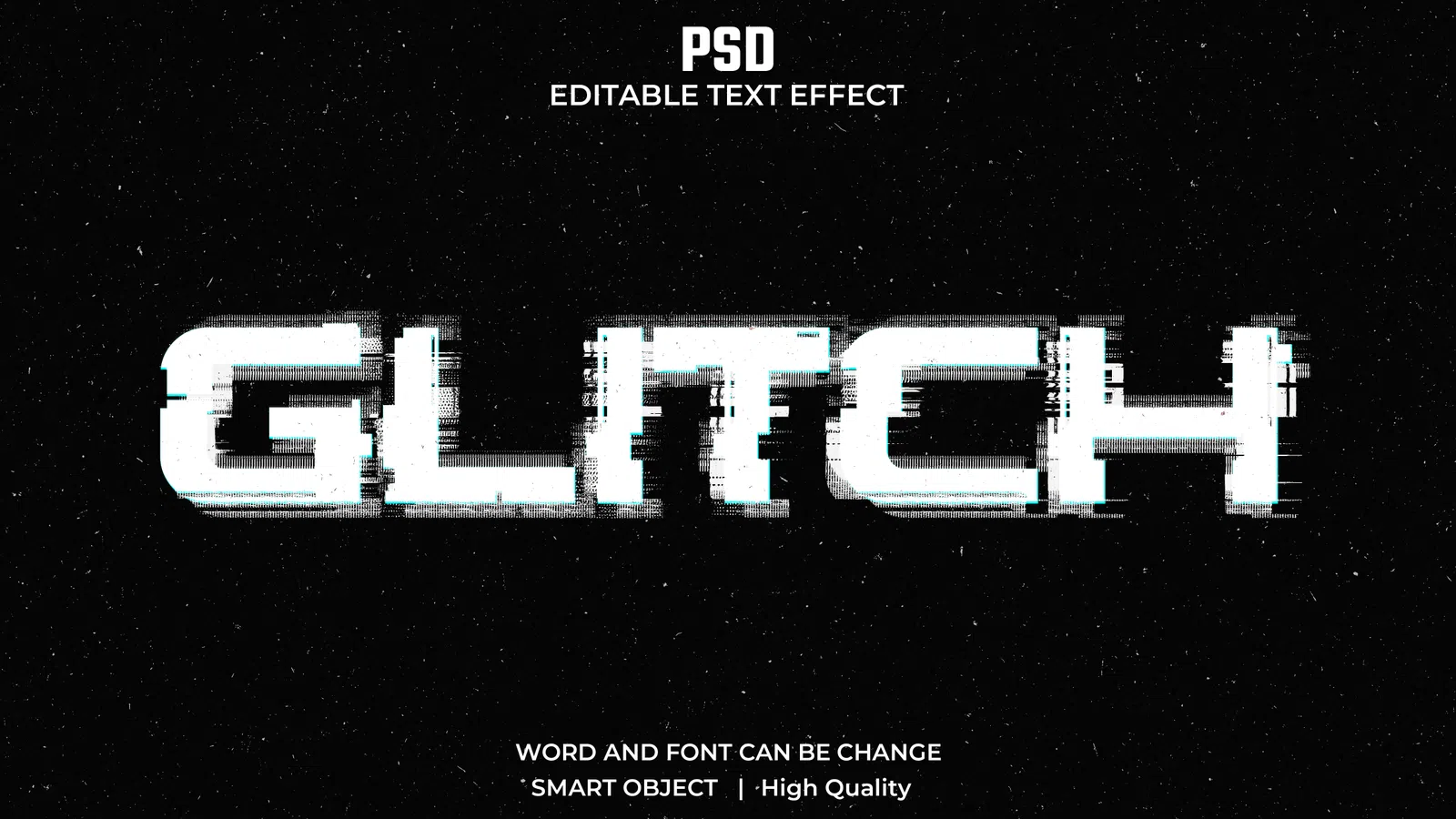
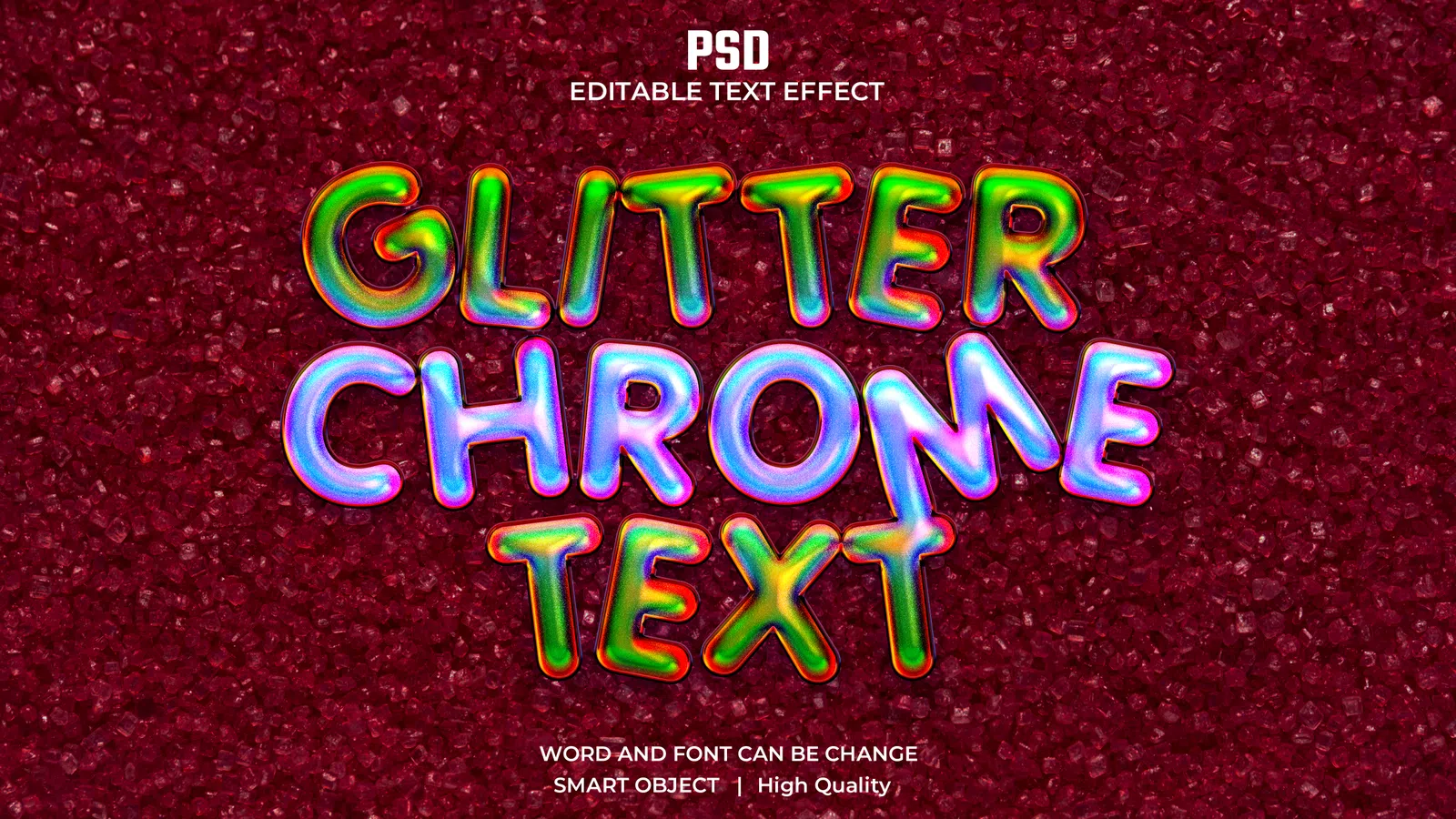
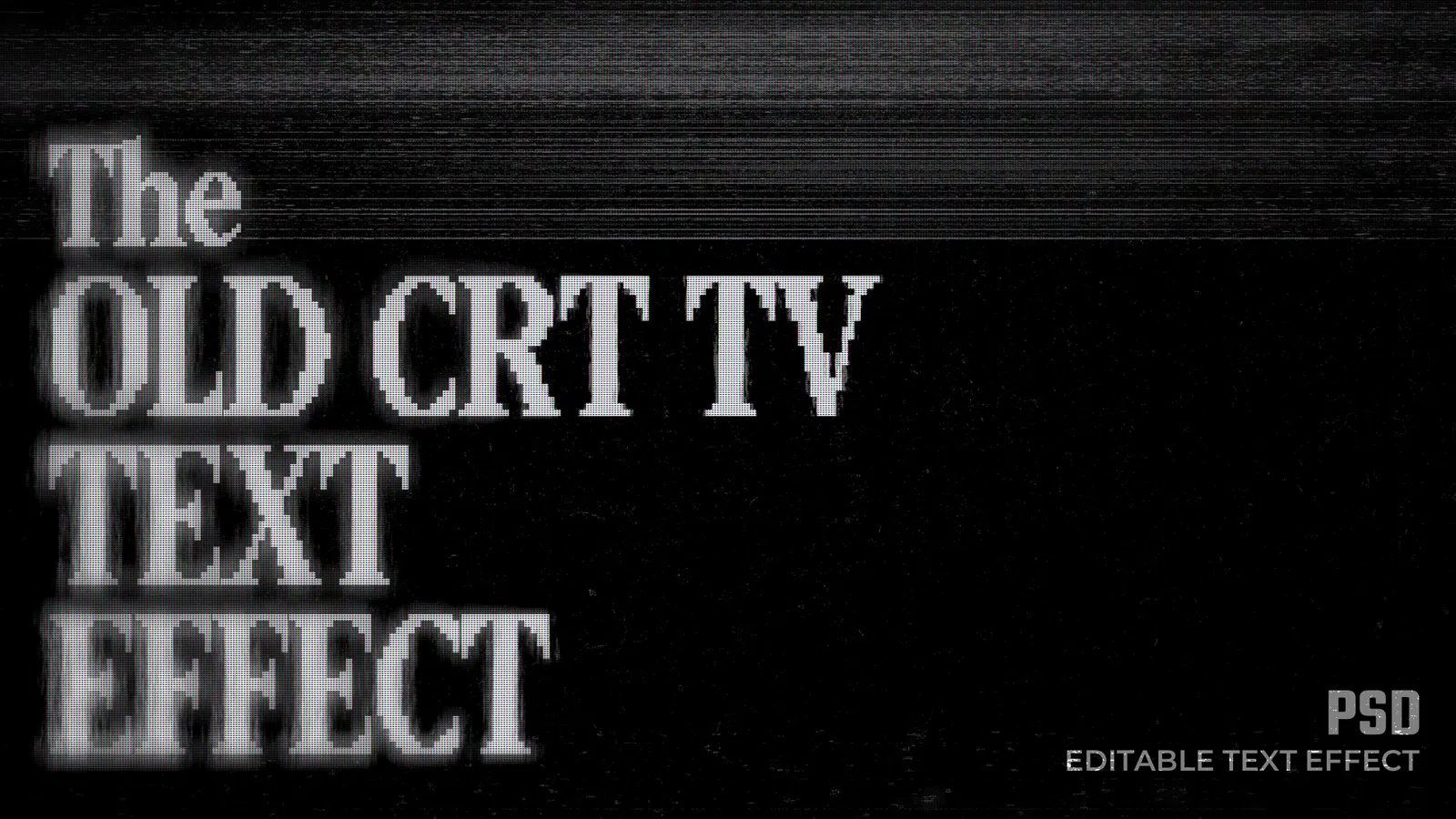
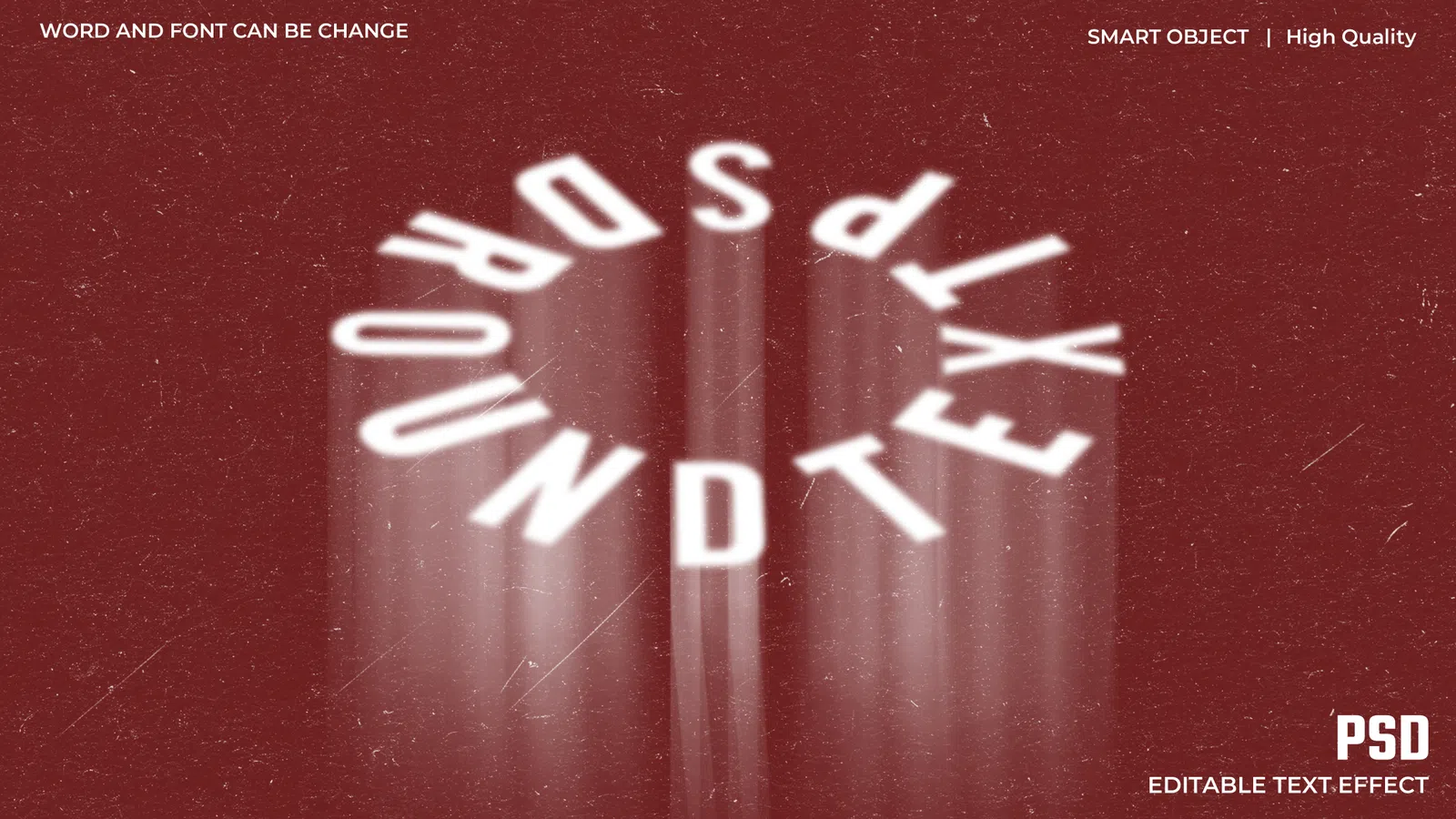
Photoshop text effects can turn simple lettering into chrome, fire, glass, glitch, horror, gaming, metallic or dimensional title artwork while keeping the underlying effect editable. Searches such as PSD text effect, Photoshop text style, chrome text effect, 3D text effect, glitch text effect and gaming text effect often lead to layered files built from Smart Objects, layer styles, masks and adjustment layers. The useful question is not only whether the preview looks strong, but whether the file structure lets you replace the wording and adapt the treatment to your own design.
Open a duplicate PSD and inspect the Layers panel before changing anything. Some text effects use a Smart Object that contains the editable word; others use a normal text layer or several linked layers. Replace the placeholder through the method provided by that specific file, save the change, then return to the main composition to see how bevels, textures, shadows and colour effects respond. Avoid flattening until the wording, font and colour direction are approved.