All resources

Repeatable systems

Photoshop Patterns

Seamless geometric, paper, halftone, fabric and decorative pattern libraries for backgrounds and surfaces.

PATPNG

Curated catalog

10 patterns entries

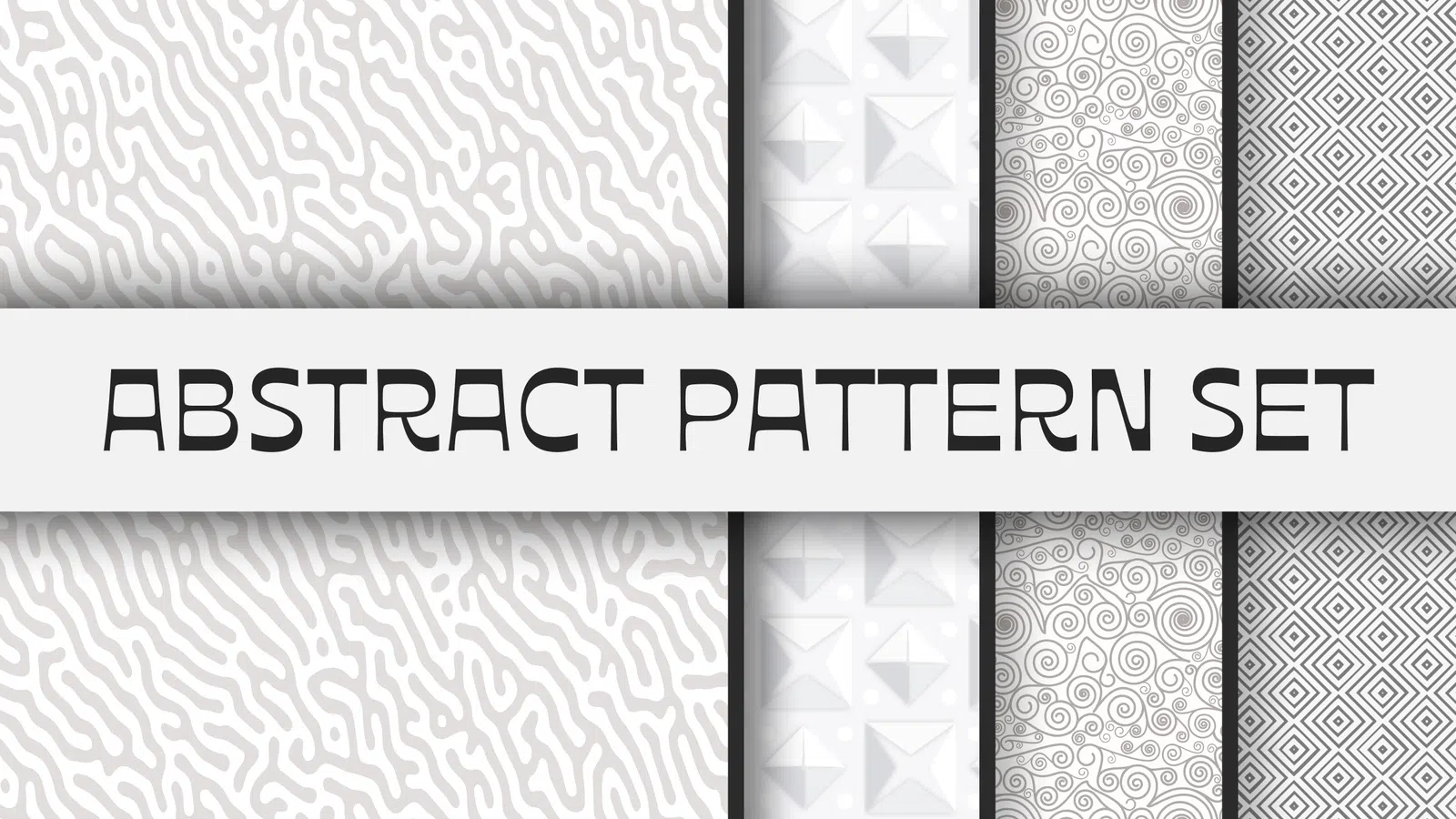
Abstract Pattern Set preview

Patterns

Abstract Pattern Set

PAT

Abstract Pattern Set is a Photoshop pattern collection built around abstract repeat styling. Use it for backgrounds, packaging, poster surfaces and brand graphics, then tune scale and contrast so the repeat supports rather than competes with typography.

View resource Download-ready PAT
Concrete Background Pattern Set preview

Patterns

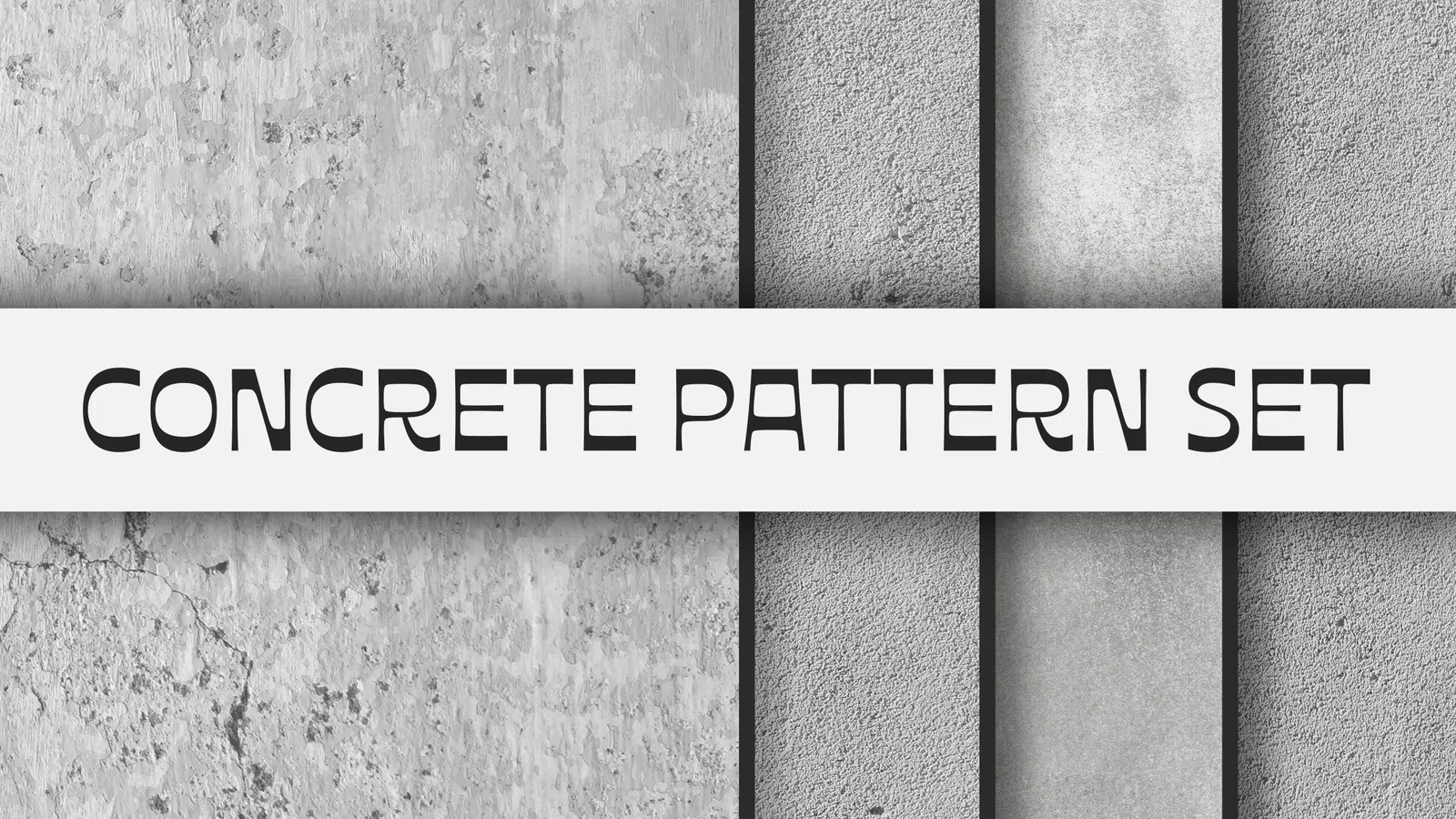
Concrete Background Pattern Set

PAT

Concrete Background Pattern Set is a Photoshop pattern collection built around concrete background repeat styling. Use it for backgrounds, packaging, poster surfaces and brand graphics, then tune scale and contrast so the repeat supports rather than competes with typography.

View resource Download-ready PAT
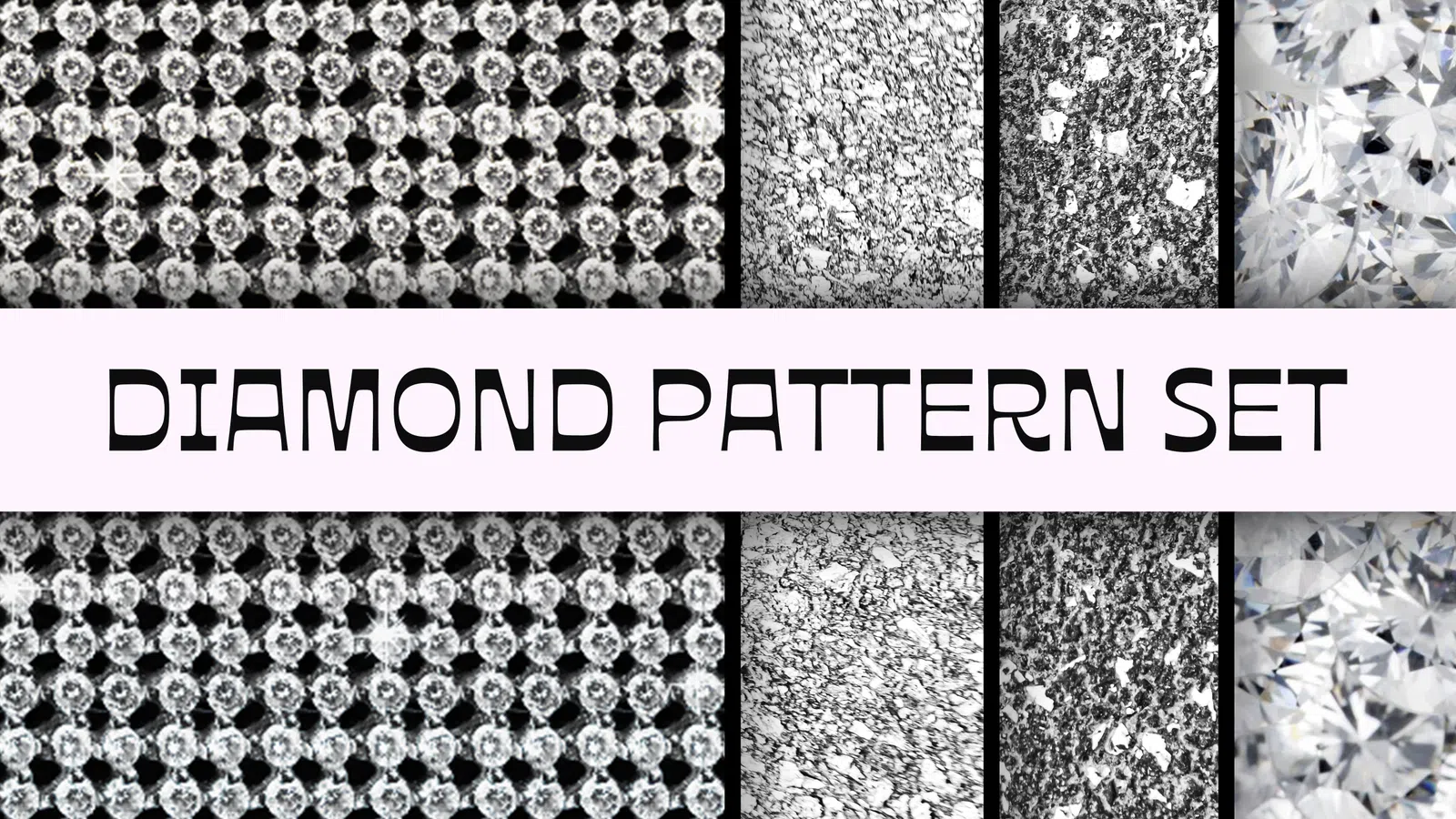
Diamond Pattern Set preview

Patterns

Diamond Pattern Set

PAT

Diamond Pattern Set is a Photoshop pattern collection built around diamond repeat styling. Use it for backgrounds, packaging, poster surfaces and brand graphics, then tune scale and contrast so the repeat supports rather than competes with typography.

View resource Download-ready PAT
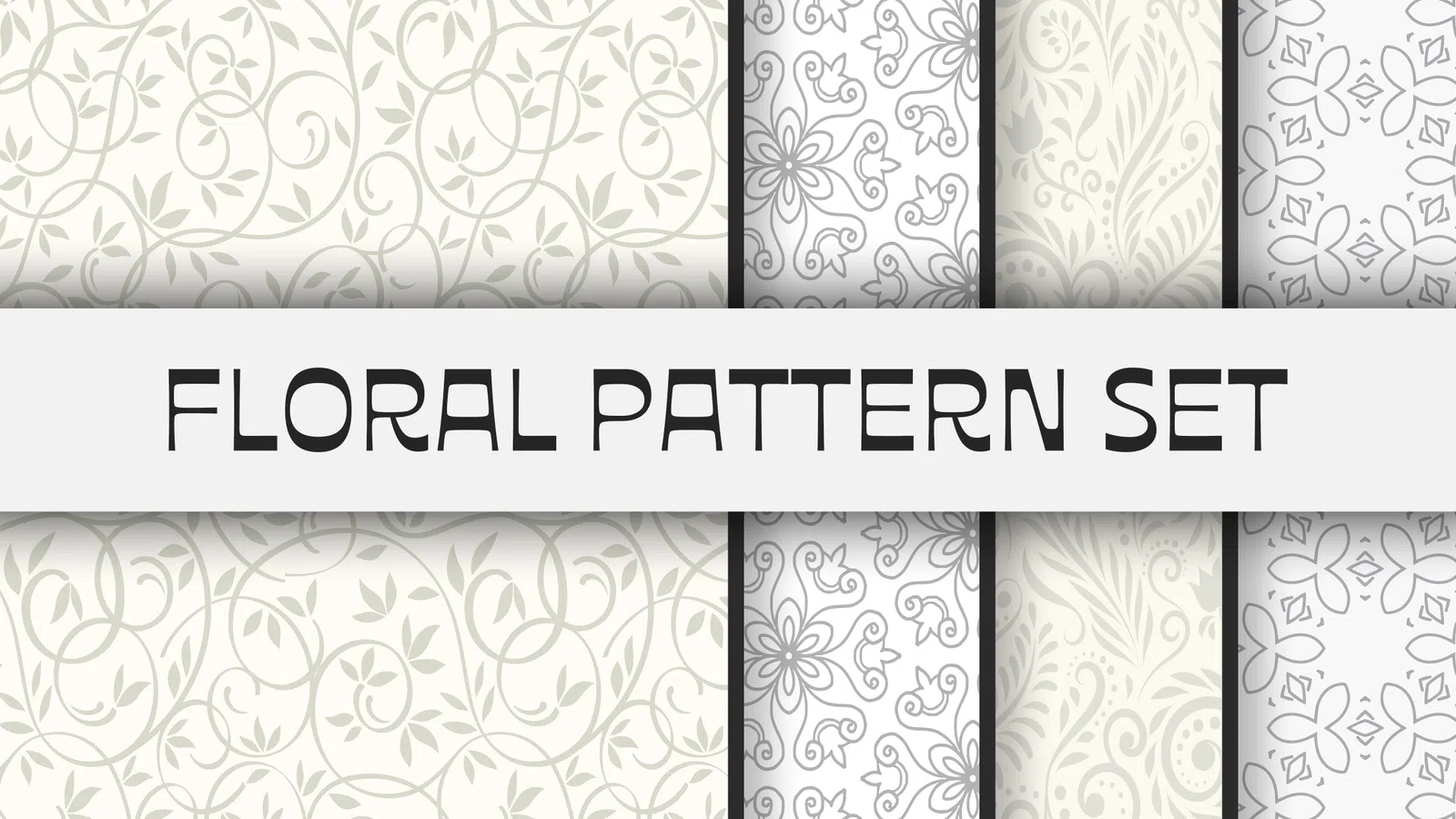
Floral Pattern Set preview

Patterns

Floral Pattern Set

PAT

Floral Pattern Set is a Photoshop pattern collection built around floral repeat styling. Use it for backgrounds, packaging, poster surfaces and brand graphics, then tune scale and contrast so the repeat supports rather than competes with typography.

View resource Download-ready PAT
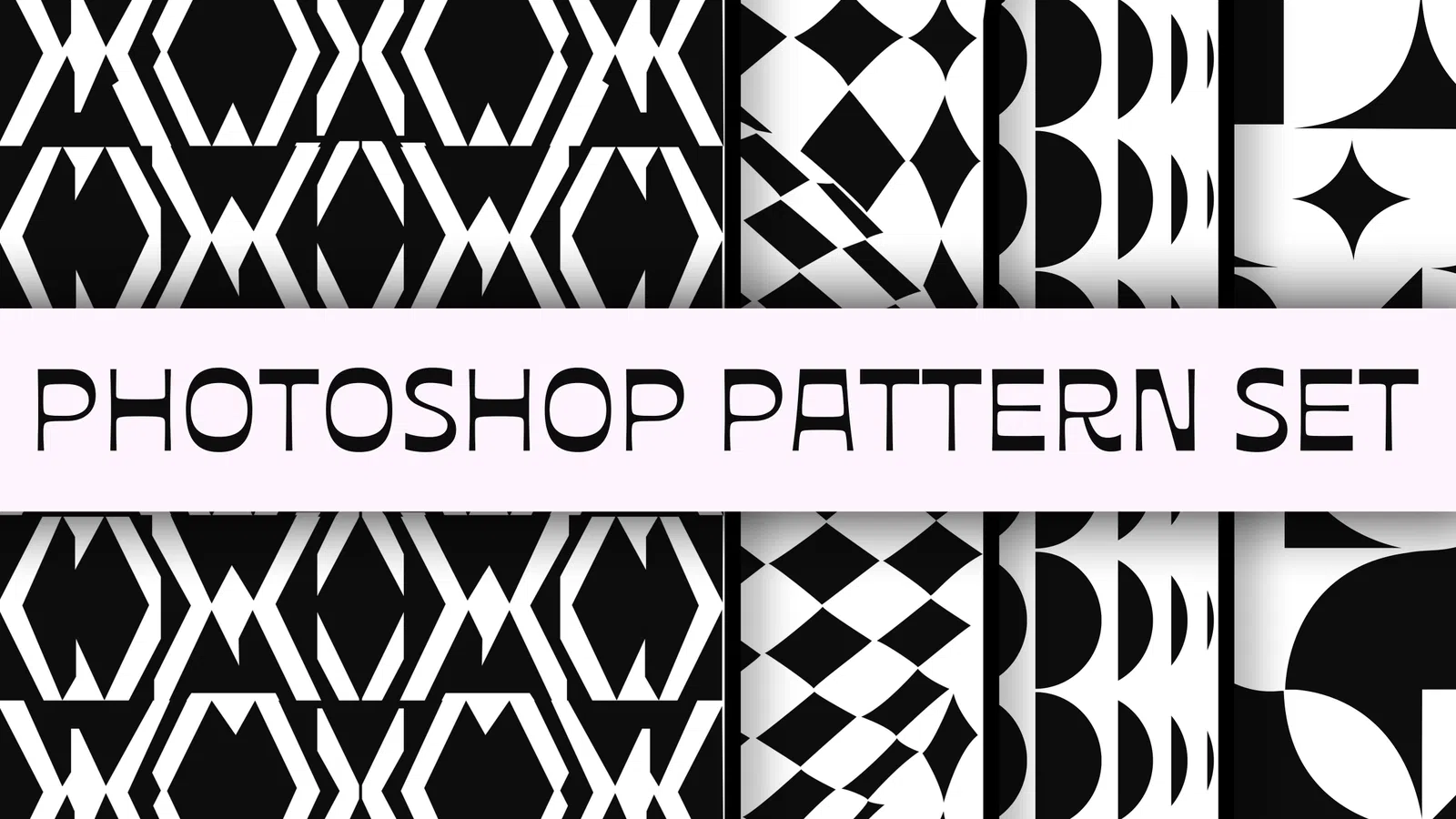
Geometric Photoshop Pattern Set preview

Patterns

Geometric Photoshop Pattern Set

PAT

Geometric Photoshop Pattern Set is a Photoshop pattern collection built around geometric repeat styling. Use it for backgrounds, packaging, poster surfaces and brand graphics, then tune scale and contrast so the repeat supports rather than competes with typography.

View resource Download-ready PAT
Gold Pattern Set preview

Patterns

Gold Pattern Set

PAT

Gold Pattern Set is a Photoshop pattern collection built around gold repeat styling. Use it for backgrounds, packaging, poster surfaces and brand graphics, then tune scale and contrast so the repeat supports rather than competes with typography.

View resource Download-ready PAT
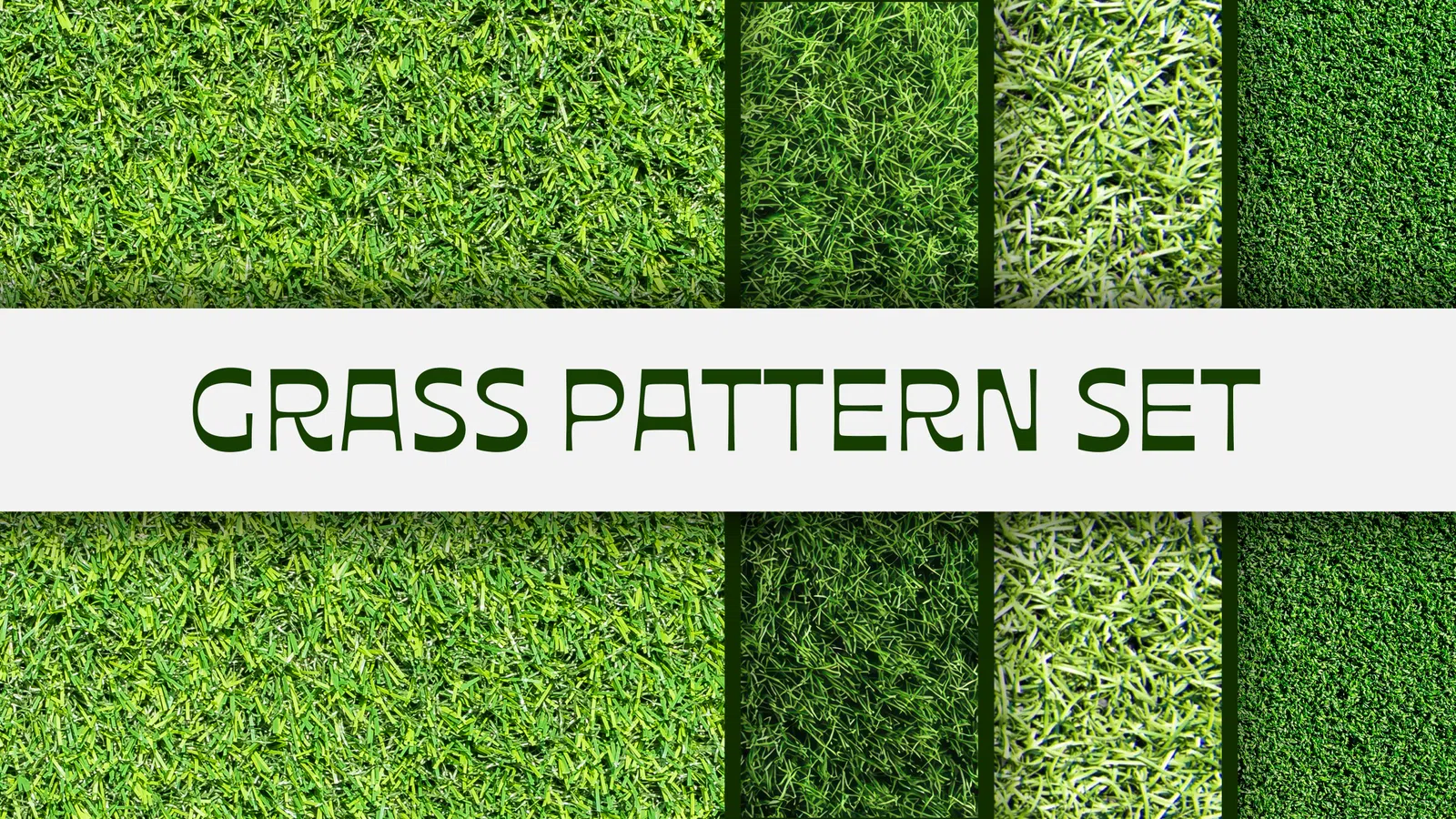
Grass Pattern Set preview

Patterns

Grass Pattern Set

PAT

Grass Pattern Set is a Photoshop pattern collection built around grass repeat styling. Use it for backgrounds, packaging, poster surfaces and brand graphics, then tune scale and contrast so the repeat supports rather than competes with typography.

View resource Download-ready PAT
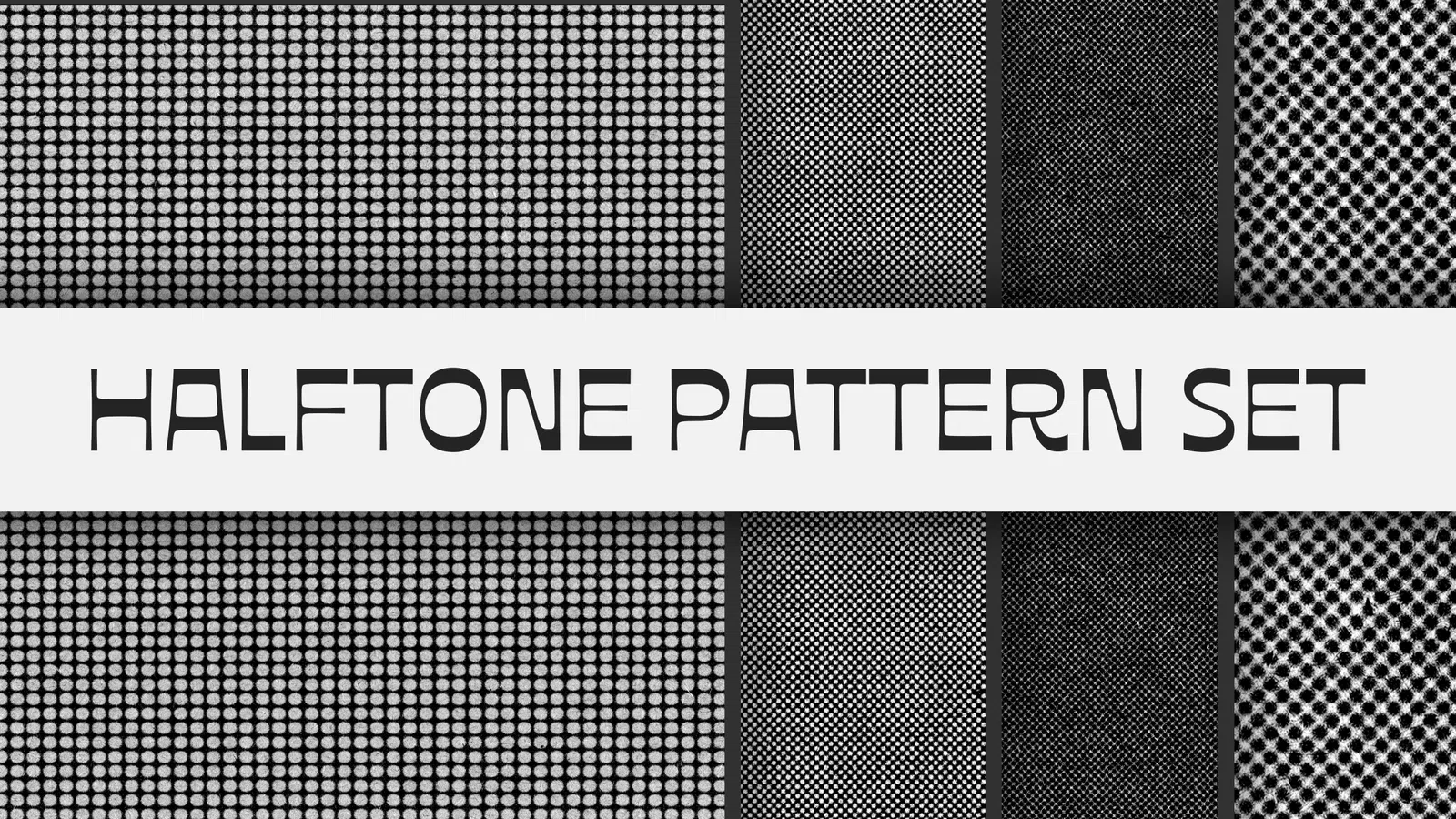
Halftone Comic Pattern Set preview

Patterns

Halftone Comic Pattern Set

PAT

Halftone Comic Pattern Set is a Photoshop pattern collection built around halftone comic repeat styling. Use it for backgrounds, packaging, poster surfaces and brand graphics, then tune scale and contrast so the repeat supports rather than competes with typography.

View resource Download-ready PAT
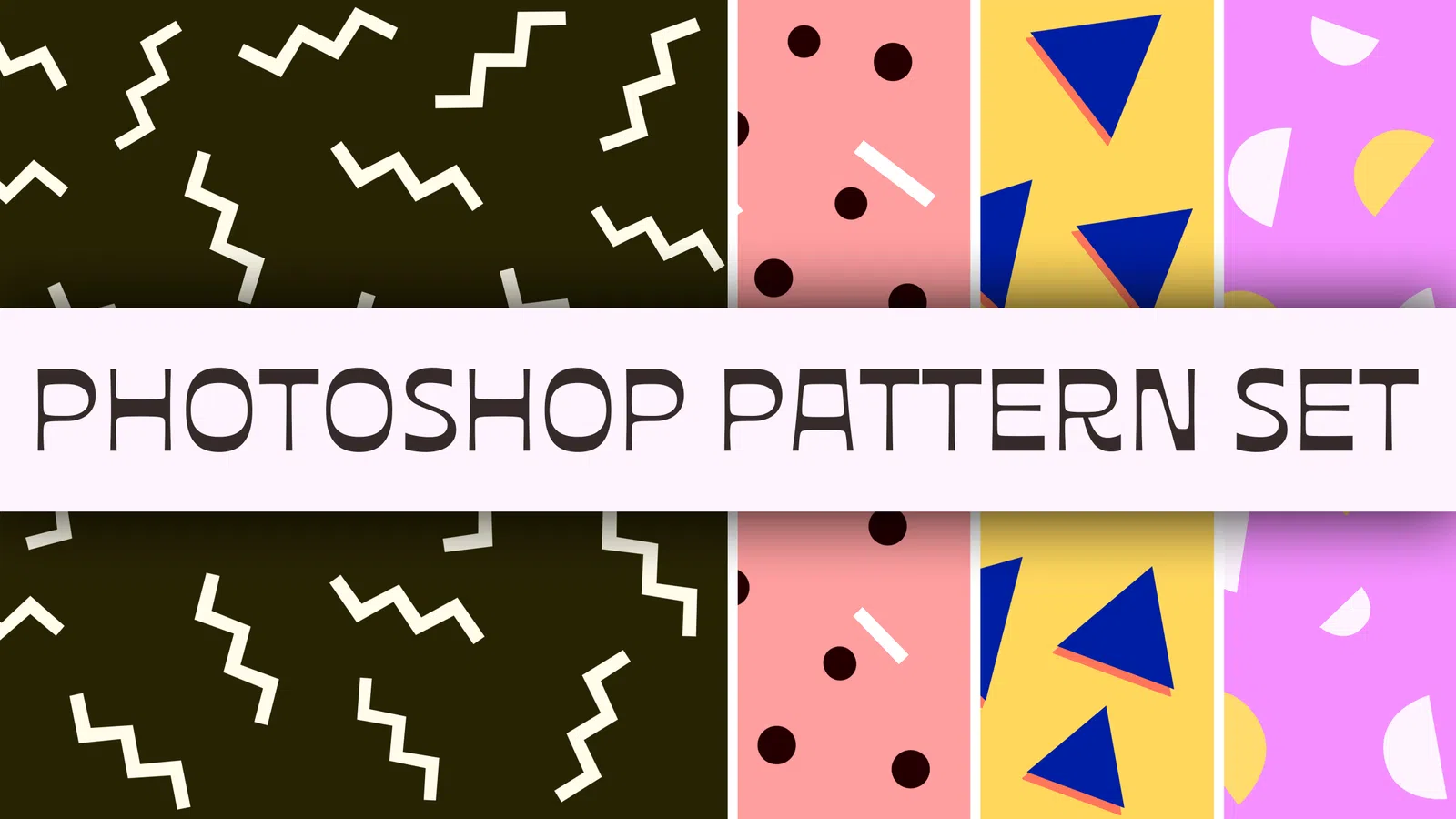
Memphis Photoshop Pattern Set preview

Patterns

Memphis Photoshop Pattern Set

PAT

Memphis Photoshop Pattern Set is a Photoshop pattern collection built around memphis repeat styling. Use it for backgrounds, packaging, poster surfaces and brand graphics, then tune scale and contrast so the repeat supports rather than competes with typography.

View resource Download-ready PAT
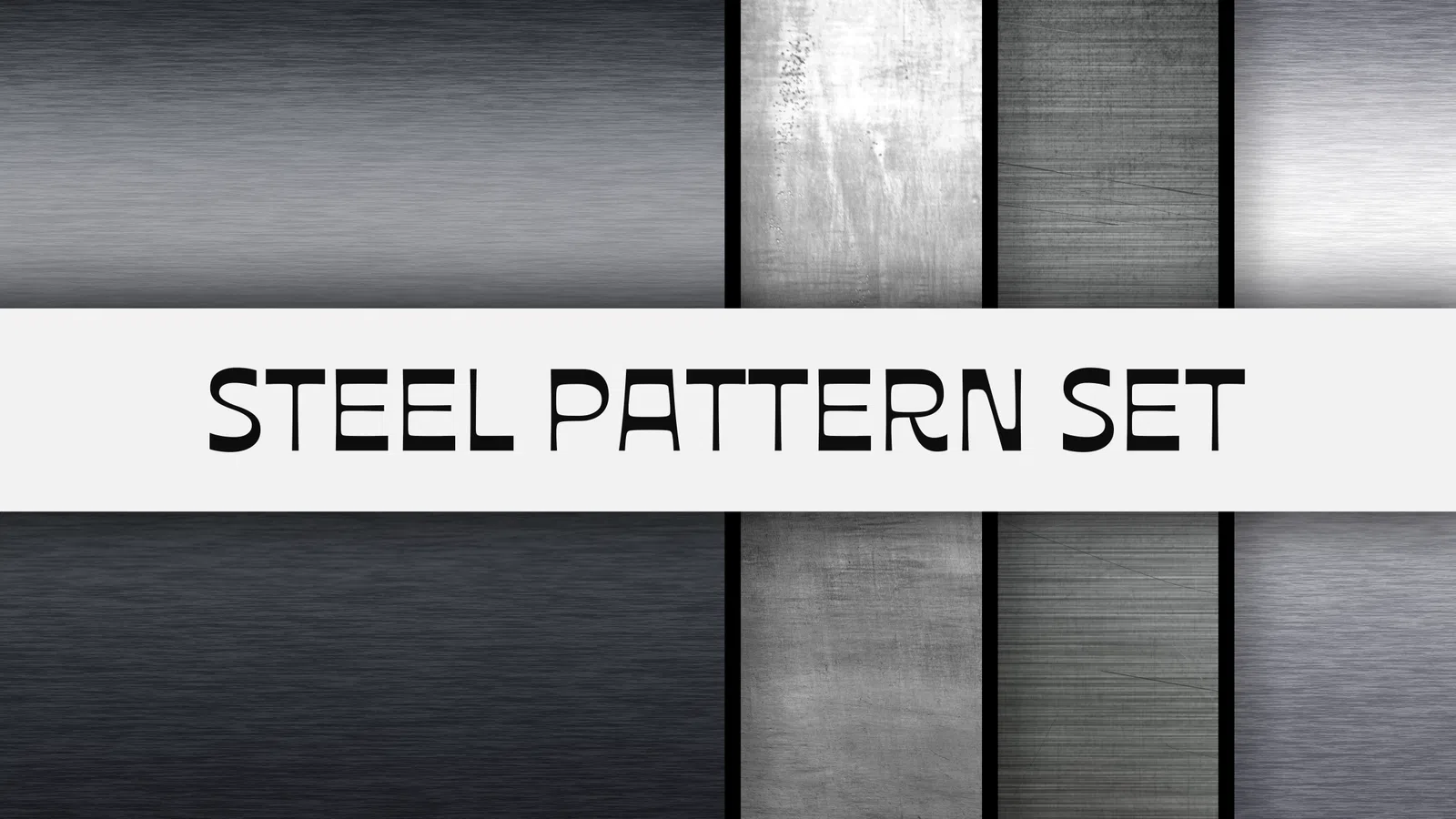
Steel Pattern Set preview

Patterns

Steel Pattern Set

PAT

Steel Pattern Set is a Photoshop pattern collection built around steel repeat styling. Use it for backgrounds, packaging, poster surfaces and brand graphics, then tune scale and contrast so the repeat supports rather than competes with typography.

View resource Download-ready PAT

Resource guide

Seamless patterns for backgrounds, packaging and surfaces

Seamless patterns repeat without visible edges, making them useful for large backgrounds, packaging, apparel concepts, web surfaces and print layouts. Pattern packs can range from minimal grids and halftones to textile, geometric, Art Deco, hand-drawn and organic motifs.

The key is scale. A pattern that feels balanced in a small preview may become too busy behind text or too sparse on packaging. Test the repeat at the actual final size, reduce contrast when typography sits above it, and keep an editable version so colour and scale can change with the layout.

Seamless backgroundsPackaging patternsHalftone surfacesGeometric repeatsApparel conceptsSocial graphics

Practical workflow

  1. 1Load the PAT preset or place the supplied PNG repeat tile.
  2. 2Test pattern scale at the final canvas size rather than only in the preview.
  3. 3Recolour or lower contrast so text and logos remain readable.
  4. 4Check all edges for visible seams before exporting a large background.

Choose Photoshop patterns by repeat quality, scale and visual density

Photoshop patterns are useful when a surface needs repeatable geometry, paper detail, fabric, halftone, floral, retro or abstract texture without manually duplicating a tile. Searches such as Photoshop pattern, seamless pattern, PAT file, geometric pattern, floral pattern and halftone pattern often focus on style, but repeat quality matters just as much. A pattern should tile without visible edge jumps and remain useful at more than one scale.

Load the PAT preset or source tile and fill an area several times larger than the original repeat. Zoom out to see obvious clusters and zoom in to inspect seams. A pattern that looks clean as one square can reveal lines, dark bands or repeated objects when tiled across a poster or package. This test is especially important for high-contrast geometric and photographic patterns.
Scale patterns for typography, packaging and backgrounds

Scale changes the role of a repeat. A large geometric pattern can become part of the composition, while the same pattern at a smaller scale behaves more like texture. Behind body text or detailed logos, reduce contrast and choose a scale that does not create busy intersections around letters. For packaging, test the repeat across the full dieline or mockup rather than only the front panel so seams do not appear in awkward places.

Colour can also change perceived density. Dark and light versions of the same pattern may require different opacity. When adapting a pattern to a brand palette, keep enough contrast to preserve the repeat but not so much that the background competes with information. Save project-specific colour versions separately from the original preset.

Use seamless patterns in print and digital systems

Patterns can help create a consistent visual system across social graphics, presentation backgrounds, packaging, stationery and campaign assets. A small set of repeat scales and colours is usually more coherent than applying a different pattern to every layout. Combine the repeat with clean typography and deliberate negative space so it reads as a brand element rather than decoration added after the design is finished.

For web or interface use, consider performance and legibility. A raster pattern used as a large background can add unnecessary file weight, while a subtle CSS or vector approach may be more efficient when the design can be reproduced that way. Use the Photoshop asset when the texture or repeat detail is genuinely needed in the exported graphic rather than because the preset is available.

Pattern licensing and editable source files

Original NexFonts patterns are available for use in finished personal and commercial creative work under the NexFonts Resource License. You may recolour, scale and combine them with your design, including client artwork and products where the pattern is part of the final composition. The source PAT file or reusable tile should not be resold or redistributed as a standalone pattern pack.

Keep the original pattern archive with its licence and store modified project versions separately. If you deliver an editable client file, make sure the NexFonts source cannot simply be extracted and republished as a resource collection. Finished print, image and presentation outputs are the normal delivery format for licensed use.

Guides for patterns

Use these practical guides before downloading, editing or using a resource in client and commercial work.

FAQ

Questions about patterns

What makes a pattern seamless?

The left and right edges, and the top and bottom edges, are designed to join continuously when the tile repeats. A correct seamless tile should not reveal obvious borders or jumps.

What is a Photoshop PAT file?

PAT is Photoshop's pattern preset format. It can store one or more reusable pattern tiles that appear in Pattern Fill, layer styles and other pattern controls.

Can I resize a Photoshop pattern?

Yes. Pattern Fill and many layer-style controls include a scale setting. Test the scale in context because very small repeats can create moiré or visual noise.

How do I make text readable over a busy pattern?

Reduce pattern contrast, increase the text/background contrast, add a quiet area behind the text, or use the pattern only as an accent instead of covering the entire layout.

Can a seamless pattern be used for print products?

Only if the resource licence allows that use and the tile resolution is suitable. Product resale and print-on-demand rights can differ from ordinary client artwork permissions.

How do I test whether a pattern really repeats cleanly?

Fill a canvas several times larger than the original tile and inspect the joins at different zoom levels. Repeated lines, obvious clusters or edge jumps are easier to spot when the tile is shown many times.

What pattern scale works behind typography?

There is no fixed scale. Start larger and lower contrast so the repeat reads as a surface rather than visual noise, then test the smallest text and logo at the final output size.

Check the individual file details and licence before starting client or commercial work.