All resources

Marks and strokes

Photoshop Brushes

Practical brush sets for ink, paint, charcoal, halftone, grain, lettering, smoke and illustration workflows.

ABRPNG

Curated catalog

32 brushes entries

Brushes

Dry Ink Brushes

ABR

A focused brush set designed for natural marks, controlled texture and repeatable results.

Brushes

Soft Charcoal Brushes

PNG

A focused brush set designed for natural marks, controlled texture and repeatable results.

Brushes

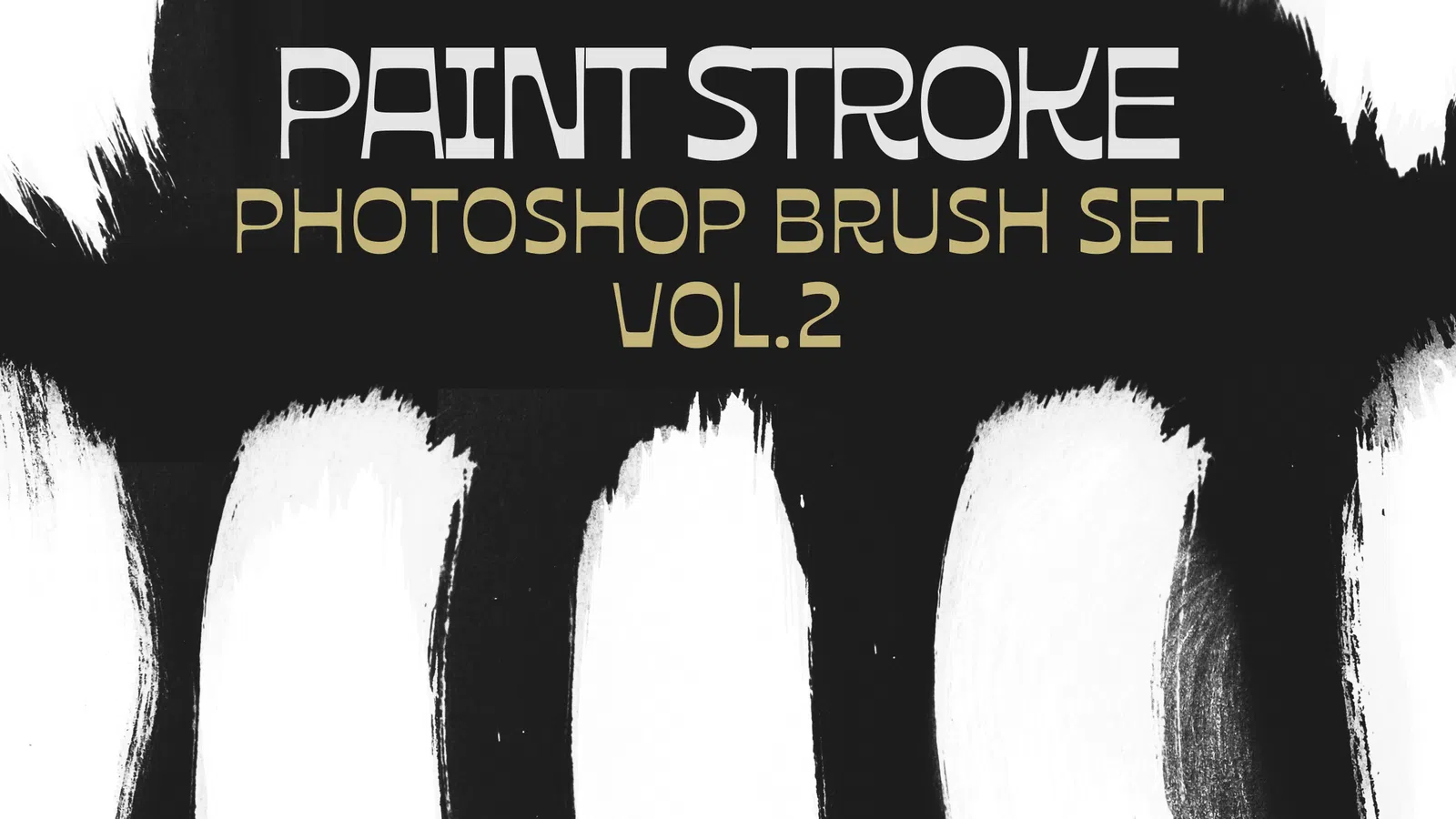
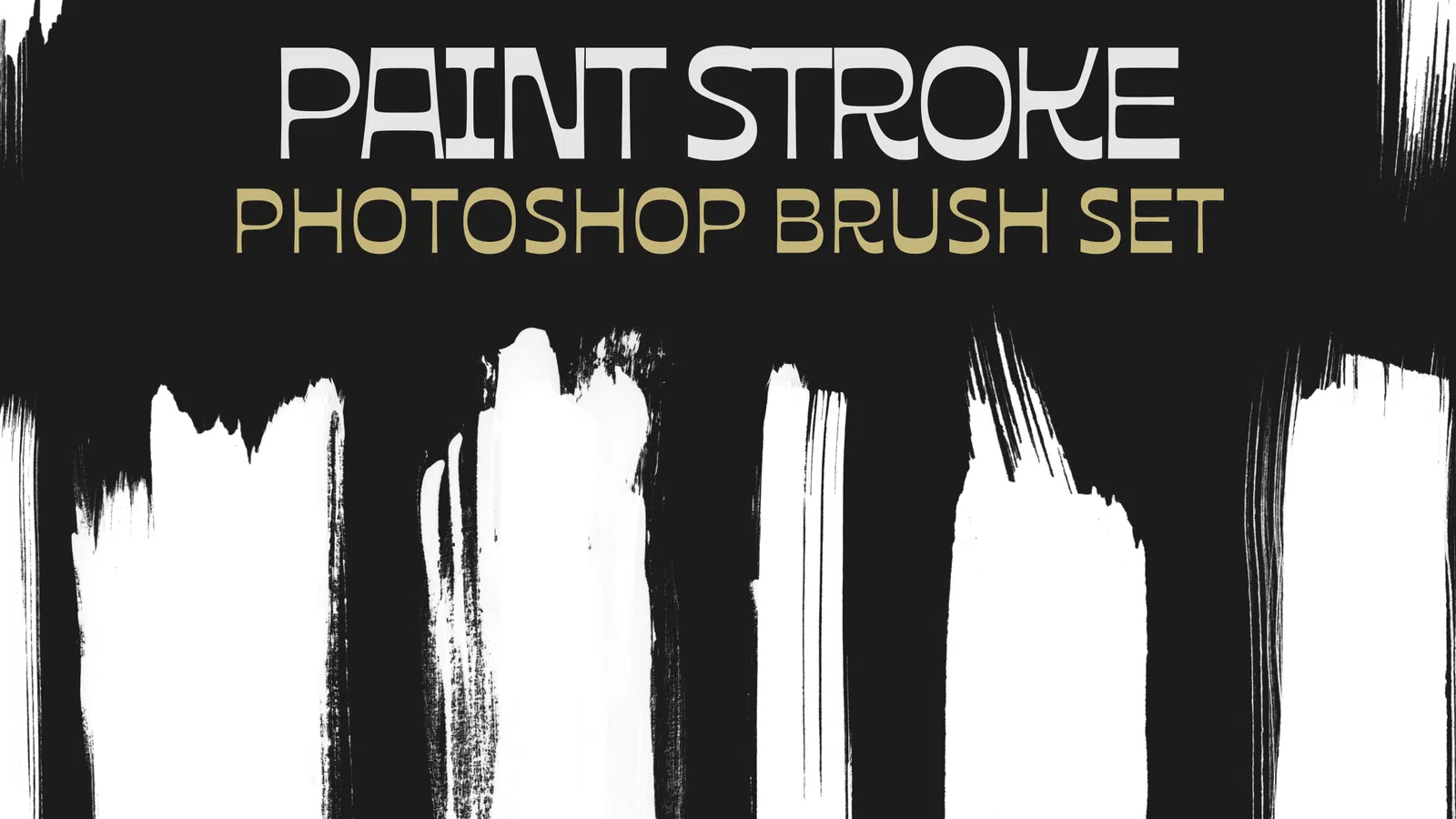
Rough Paint Strokes

ABR

A focused brush set designed for natural marks, controlled texture and repeatable results.

Brushes

Halftone Shader Brushes

PNG

A focused brush set designed for natural marks, controlled texture and repeatable results.

Brushes

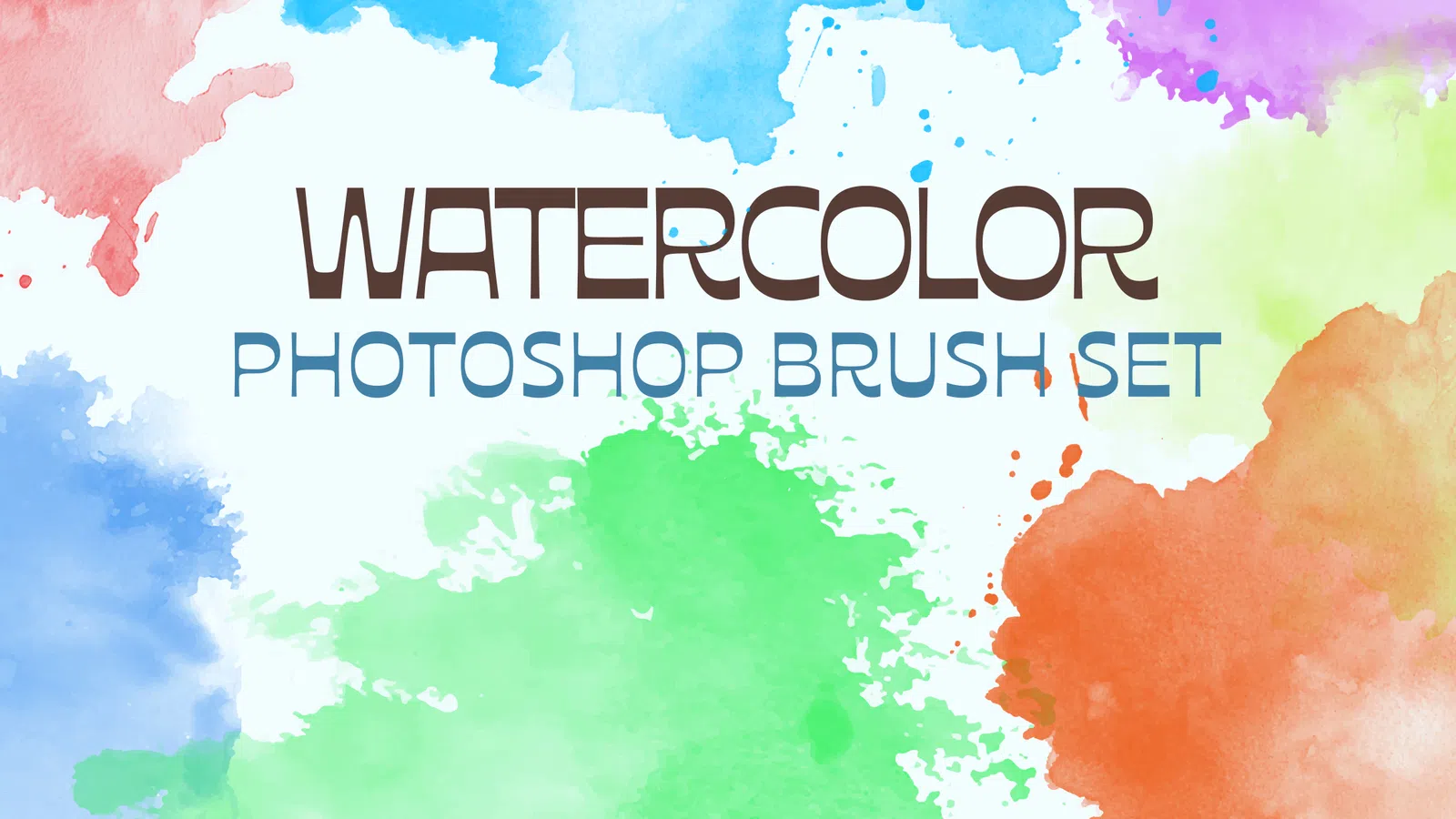
Watercolour Washes

ABR

A focused brush set designed for natural marks, controlled texture and repeatable results.

Brushes

Fine Liner Brushes

PNG

A focused brush set designed for natural marks, controlled texture and repeatable results.

Brushes

Grain and Noise Brushes

ABR

A focused brush set designed for natural marks, controlled texture and repeatable results.

Brushes

Lettering Brush Set

PNG

A focused brush set designed for natural marks, controlled texture and repeatable results.

Brushes

Smoke Brushes

ABR

A focused brush set designed for natural marks, controlled texture and repeatable results.

Brushes

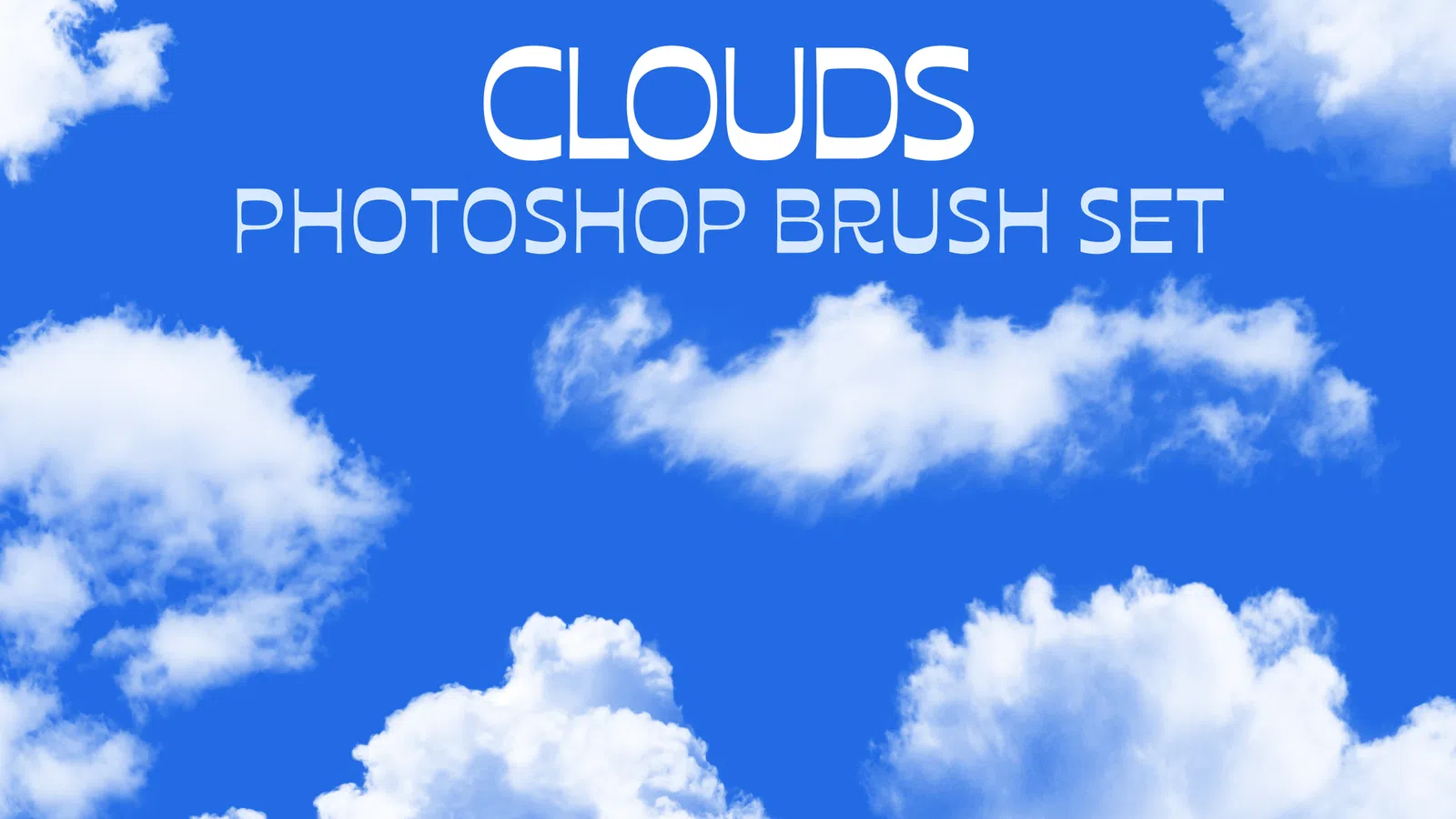
Cloud Brushes

PNG

A focused brush set designed for natural marks, controlled texture and repeatable results.

Brushes

Scratch Brushes

ABR

A focused brush set designed for natural marks, controlled texture and repeatable results.

Brushes

Marker Brushes

PNG

A focused brush set designed for natural marks, controlled texture and repeatable results.

Brushes

Pastel Texture Brushes

ABR

A focused brush set designed for natural marks, controlled texture and repeatable results.

Brushes

Comic Inking Brushes

PNG

A focused brush set designed for natural marks, controlled texture and repeatable results.

Brushes

Rough Edge Brushes

ABR

A focused brush set designed for natural marks, controlled texture and repeatable results.

Brushes

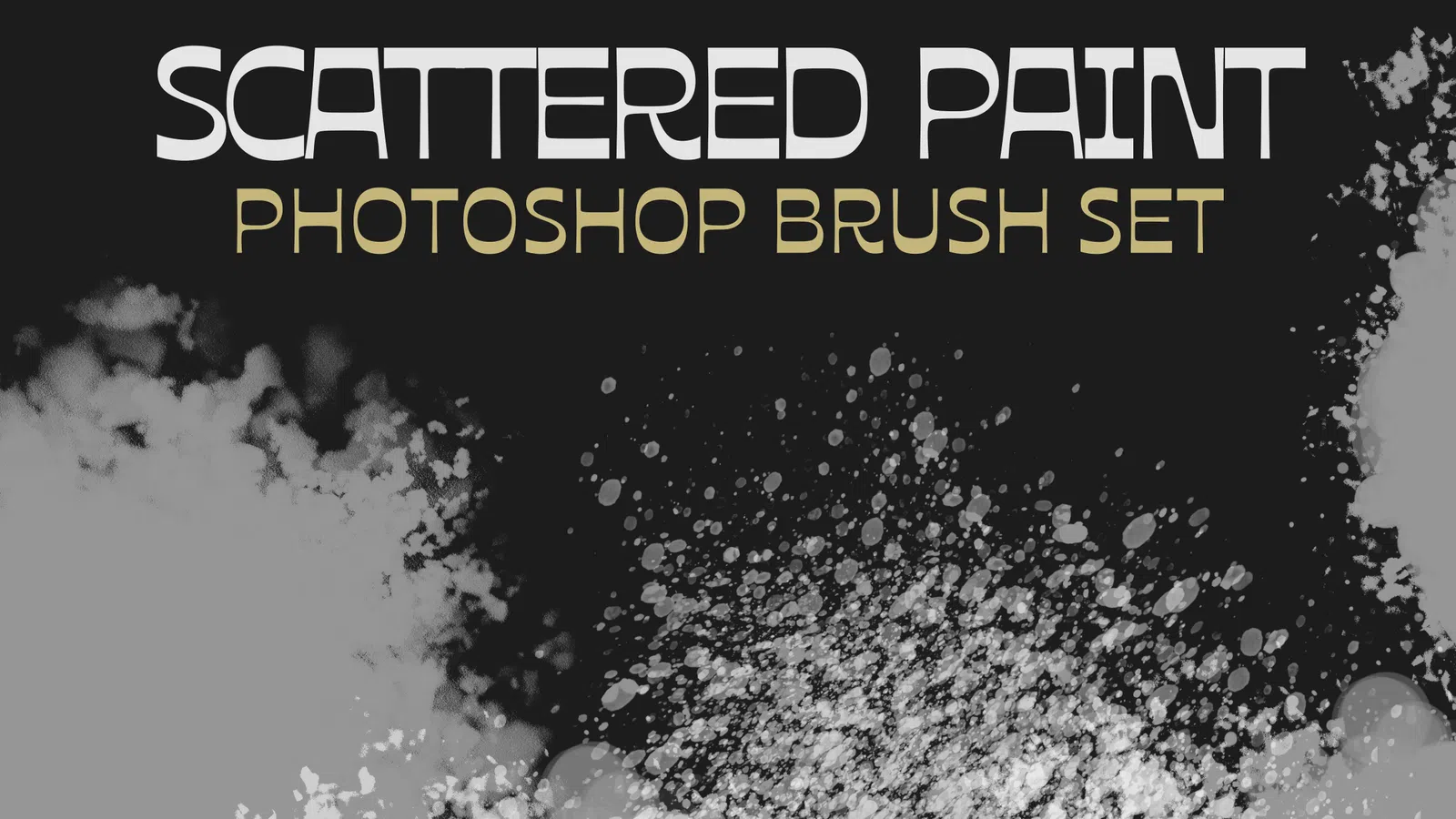
Splatter Brushes

PNG

A focused brush set designed for natural marks, controlled texture and repeatable results.

Resource guide

Photoshop brushes for strokes, texture and illustration

Photoshop brush packs can behave very differently. Some presets are continuous drawing brushes made for ink, pencil, charcoal, paint or lettering; others are one-click stamp brushes for smoke, clouds, splashes, foliage, cracks and decorative shapes. The preview image alone does not always tell you which behaviour a pack uses.

A useful brush set should support the way you actually draw. Check spacing, pressure response, opacity transfer and texture settings, then test the preset with a real stroke before building a full illustration around it. Tablet users can usually improve natural variation by enabling pressure controls where the preset supports them.

Digital inkingCharcoal shadingGrain brushesHalftone shadingLettering strokesSmoke and cloud stamps

Practical workflow

  1. 1Import the ABR file through the Brushes panel or preset import command.
  2. 2Test whether the preset is a continuous stroke or a stamp before drawing.
  3. 3Adjust spacing, Shape Dynamics and Transfer to suit a mouse or pressure-sensitive tablet.
  4. 4Save customised versions under new names so the original brush remains available.

Guides for brushes

Use these practical guides before downloading, editing or using a resource in client and commercial work.

FAQ

Questions about brushes

Why does a Photoshop brush repeat the same shape when I drag?

That preset is likely designed as a stamp or has wide tip spacing. Reduce Spacing in Brush Settings for a denser stroke, but remember that detailed cloud, foliage or crack brushes may intentionally work best as individual stamps.

What is an ABR file?

ABR is Adobe Photoshop's brush preset format. One ABR can contain multiple brush tips and settings such as spacing, dynamics, texture and transfer.

Do Photoshop brushes work with a pen tablet?

Yes. Presets can respond to pressure, tilt and direction when those controls are enabled and supported by the tablet driver. A brush can still work with a mouse, but pressure-sensitive variation will be unavailable.

Can I turn a stamp brush into a continuous brush?

Sometimes. Lowering tip spacing and enabling appropriate dynamics can make a stamp repeat smoothly, although complex photographic shapes may still look repetitive when dragged.

How should I organise a large brush library?

Keep only active sets loaded, group presets by task such as ink, texture, foliage or effects, and save personal edits as separate presets. This makes the brush panel faster to scan during real work.

What Photoshop brush settings matter most for a natural stroke?

Spacing, Shape Dynamics, Transfer and pressure controls have the biggest visual effect for many drawing brushes. Test them with your actual pen tablet because the same preset can feel very different with a mouse.

Are high-resolution stamp brushes always better?

High-resolution tips are useful for large artwork, but the right brush depends on the final size and effect. Oversized detailed stamps can feel repetitive or slow when a simpler textured stroke would work better.

Check the individual file details and licence before starting client or commercial work.