Creative resources

Design resources for modern creators.

Browse practical files for Photoshop, branding, artwork, social media, presentation and motion design. Each available item includes a clear preview, format details, software requirements and editing guidance. Fonts and typography tools remain fully available across NexFonts.

TT

Resource catalog

77 organised resource entries

Army Game Text Effect preview

Text Effects

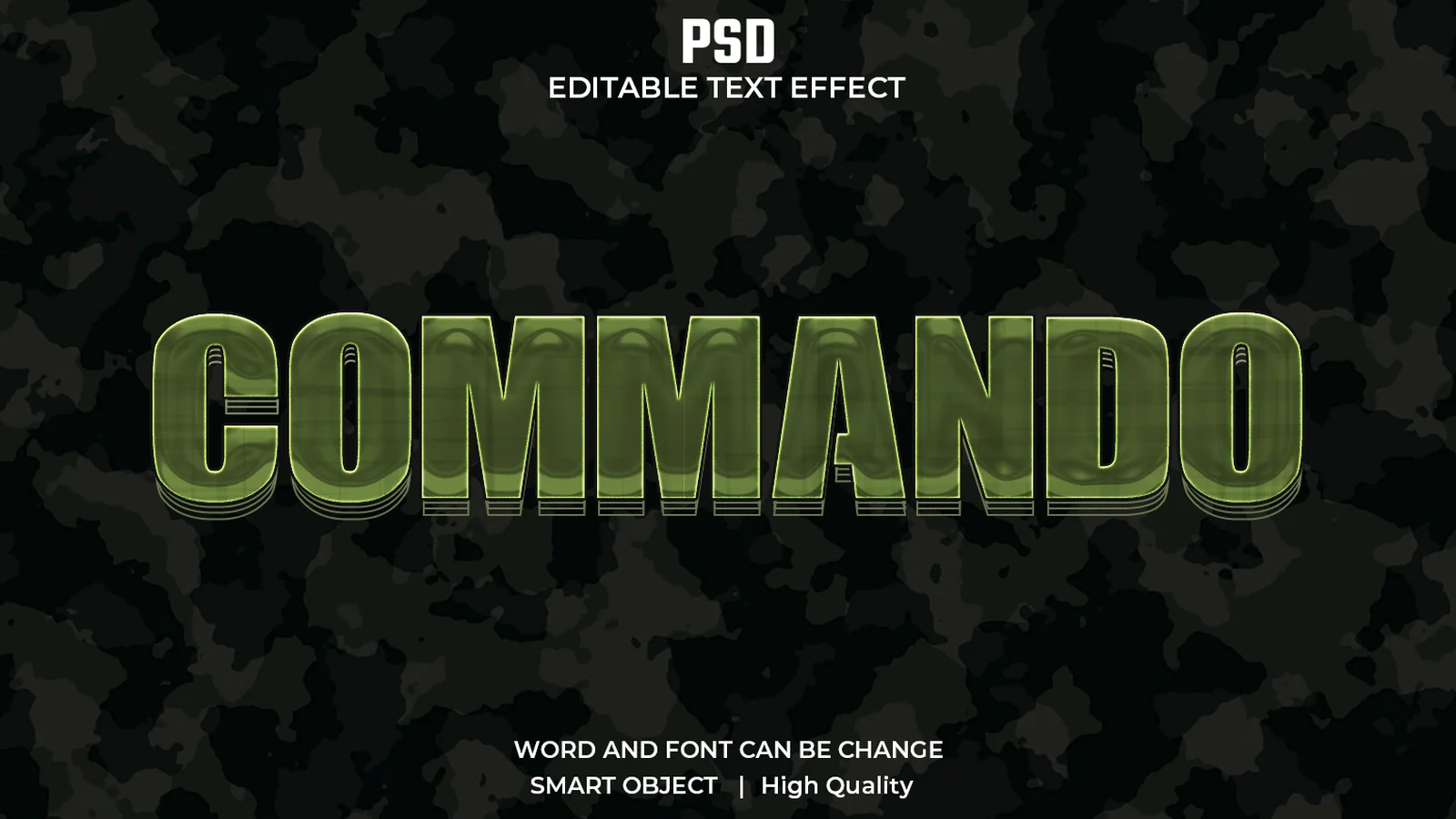
Army Game Text Effect

PSD

Create bold military and tactical headlines with a layered green camouflage finish. This editable PSD is suited to gaming thumbnails, esports graphics, action posters and army-themed branding.

View resource Download-ready PSD
Bloody Dripping Text Effect preview

Text Effects

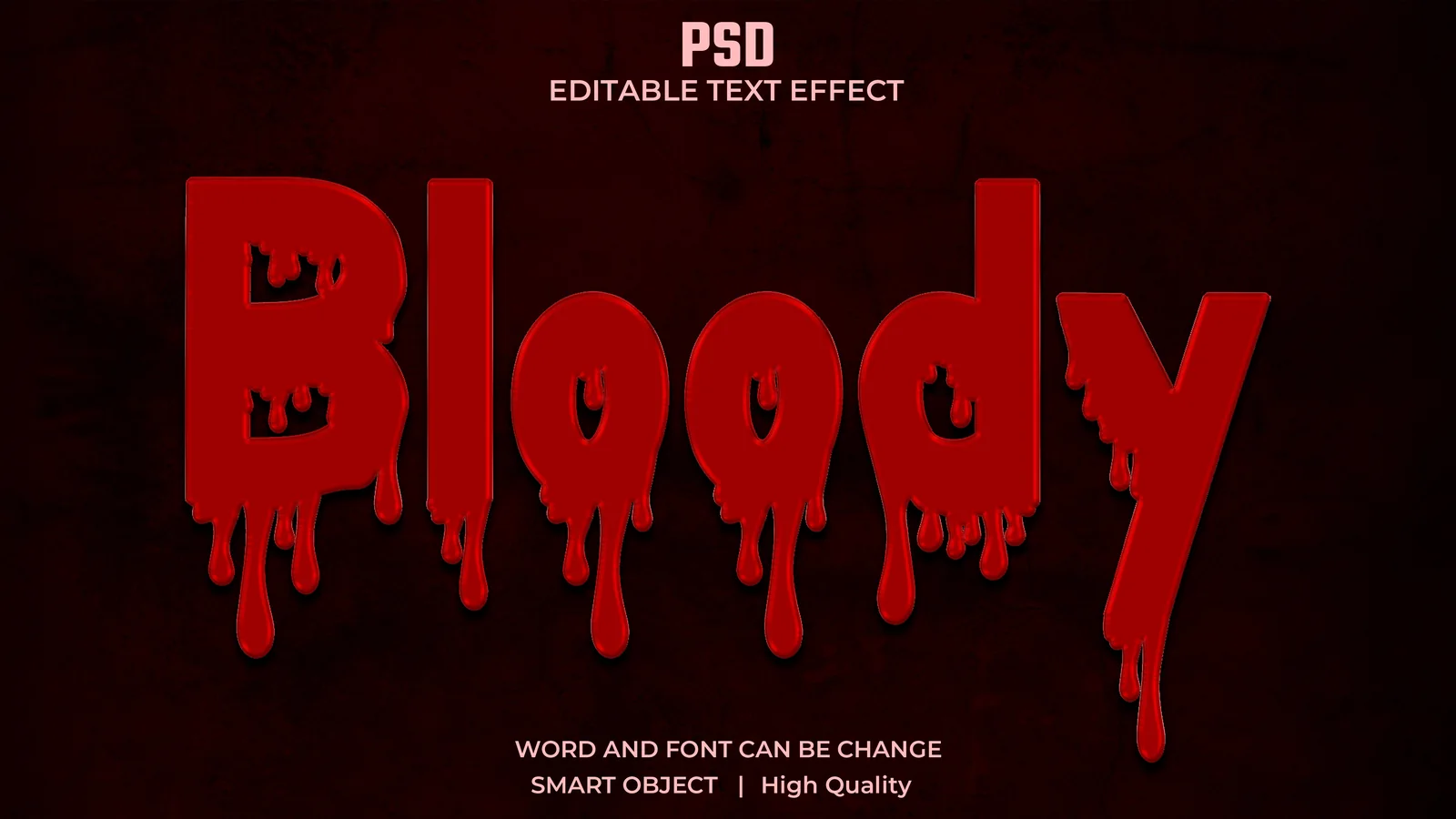
Bloody Dripping Text Effect

PSD

Build dramatic horror titles with deep red colour, dimensional shading and dripping liquid edges. The organised PSD works well for Halloween posters, thriller artwork and dark social media graphics.

View resource Download-ready PSD
Fire Steel Text Effect preview

Text Effects

Fire Steel Text Effect

PSD

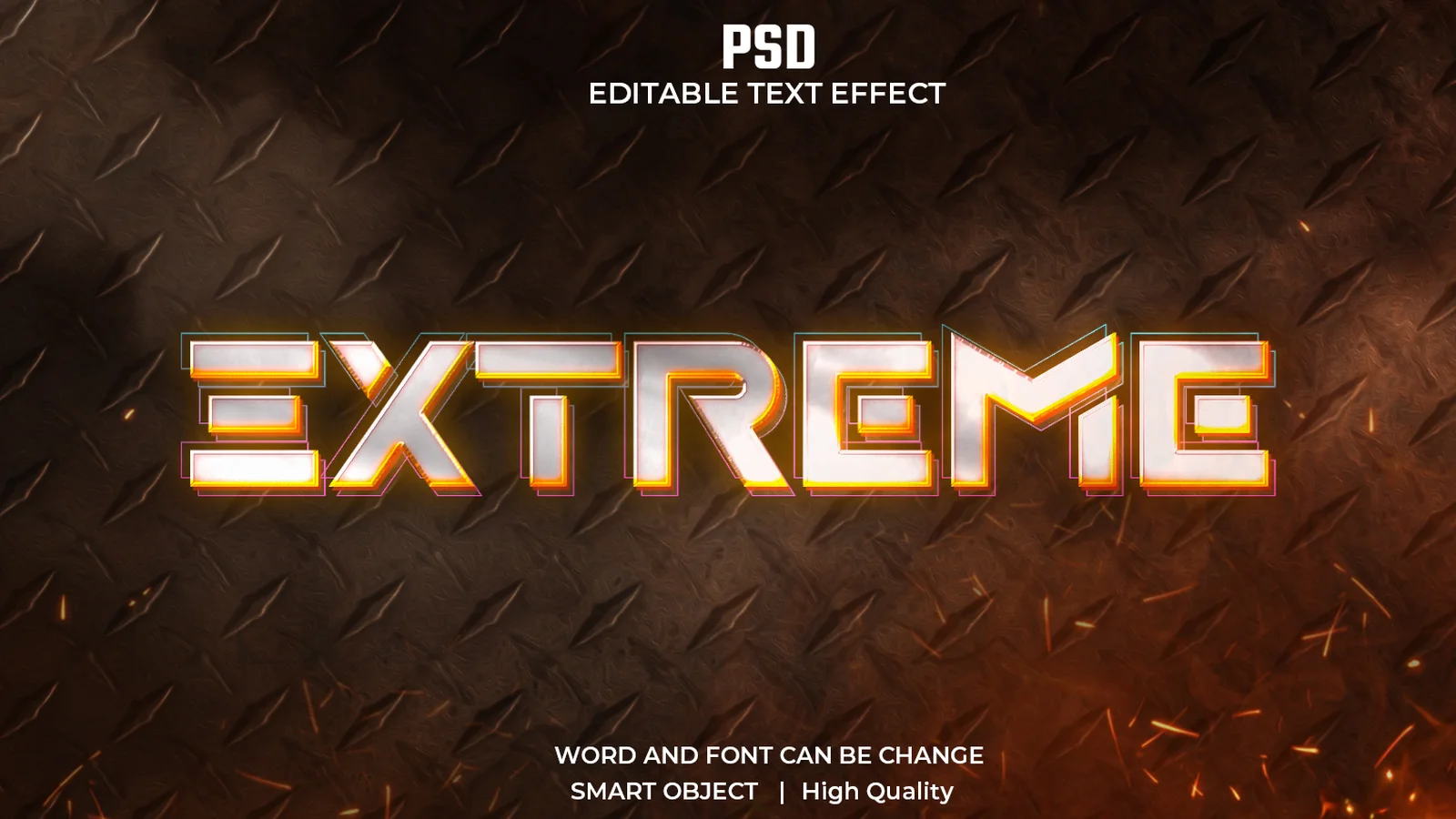
Combine bright metallic lettering, warm orange glow and a rugged industrial surface in one high-impact title treatment. It is designed for action games, sports graphics, movie titles and energetic campaigns.

View resource Download-ready PSD
Digital Glitch Text Effect preview

Text Effects

Digital Glitch Text Effect

PSD

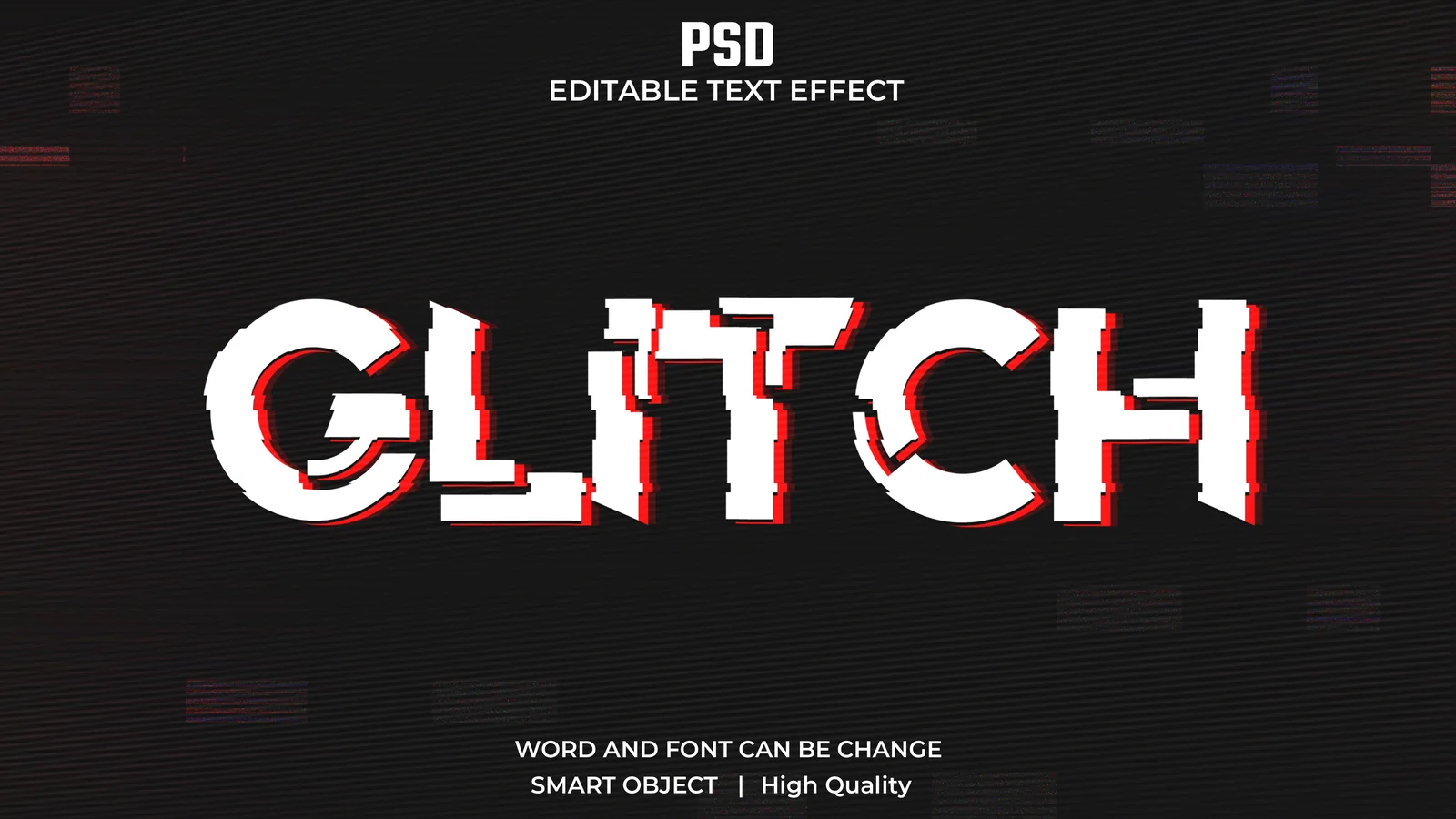
Add sharp digital distortion, broken letter fragments and red offset details to a title without rebuilding the effect by hand. Use it for cyberpunk artwork, technology posters, gaming graphics and music covers.

View resource Download-ready PSD
Glossy Honey Text Effect preview

Text Effects

Glossy Honey Text Effect

PSD

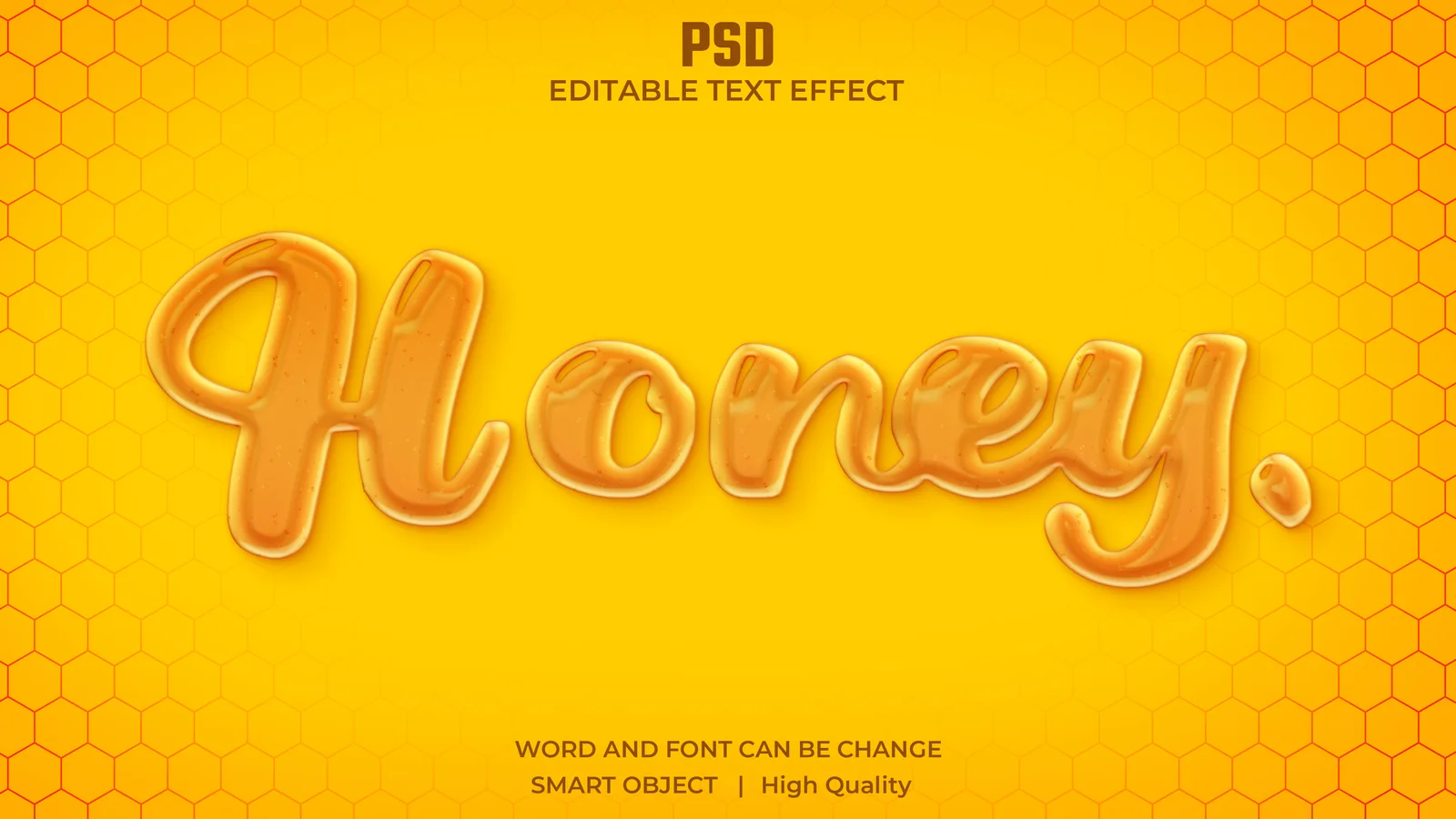
Give lettering a warm amber honey finish with soft depth, smooth highlights and a friendly polished appearance. It is a strong fit for food branding, sweet product promotions and playful packaging concepts.

View resource Download-ready PSD
Sky Water Blue Text Effect preview

Text Effects

Sky Water Blue Text Effect

PSD

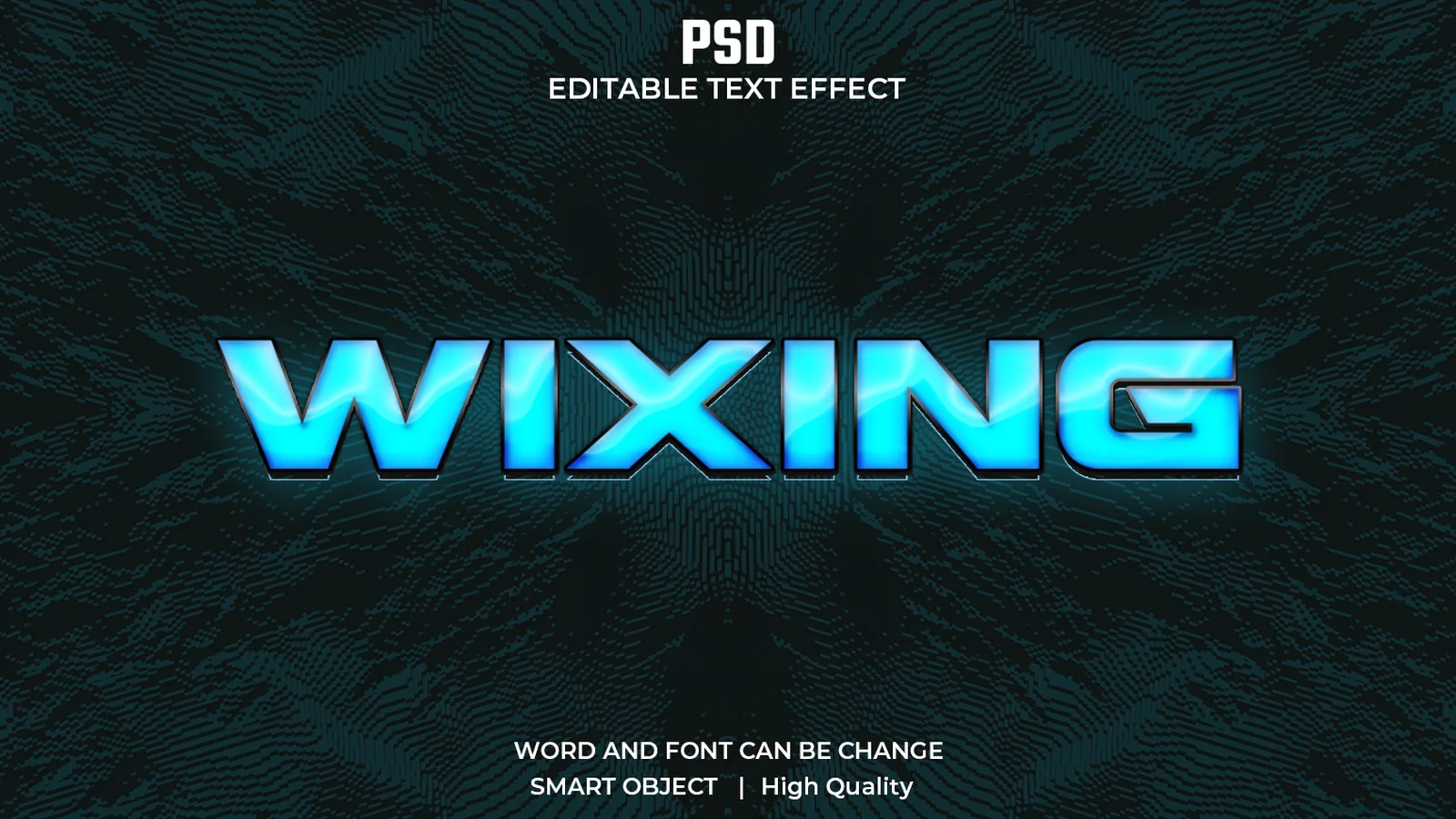
Create bright aquatic blue lettering with reflective highlights and strong dimensional depth. The clean, energetic finish suits sports graphics, futuristic logos, summer campaigns and gaming titles.

View resource Download-ready PSD
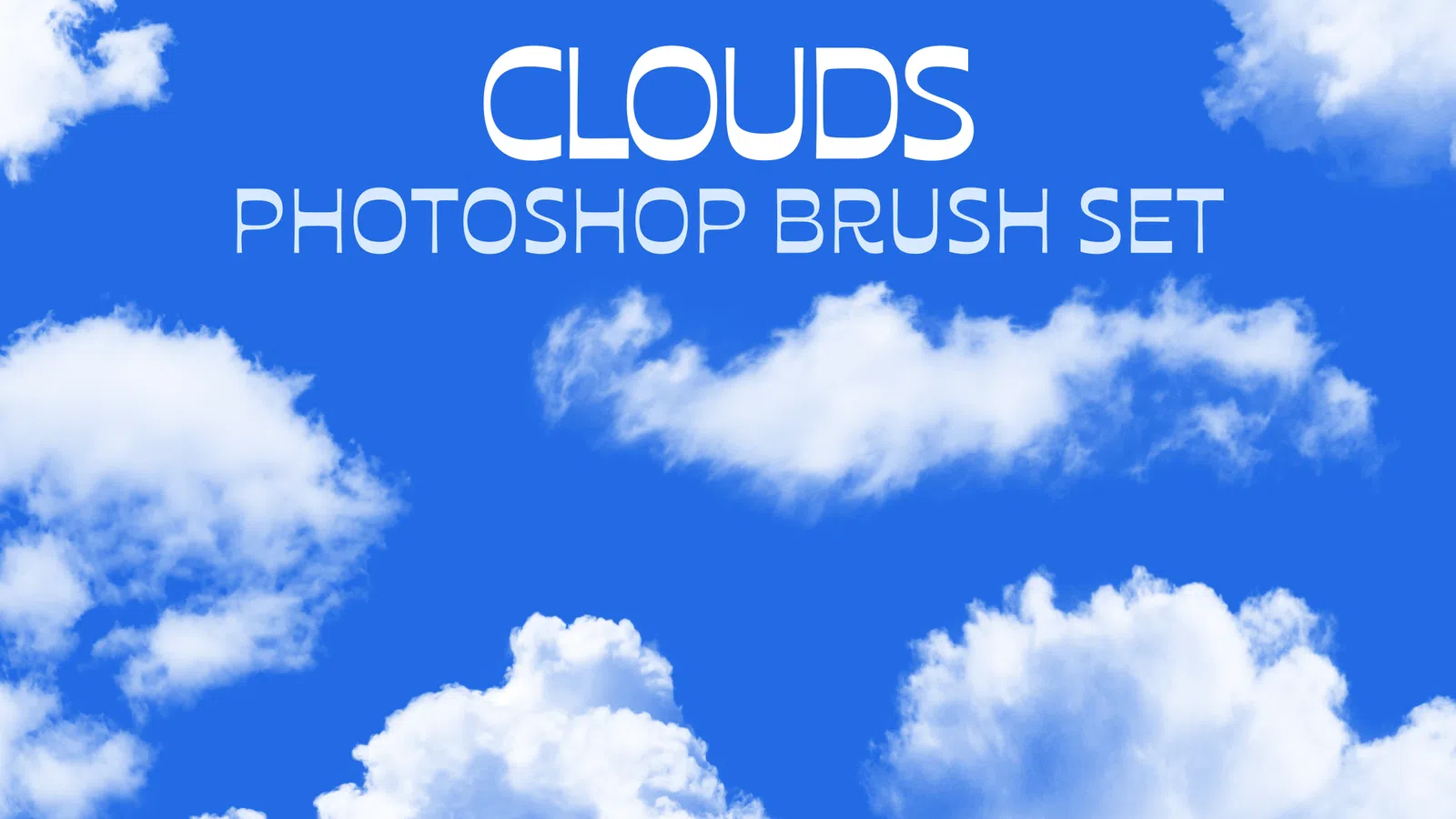
Cloud Brush Set preview

Brushes

Cloud Brush Set

ABR

Cloud Brush Set is a Photoshop brush collection for building cloud forms, soft atmosphere and sky detail. Test the presets as stamps or strokes, then adjust size, opacity and spacing to fit compositing, concept art and poster backgrounds.

View resource Download-ready ABR
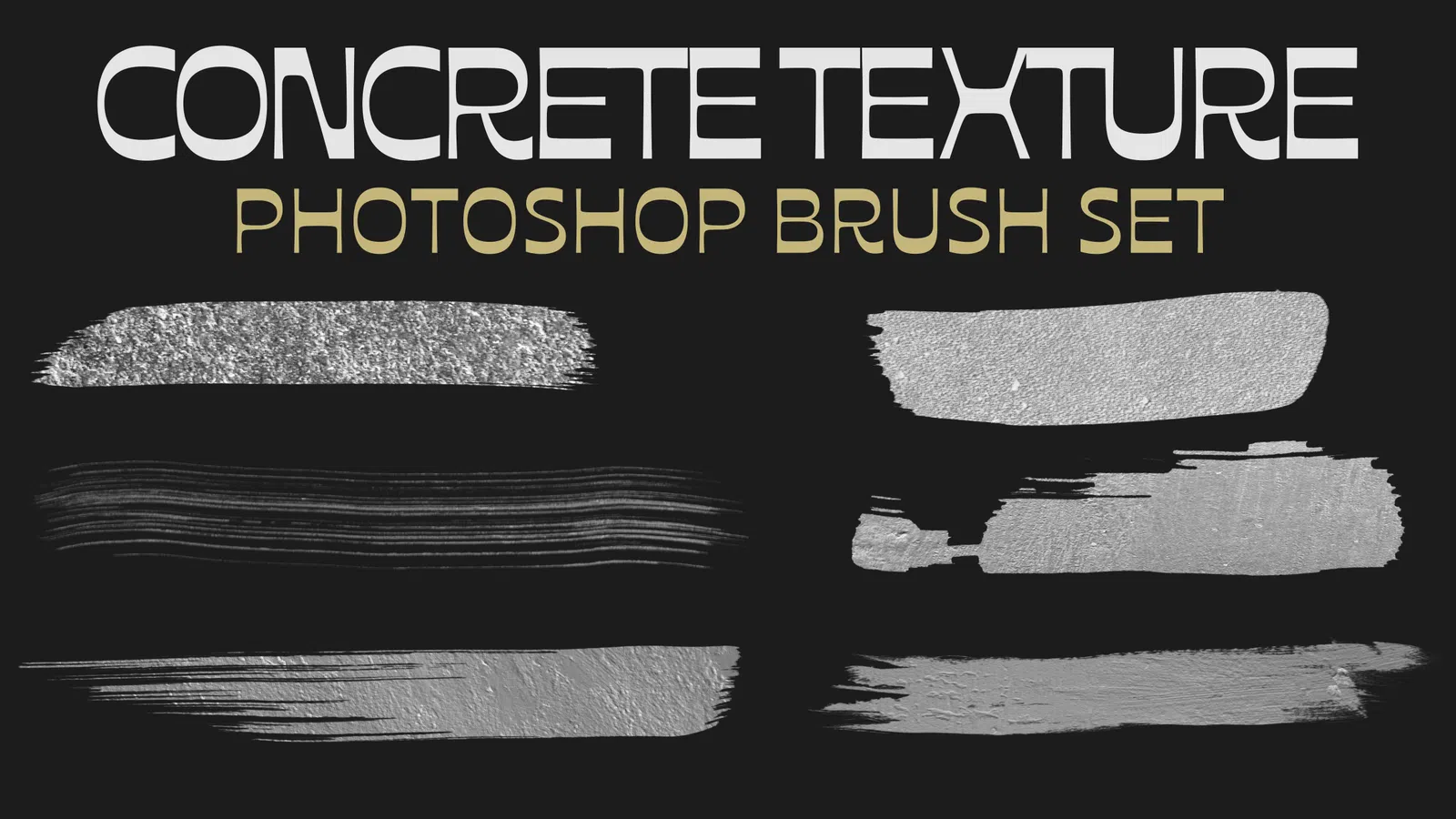
Concrete Texture Brushes Set preview

Brushes

Concrete Texture Brushes Set

ABR

Concrete Texture Brushes Set is a Photoshop brush collection for adding rough concrete, wall and surface detail to artwork. Use the brushes on separate layers so texture density, scale and contrast can be controlled without damaging the base design.

View resource Download-ready ABR
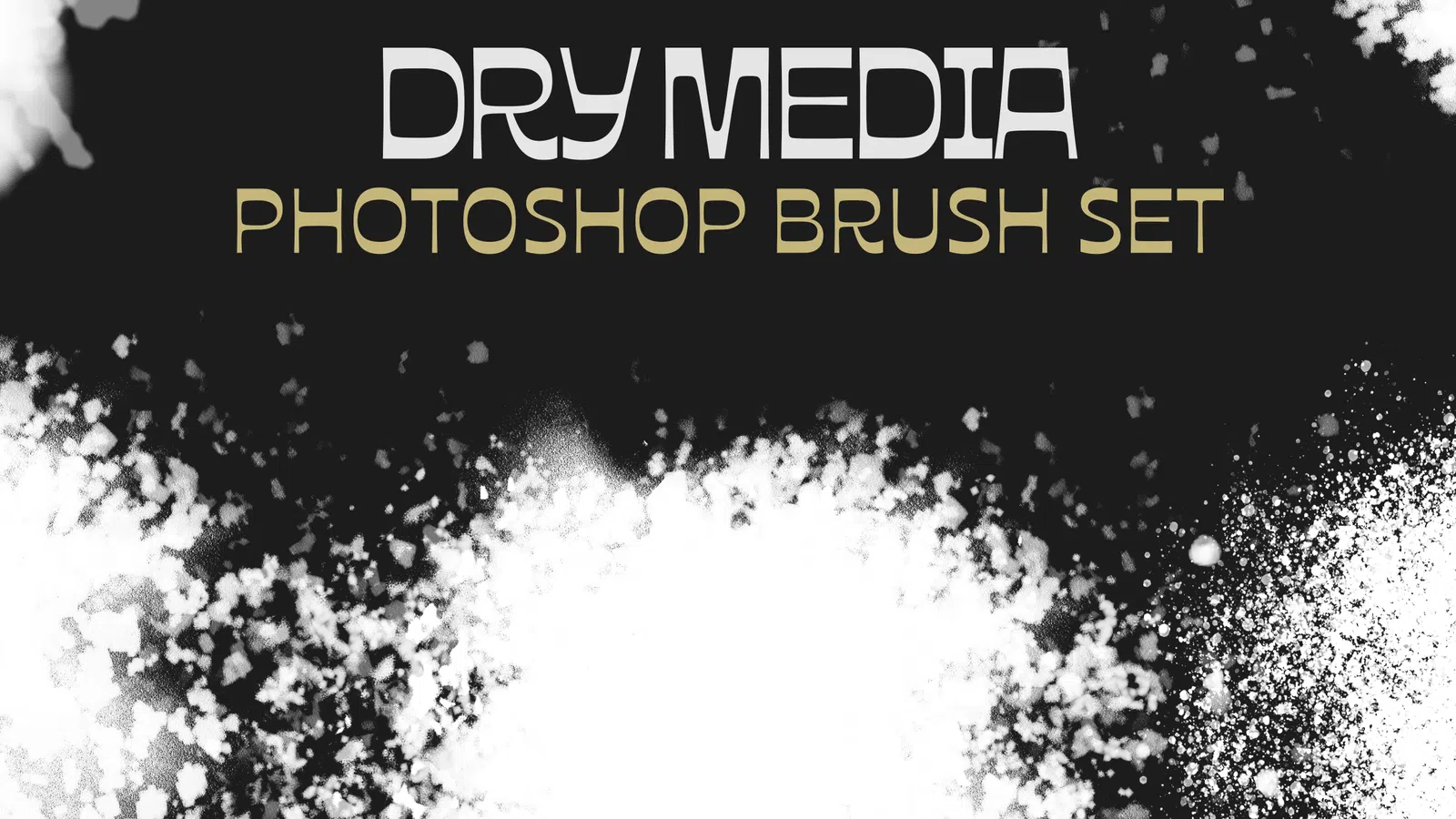
Dry Media Brush Set preview

Brushes

Dry Media Brush Set

ABR

Dry Media Brush Set is a Photoshop brush collection for pencil-like, charcoal and dry-texture mark making. Tune spacing, flow and pressure response for sketching, shading, rough lettering and hand-rendered illustration.

View resource Download-ready ABR
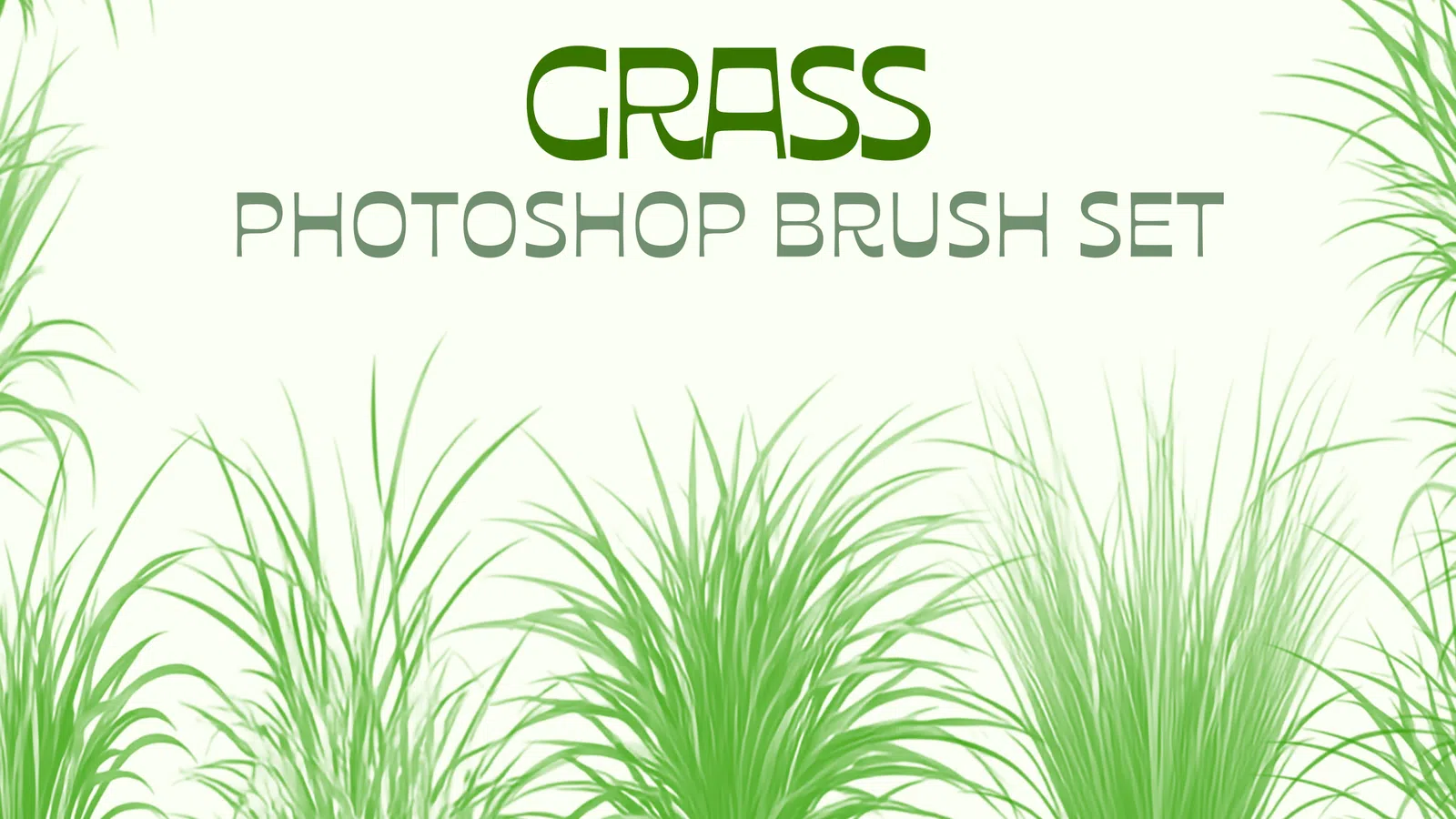
Grass Brush Set preview

Brushes

Grass Brush Set

ABR

Grass Brush Set is a Photoshop brush collection for building grass blades and organic ground texture efficiently. Vary size, angle and spacing to avoid obvious repetition in environment art, compositing and illustration.

View resource Download-ready ABR
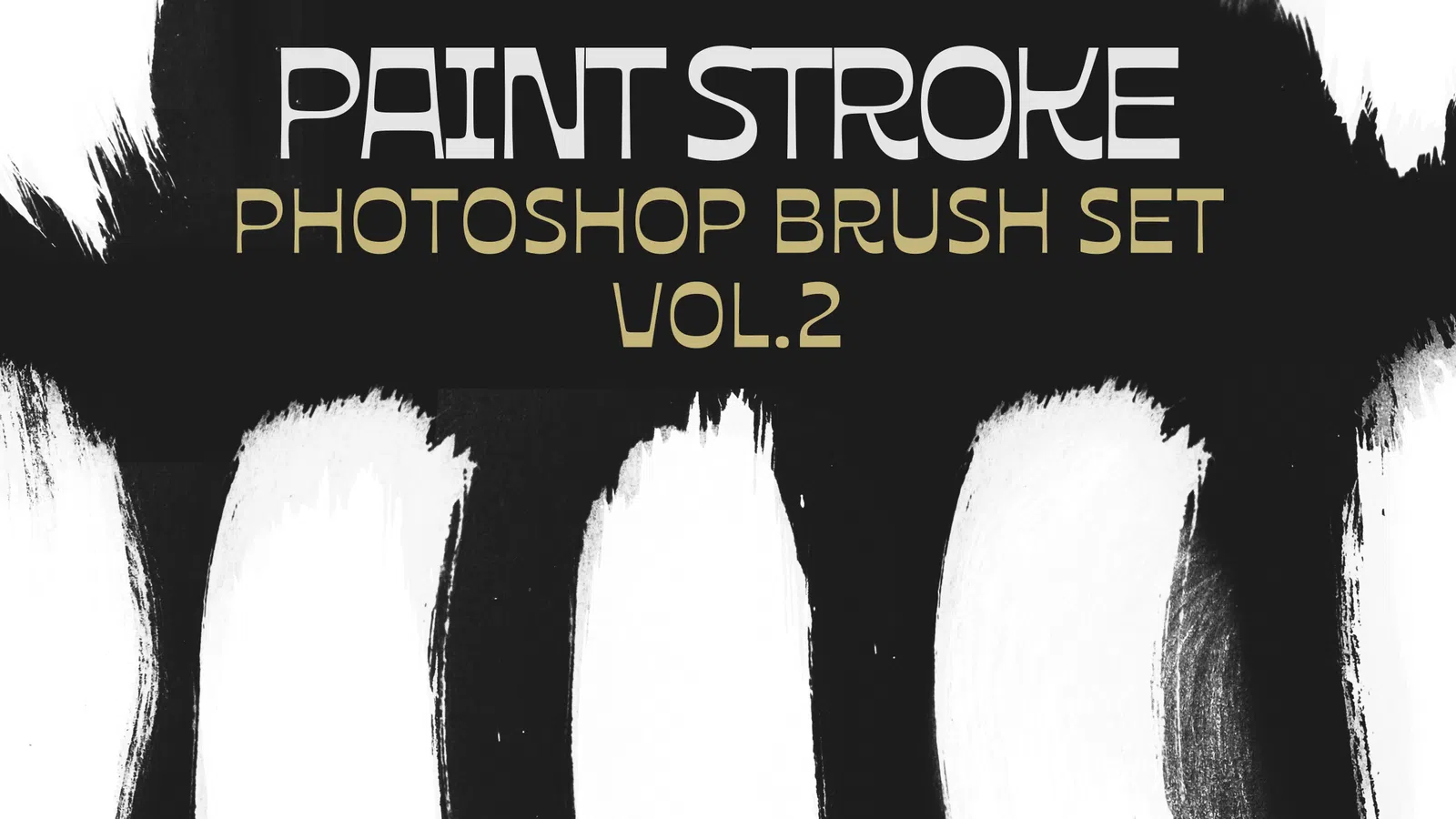
Paint Stroke Brush Set Vol. 2 preview

Brushes

Paint Stroke Brush Set Vol. 2

ABR

Paint Stroke Brush Set Vol. 2 expands a painterly Photoshop workflow with additional stroke shapes and surface variation. Use the presets for expressive backgrounds, masks, lettering accents and mixed-media artwork, then tune flow and spacing for the canvas size.

View resource Download-ready ABR
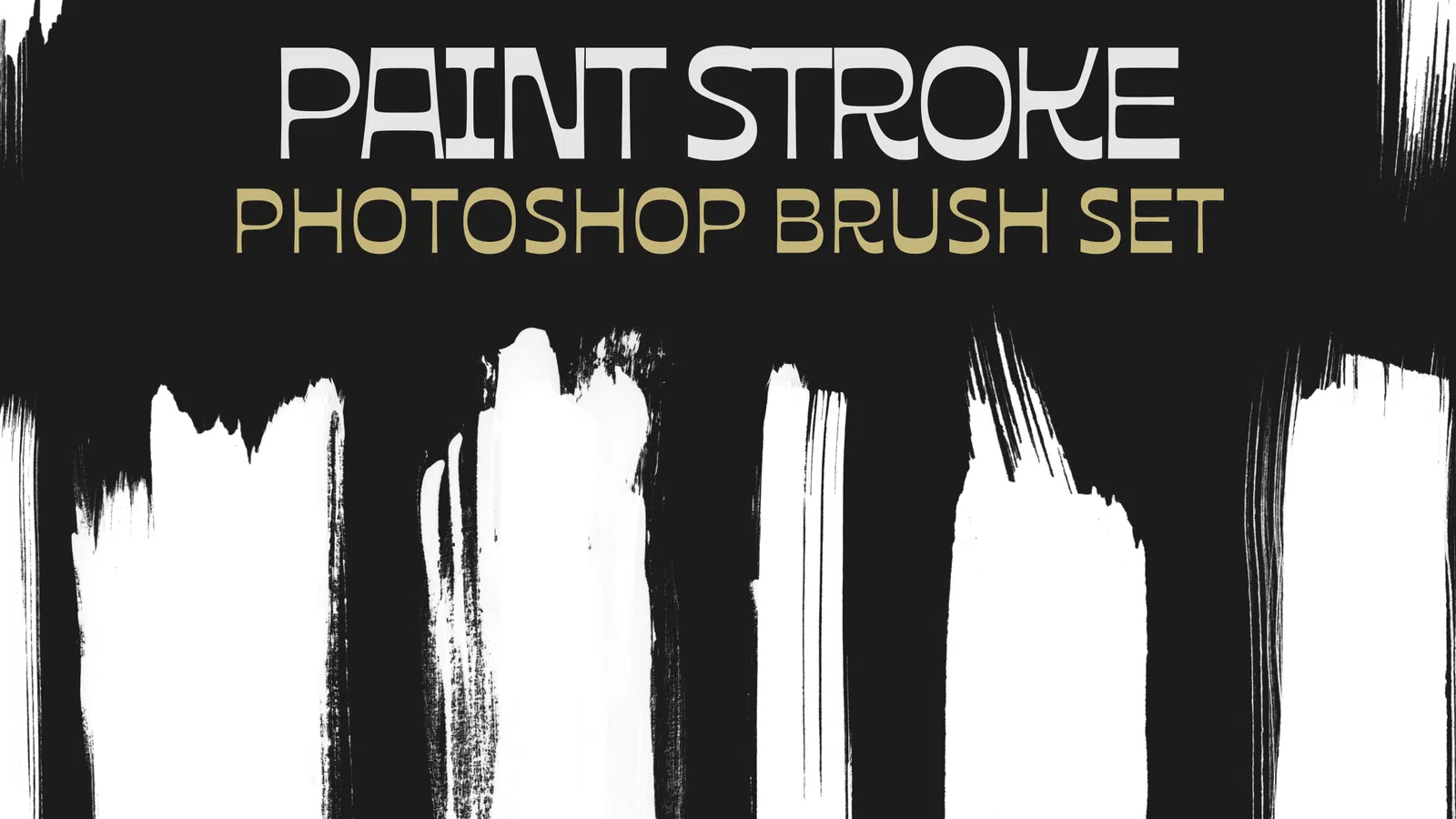
Paint Stroke Brush Set preview

Brushes

Paint Stroke Brush Set

ABR

Paint Stroke Brush Set is a Photoshop brush collection for bold painted marks, rough edges and expressive texture. Apply the brushes on separate layers for poster work, title accents, masks and mixed-media compositions.

View resource Download-ready ABR
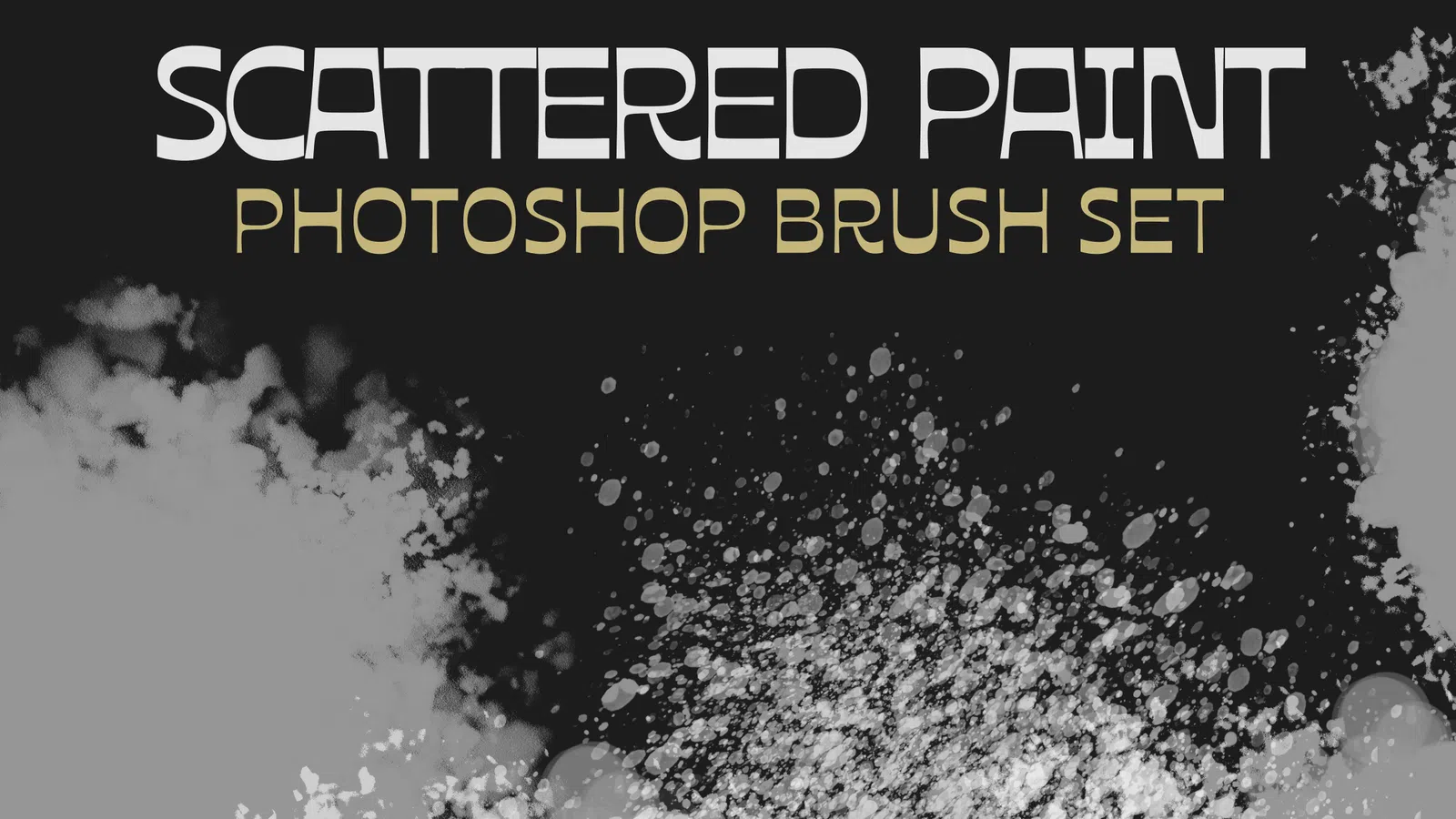
Scattered Brush Set preview

Brushes

Scattered Brush Set

ABR

Scattered Brush Set is a Photoshop brush collection for dispersed particles and irregular repeated marks. Adjust scattering, spacing and size dynamics to create controlled texture without obvious repetition.

View resource Download-ready ABR
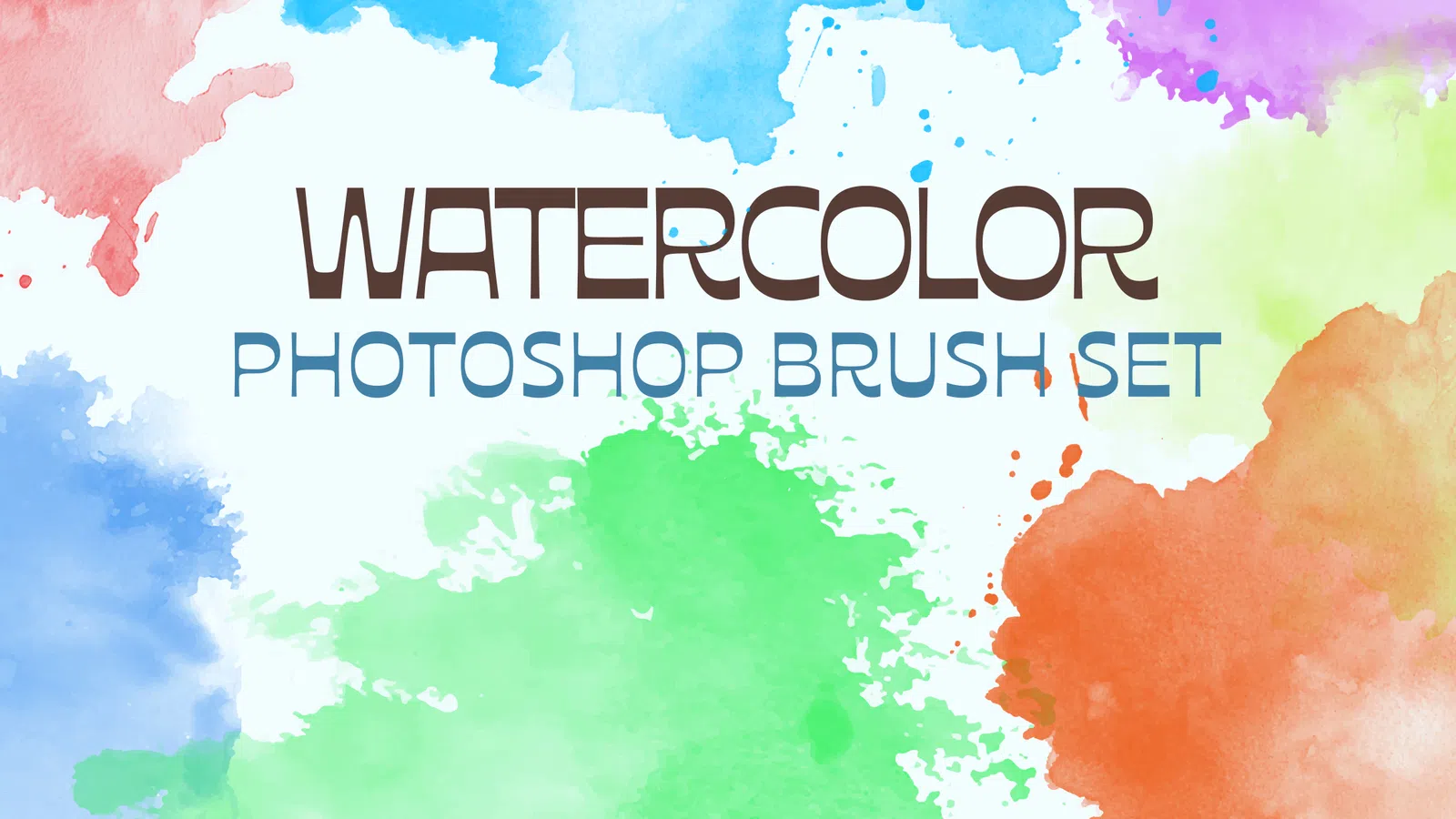
Watercolor Brush Set preview

Brushes

Watercolor Brush Set

ABR

Watercolor Brush Set is a Photoshop brush collection for soft washes, textured edges and painterly colour buildup. Use flow, opacity and layered strokes to keep the result natural instead of flattening all colour into one pass.

View resource Download-ready ABR
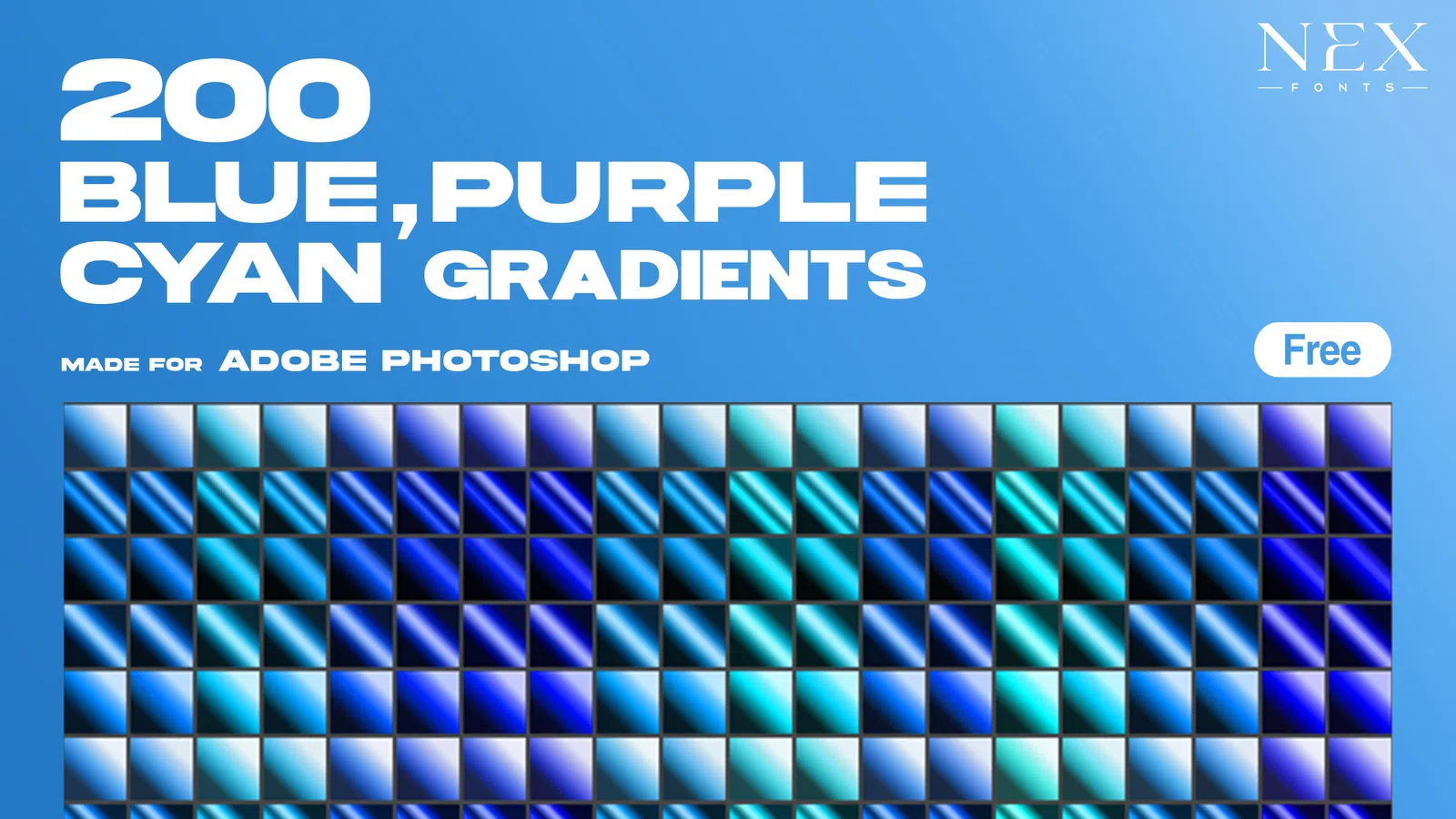
200 Blue, Cyan & Purple Gradients preview

Gradient Maps

200 Blue, Cyan & Purple Gradients

GRD

200 Blue, Cyan & Purple Gradients is a Photoshop gradient-map collection built around 200 blue, cyan & purple gradients colour relationships. Use it for non-destructive tonal grading, duotone experiments, poster colour systems and consistent artwork treatments.

View resource Download-ready GRD
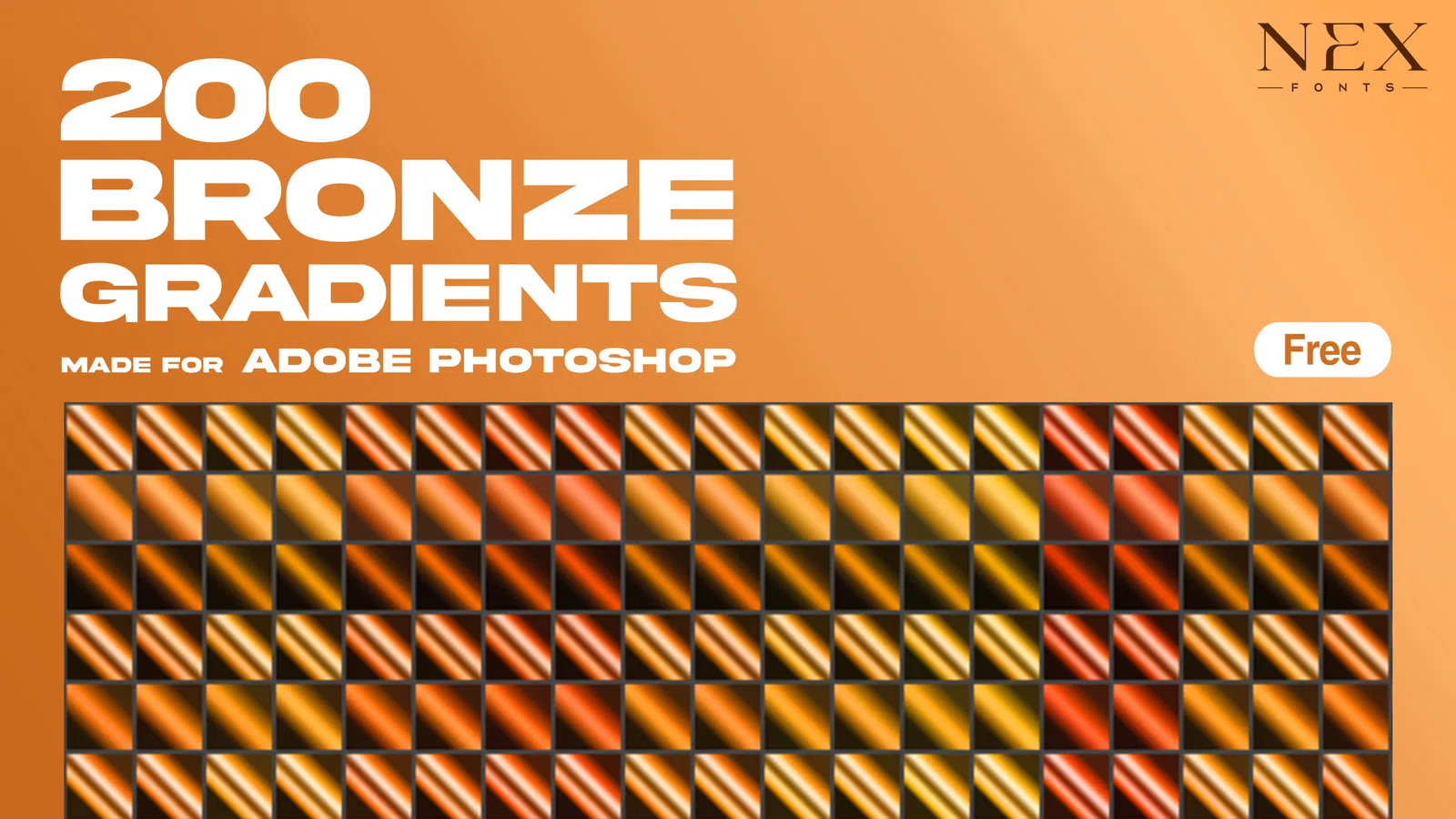
200 Bronze Gradients Pack preview

Gradient Maps

200 Bronze Gradients Pack

GRD

200 Bronze Gradients Pack is a Photoshop gradient-map collection built around 200 bronze gradients colour relationships. Use it for non-destructive tonal grading, duotone experiments, poster colour systems and consistent artwork treatments.

View resource Download-ready GRD

Choose by workflow

Use the resource that solves the actual design task.

A PSD, brush, texture or motion template is useful only when it fits the software, editing method and delivery requirements of the project. NexFonts resource pages surface formats and practical notes so the download is the start of a workflow, not a dead-end file link.

Start with the job you need to finish: an editable Photoshop text effect for a title, a mockup for a brand presentation, a seamless pattern for packaging, a texture overlay for album artwork, a brush set for illustration, a gradient map for colour grading or an After Effects template for motion. Matching the asset type to the task is more reliable than browsing by visual style alone.

File format matters too. PSD resources are useful when you need layered editing, ABR files store Photoshop brush presets, PAT files hold reusable patterns, GRD files store gradient presets and AEP files are After Effects projects. JPG and PNG overlays are simpler but still benefit from non-destructive masks, blend modes and organised source files.
PSD text effects

Choose layered Photoshop text effects when a title needs editable chrome, glitch, fire, gaming, horror or dimensional styling. Replace the demo wording first, then adapt the font, colour and effect strength to the real composition.

Photoshop mockups

Use a mockup when a client or portfolio viewer needs to see a logo, package, badge or other design in context. Inspect the PSD for the intended artwork area instead of assuming every file uses the same Smart Object method.

Textures & overlays

Add paper grain, dust, smoke, glass, film, concrete or collage detail on separate layers. Blend modes and masks let you protect faces, logos and small type while keeping the surface treatment editable.

Gradient maps

Use gradient presets for tonal colour grading, duotone artwork and controlled campaign palettes. Apply them as adjustment layers where possible so shadow, midpoint and highlight colours stay editable.

Photoshop brushes

Use ABR brush packs for drawing, texture or stamp workflows. Test spacing, pressure response, opacity and rotation before relying on a preset in a full illustration or client project.

Seamless patterns

Use PAT files or repeat tiles for packaging, backgrounds and decorative surfaces. Test a pattern across a large area so seams, repeated clusters and scale problems are visible before export.

Photo effects

Replace the demo photograph before judging a PSD photo treatment. Recheck masks, adjustment layers and exposure because the effect will respond differently to every source image.

After Effects templates

Confirm the After Effects version, plugins, fonts, media and aspect ratio first. Replace real text early, then adjust timing and framing for horizontal, square or vertical delivery.

Before using a resource in client work

  • Check the software and version, file format, dimensions and whether third-party plugins are required.
  • Review the NexFonts Resource License: finished personal, commercial and client work is allowed, while resale or redistribution of the standalone editable source is not.
  • Confirm whether fonts, photos, icons or linked assets are included or must be obtained separately.
  • Keep an untouched master plus the original licence so later edits and client handoff remain traceable.